Digital Invitations·12 min read
What Is a Digital Wedding Invitation? Everything Couples Need to Know
What is a digital wedding invitation? Compare cards, PDFs and website-style invitations, see how online RSVPs work and learn what to include before you send.

By Aurelia Editorial Team · Wedding stationery & planning guides
Published ·Updated
For couples planning a wedding, digital wedding invitations offer more than a paper-free alternative. They make it easier to communicate with guests, collect responses and keep everyone informed when plans change.
Not every digital invitation works in the same way, though. This guide explains the three main types, what to include and how to choose the right one for your celebration.
What is a digital wedding invitation?
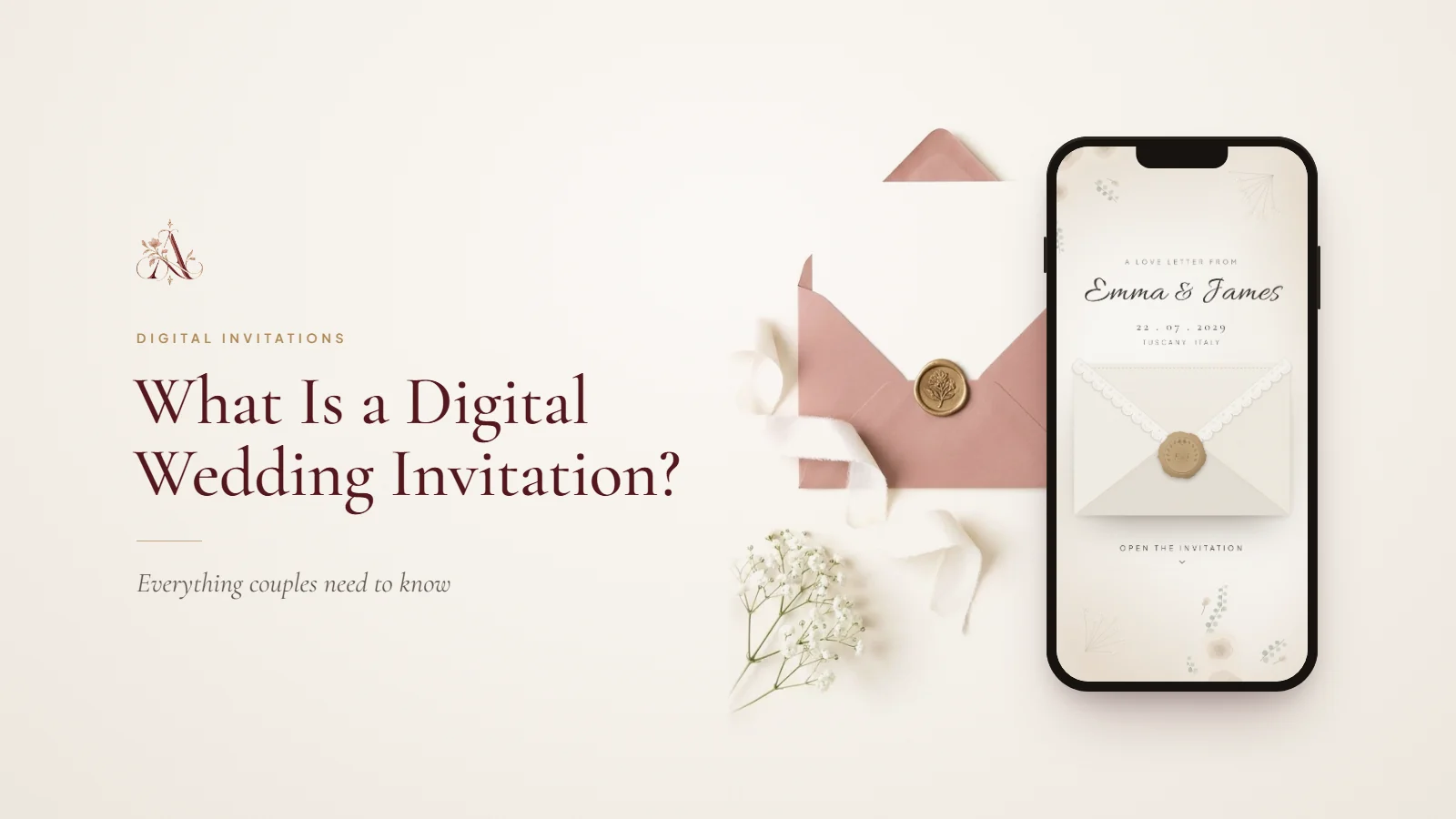
A digital wedding invitation is an electronic version of a traditional wedding invitation, designed to be shared and read on a phone, tablet or computer rather than delivered only on paper. It gives guests the essential details, including the couple’s names, the date, the venue and how to reply. Depending on its format, it may also include photographs, a personal message, directions, a schedule and links to more information.
The main difference between formats is how much information each can hold and how guests interact with it. A card communicates the essentials; a website-style invitation also gives guests one place to check the schedule, find the venue, confirm attendance and revisit the details before the wedding.
What are the different types of digital wedding invitations?
There are three common formats, and the right one depends on the size of your wedding, how much guests need to know and how you want to manage replies.
1. Digital invitation cards
A digital invitation card is a designed image that resembles printed stationery, with elegant typography, illustrations, flowers, photographs or a minimalist layout. You can send it through WhatsApp, text, email or social media.
Best for: small weddings, casual celebrations and couples who want a beautiful invitation without website features. Cards are quick to create, easy for guests to save on their phones and can match your wedding’s style.
Limitations: an image cannot collect RSVPs or update itself when plans change. If the venue or schedule changes, you need to send a revised invitation or a separate message.
2. PDF wedding invitations
A PDF gives you a document-style invitation that guests can open, download or print. It suits couples who want a traditional stationery layout without producing physical invitations for everyone, and it can hold more text than an image, although it depends on how well the document reads on a phone.
Limitations: guests may need to download the file to find it again, and a PDF gives you no central place for updates or RSVPs.
3. Website-style digital wedding invitations
A website-style invitation combines the invitation with a dedicated webpage for the wedding. Guests open one link to see the design, read the invitation and find everything else. Depending on the platform, the page can include:
- The wedding date, time and venue.
- Ceremony and reception schedules.
- Maps, parking and travel information.
- An online RSVP form.
- A photo gallery and the couple’s story.
- Dress code, accommodation and frequently asked questions.
Best for: couples who want a more complete guest experience, particularly for destination weddings, multi-day celebrations or guests travelling from different places. A couple with a ceremony at one venue and a reception at another, for example, can list both locations, add directions and show the schedule on one page, so guests never search through old messages.
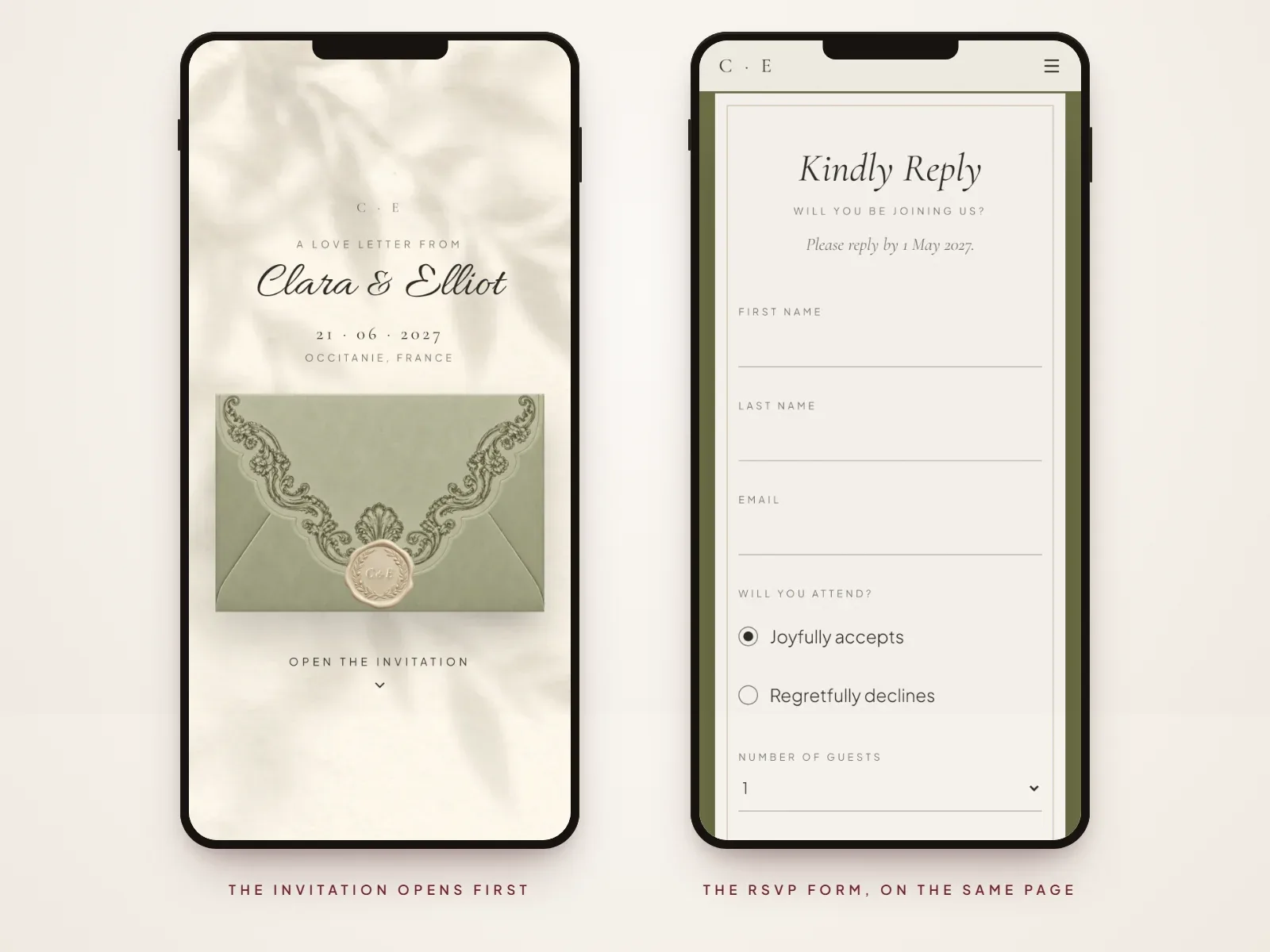
Aurelia invitations are this kind: each one opens as an invitation and continues into a wedding website with your schedule, venue map, RSVP form and any other sections you choose. You can browse Aurelia’s invitation templates to see how the invitation and the practical details work together in one design.
Digital or paper: which is better?
Both can be thoughtful and appropriate. Digital invitations avoid printing and postage, reach guests abroad instantly, can collect RSVPs online and can be updated after sending. Paper offers texture, finishes and a physical keepsake, and some guests simply prefer it.
Digital is not automatically cheaper in every case, since a paid platform or bespoke design still costs money. It is usually the better fit if your guests live in different countries, you have several events or venues to explain, or you want every reply in one place.
You do not have to choose just one. Many couples send a digital invitation to most guests and print a few cards for relatives who prefer paper. Our digital vs paper wedding invitations comparison weighs cost, timing, etiquette and keepsake value in detail.
What should a digital wedding invitation include?
A useful invitation gives guests enough information to understand it, decide whether they can attend and reply without contacting you for basic details.
Essential details
- The hosts and the couple: the names that show who is inviting guests and who is getting married.
- The wedding date: written in words, so guests in different countries cannot misread the date format.
- The start time: when guests should arrive, if that differs from when the ceremony begins.
- The venue: its name and location.
- RSVP instructions: how to reply and by when.
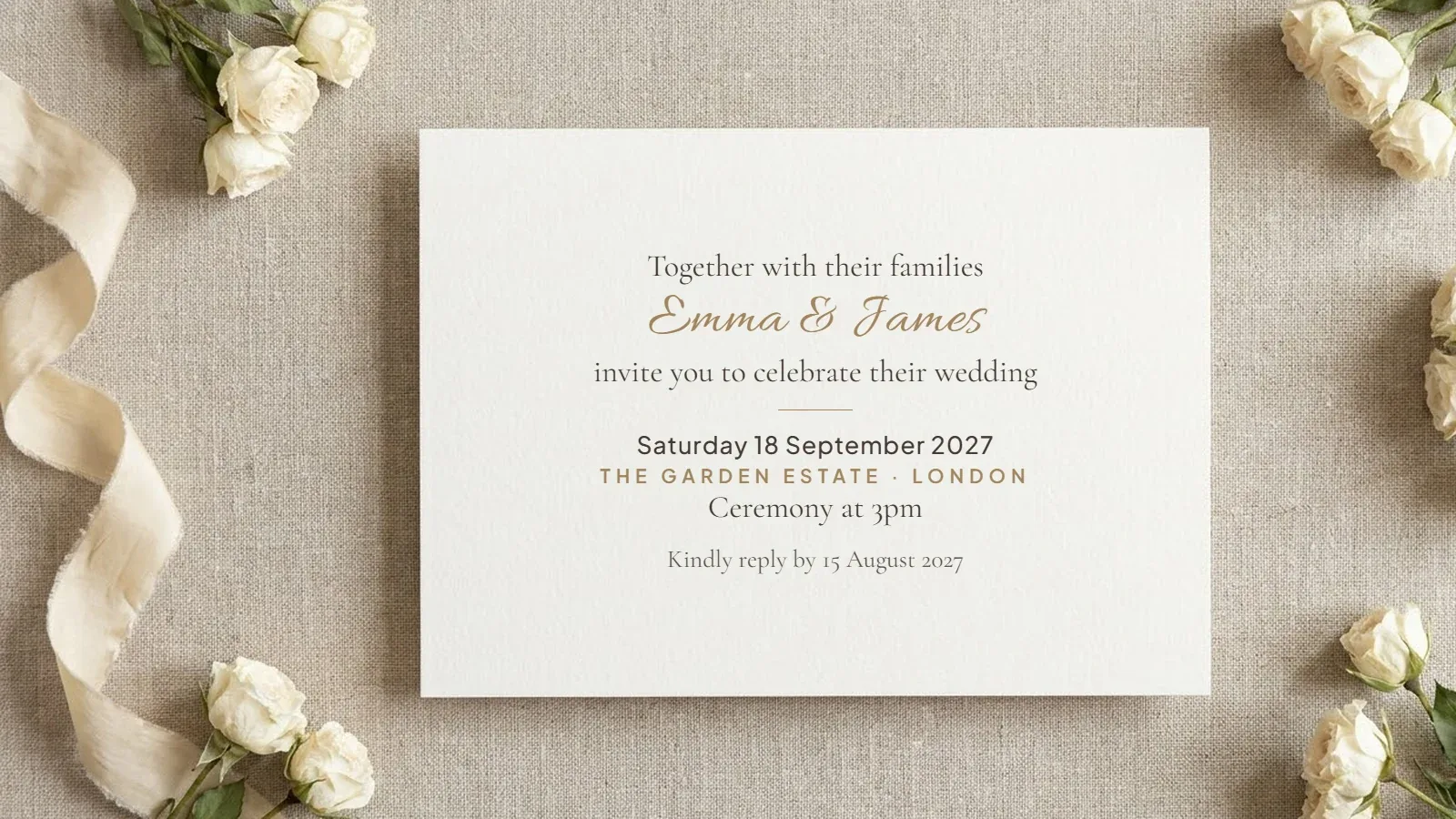
A simple invitation might read:
Together with their families Emma & James invite you to celebrate their wedding Saturday 18 September 2027 The Garden Estate, London Ceremony at 3pm Kindly reply by 15 August 2027
Helpful additional information
Some details are not essential on every invitation, but they make a real difference to guests:
- Dress code and any specific attire guidance.
- Parking and public transport information.
- Separate ceremony and reception locations.
- Accommodation suggestions for guests travelling from afar.
- A schedule for weddings with several events.
- Dietary requirements and other details, asked through the RSVP form.
For a destination wedding, travel and accommodation can matter as much as the invitation itself. A website-style invitation lets you keep the opening message short and elegant while placing the detail in clearly organised sections.
Personal touches
Once the practical details are covered, you can add engagement photos, a short story about the two of you, a countdown or a song guests can choose to play. These are optional: the best invitation is the one that makes the important information clear while feeling like you.
For more ideas, see our wedding invitation wording examples, and our wedding website checklist for the full list of sections.
How do digital invitations and online RSVPs work?
You share the invitation link, guests open it in their browser and, with a website-style invitation, reply through the RSVP form on the same page. There is no app to download and no account to create. A simple invitation image cannot do this, so guests reply by message and you keep count yourself.
In Aurelia, each household on your guest list can have its own personal link with a set number of seats, so the form never offers more places than you intended. Replies arrive in your RSVP dashboard with dietary notes and guest counts, the form closes automatically after your reply-by date and you can export the list as a CSV file for your caterer. Our complete guide to wedding RSVPs covers deadlines, questions to ask and reminders.
Are digital invitations appropriate for formal weddings?
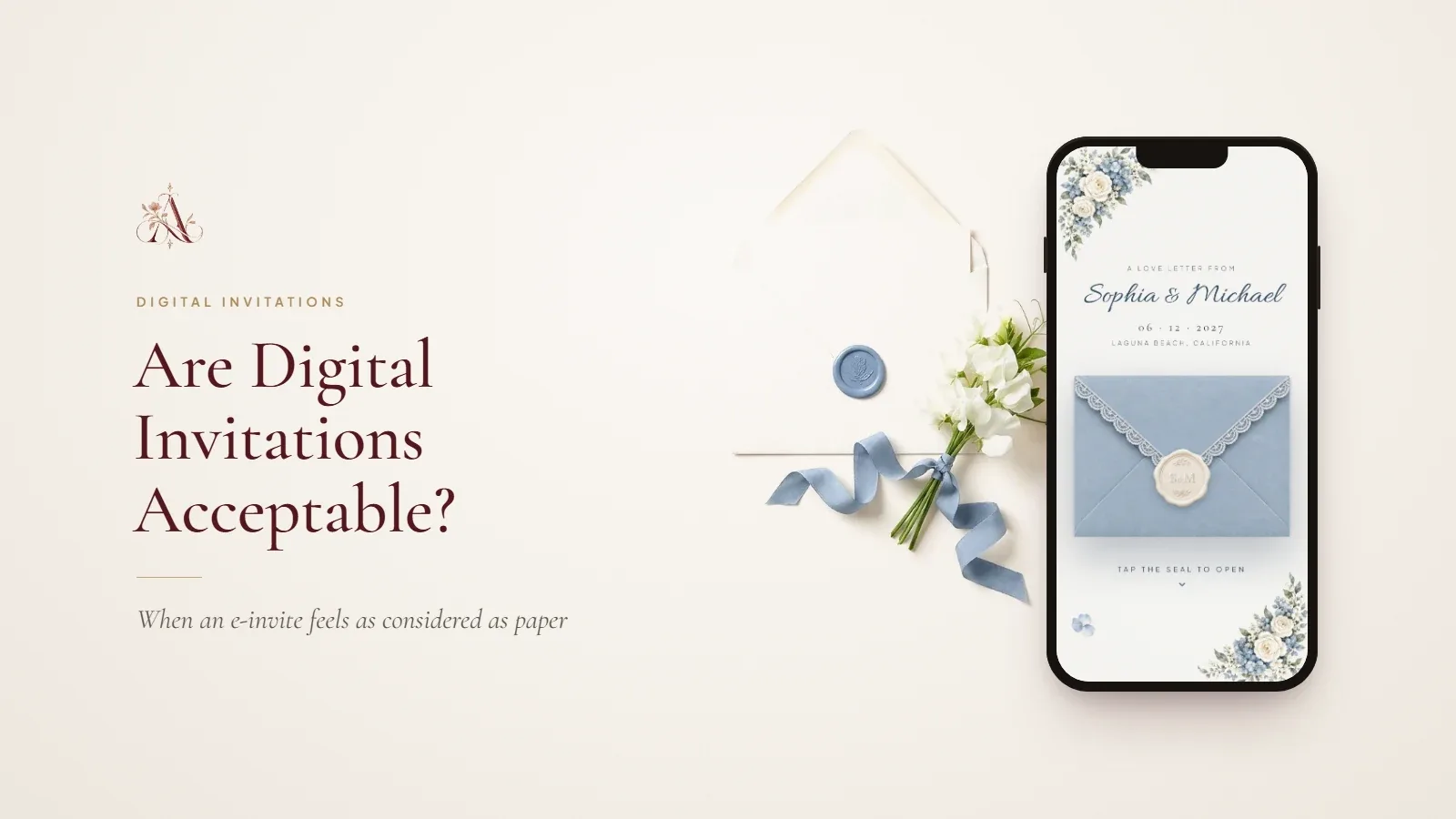
Yes. Formality comes from the wording, the design and the care taken over sending, not from paper alone: restrained typography and formal wording suit a black-tie wedding as well online as in print. Our article on whether digital wedding invitations are acceptable looks at this in more depth.
What about older relatives or guests who prefer paper?
Not every guest is comfortable with links. You can look after them without giving up a digital invitation:
- Send the link in a personal message rather than a group chat.
- Add a line explaining what they will find when they open it.
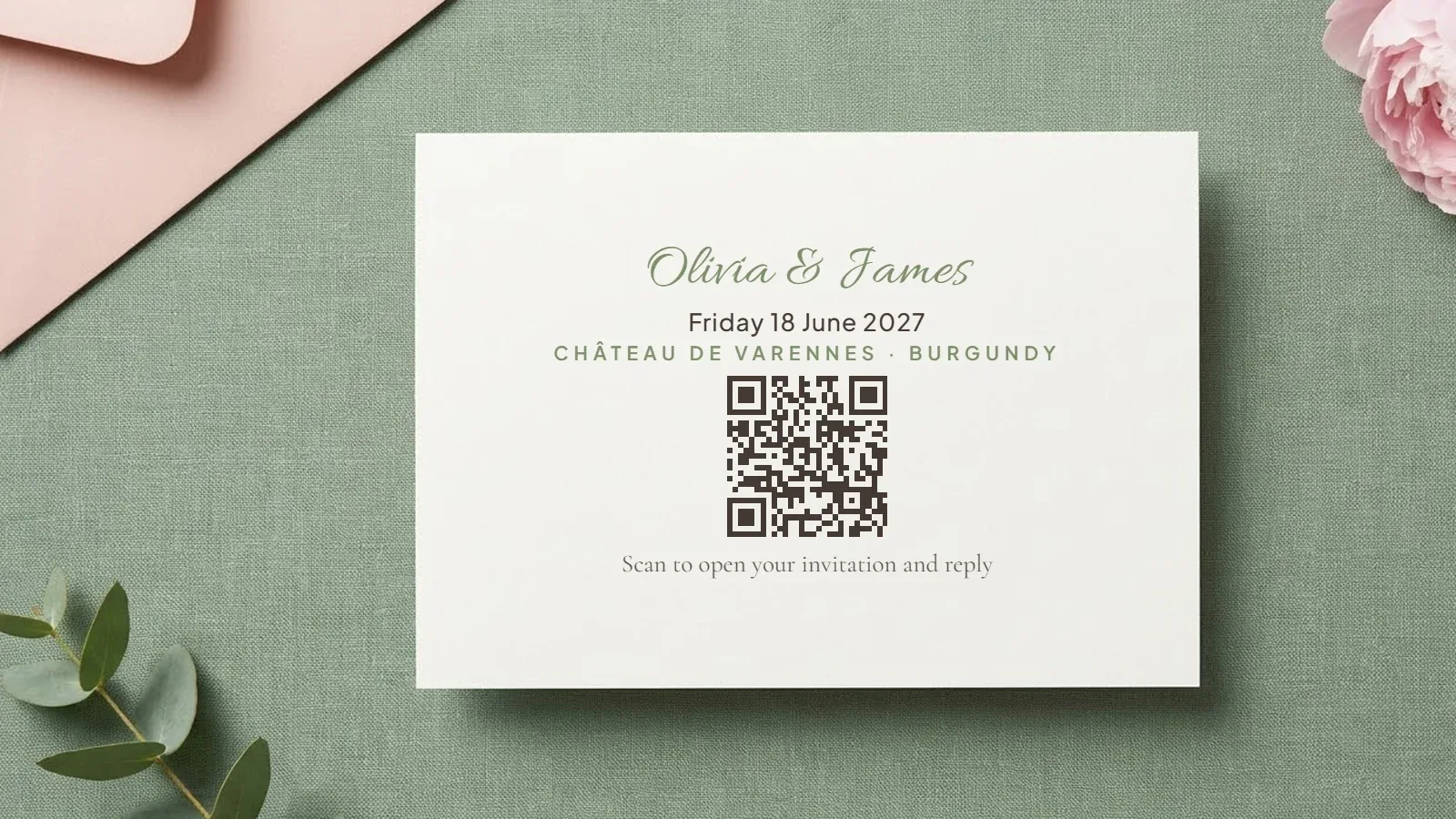
- Offer a printed invitation or a small card with a QR code that opens the same invitation.
- Offer to help relatives who are less confident with technology.
- Make sure the important details are easy to read on a phone.
For names, hosts, plus-ones and other etiquette questions, see our wedding invitation etiquette guide.
How do you create and send one?
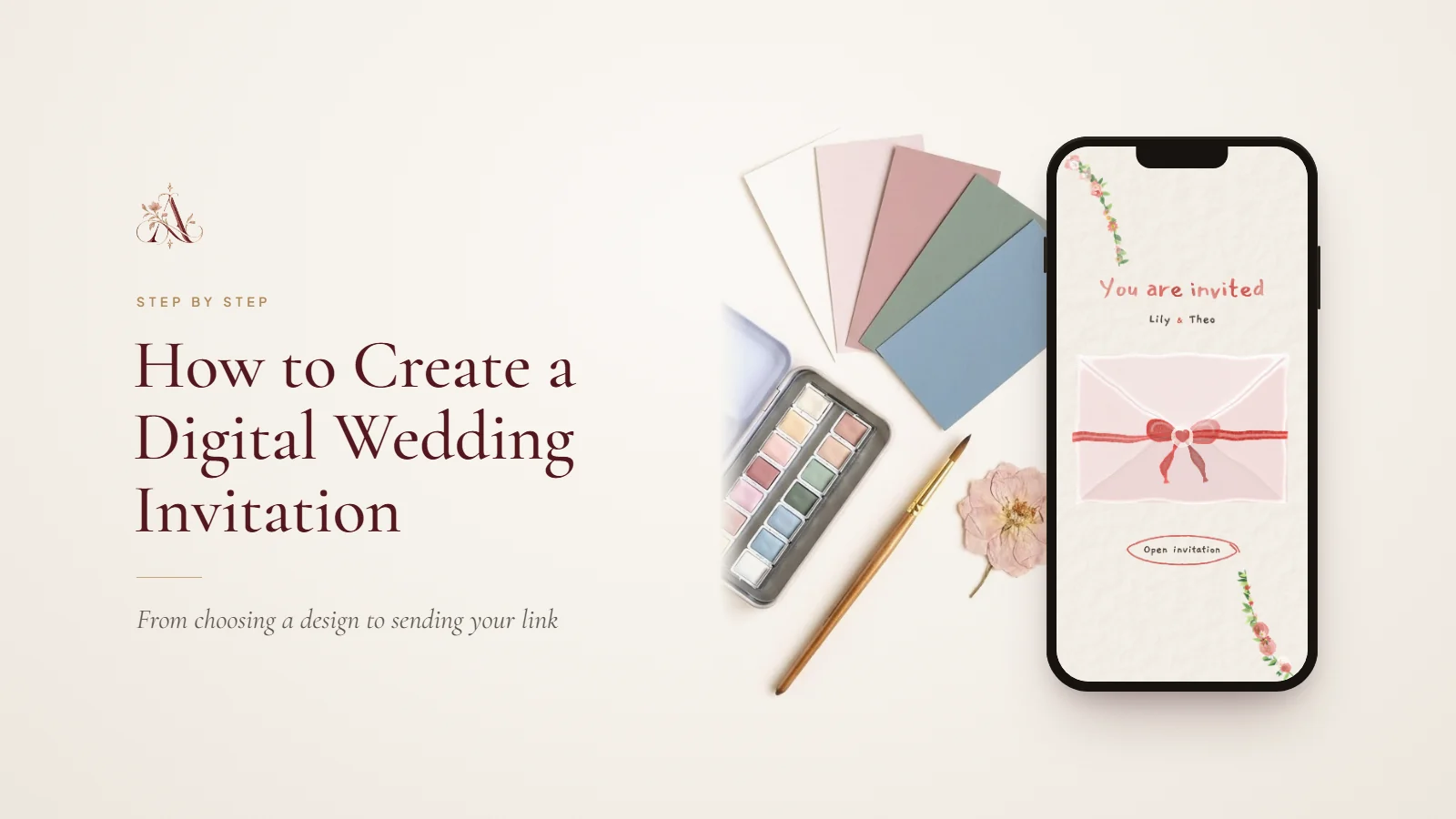
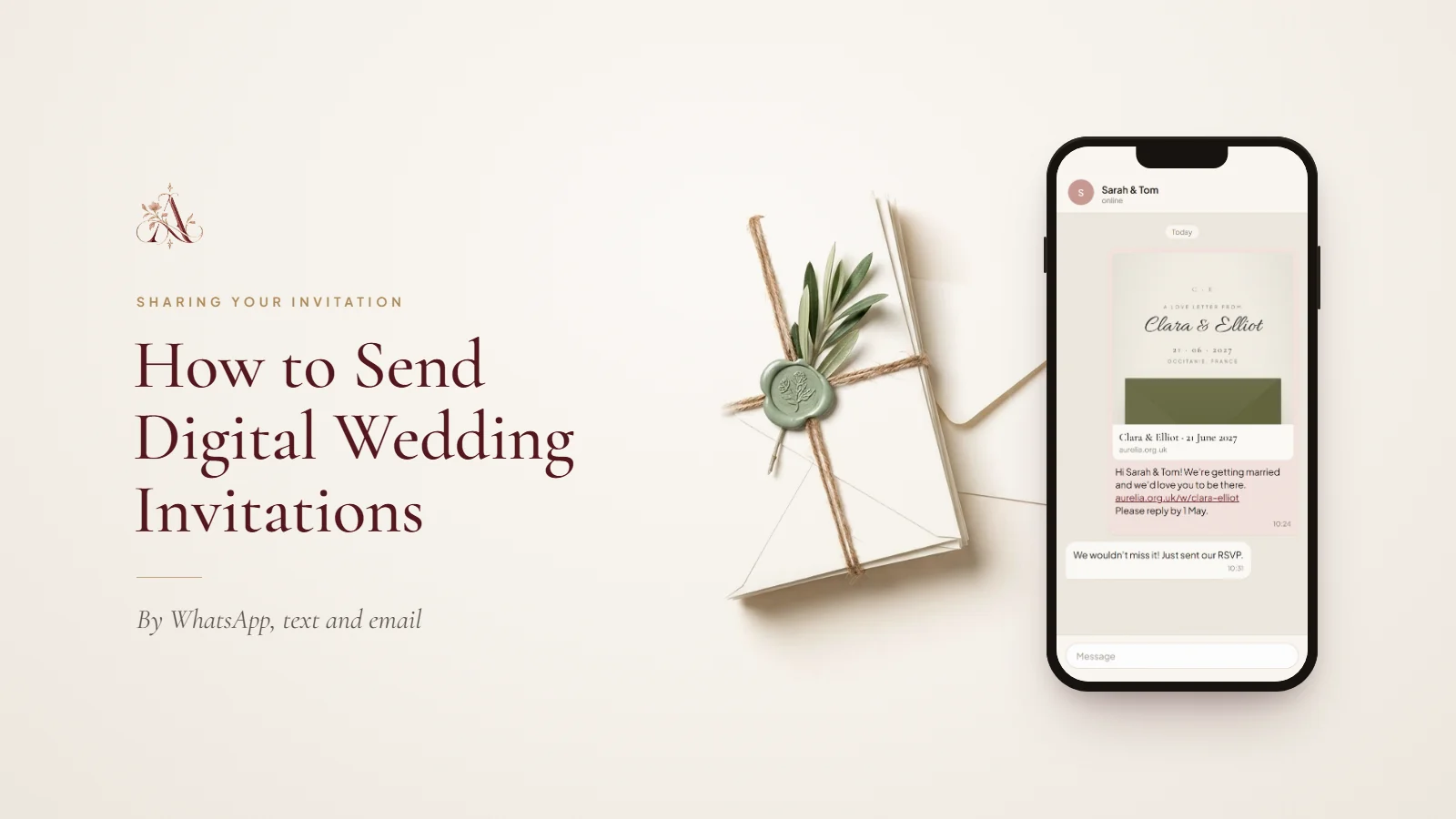
Gather your details, choose a format and design, write the wording, add the practical information, set up your RSVP questions and preview everything on a phone before you share it. Then send each household its own message with a short personal note and the link, by whichever channel they actually read, usually eight to twelve weeks before the wedding.
In Aurelia, your guest list opens a ready-written WhatsApp message or email for each household with their personal link included. If details change later, save your edits and choose Update live site: guests see the change at the same link, though you should still tell them directly about a new time or venue. Our guides on how to create a digital wedding invitation and how to send digital wedding invitations go through each step, with message examples.
Is a digital invitation the same as a wedding website?
Not always. A digital invitation is mainly there to invite guests and share the essentials, while a wedding website is a fuller hub with the schedule, directions, travel, accommodation, FAQs, photos and RSVPs. A website-style invitation is both at once. For a small, straightforward wedding, a simple invitation may be all you need; for a destination wedding or several venues, keeping everything on one website saves confusion. Our comparison of a wedding website vs a wedding invitation explains when you need both.
How do you choose the right digital wedding invitation?
Choose a digital card if you want a simple, attractive invitation, the wedding has one main event and you are happy to collect replies by message.
Choose a PDF if you want a document guests can download or print, your invitation is mainly informational and you do not need interactive features.
Choose a website-style invitation if you want to collect RSVPs online, guests need directions, schedules or accommodation information, your wedding has several venues or events, or you want one link guests can revisit for updates.
Before choosing a platform, also consider accessibility, privacy and mobile reading. Check whether the price includes the features you need, whether there is a subscription or a per-guest charge, how long the invitation stays online and whether you can edit it after publishing.
Create a digital wedding invitation with Aurelia
A digital wedding invitation should feel like an introduction to your celebration, not just a way to distribute information. Aurelia brings invitation design and practical wedding details together in one website-style invitation. You can:
- Choose a template and personalise the wording, colours, photos and sections.
- Add your schedule, venue directions with Google and Apple Maps, dress code, travel and accommodation notes, a photo gallery and gift registry links.
- Collect RSVPs with plus-ones, dietary needs and song requests, then export the guest list as a CSV file.
- Send each household its own personal link by WhatsApp or email, and print a QR card for guests who prefer paper.
- Update the details at any time without changing the link.
Designing and previewing your invitation are free. You pay once when you publish, with no subscription and no per-guest charges, and your invitation stays live for 12 months from purchase. Start by browsing Aurelia’s invitation templates, or open a finished example to see an invitation as your guests will.
Frequently asked questions
- Are digital wedding invitations acceptable?
- Yes. Digital invitations suit many modern weddings, including formal celebrations. Choose a design and wording that match the event, send them personally and consider a printed alternative for guests who prefer traditional stationery.
- Are digital wedding invitations cheaper than paper invitations?
- They can be. Digital invitations avoid printing and postage, but some platforms charge for templates, publishing or extra features, so compare the full cost. With Aurelia, designing is free and you pay once when you publish, with no per-guest charges.
- Can a digital wedding invitation include an RSVP form?
- Yes, if the format supports it. A website-style invitation can include a form that collects attendance, guest numbers and details such as dietary needs. A static image or PDF needs a separate way to reply.
- Can I update a digital wedding invitation after sending it?
- It depends on the format. An image or PDF has to be replaced and sent again. A website-style invitation, such as an Aurelia invitation, can be updated while keeping the same link, so guests always see the latest details.
- Are digital wedding invitations private?
- It depends on the platform. Before publishing, check whether the page appears in search engines, who can see guest replies and whether password protection is available. Aurelia invitation pages are hidden from search engines, guest replies are visible only to the couple, and a guest passcode is available with The Bespoke.
- Can I print a digital wedding invitation?
- Often, yes. You can print a digital design if the file is high enough resolution, or print a card with a QR code that opens the online invitation. Aurelia includes a printable QR card, so guests who prefer paper and those who prefer their phones see the same details.
Final thoughts
A digital wedding invitation can be as simple as a beautifully designed card or as complete as a personalised wedding website. The right choice depends on how much information your guests need, how you want to collect RSVPs and the experience you want to create. Start with the essentials, choose a format that suits your celebration and make sure the invitation is easy to open, read and reply to. When guests can find everything without searching through messages, planning becomes simpler for everyone.