
From template to RSVPs, in five steps.
Choose a design, make it yours, send each guest their own link — and see every reply the moment it arrives. Here is exactly what you and your guests will see.
Make the template yours, start to finish.
Names and date, your own words and photo, your song, the sections you don’t need switched off — then publish, share and watch the replies arrive.
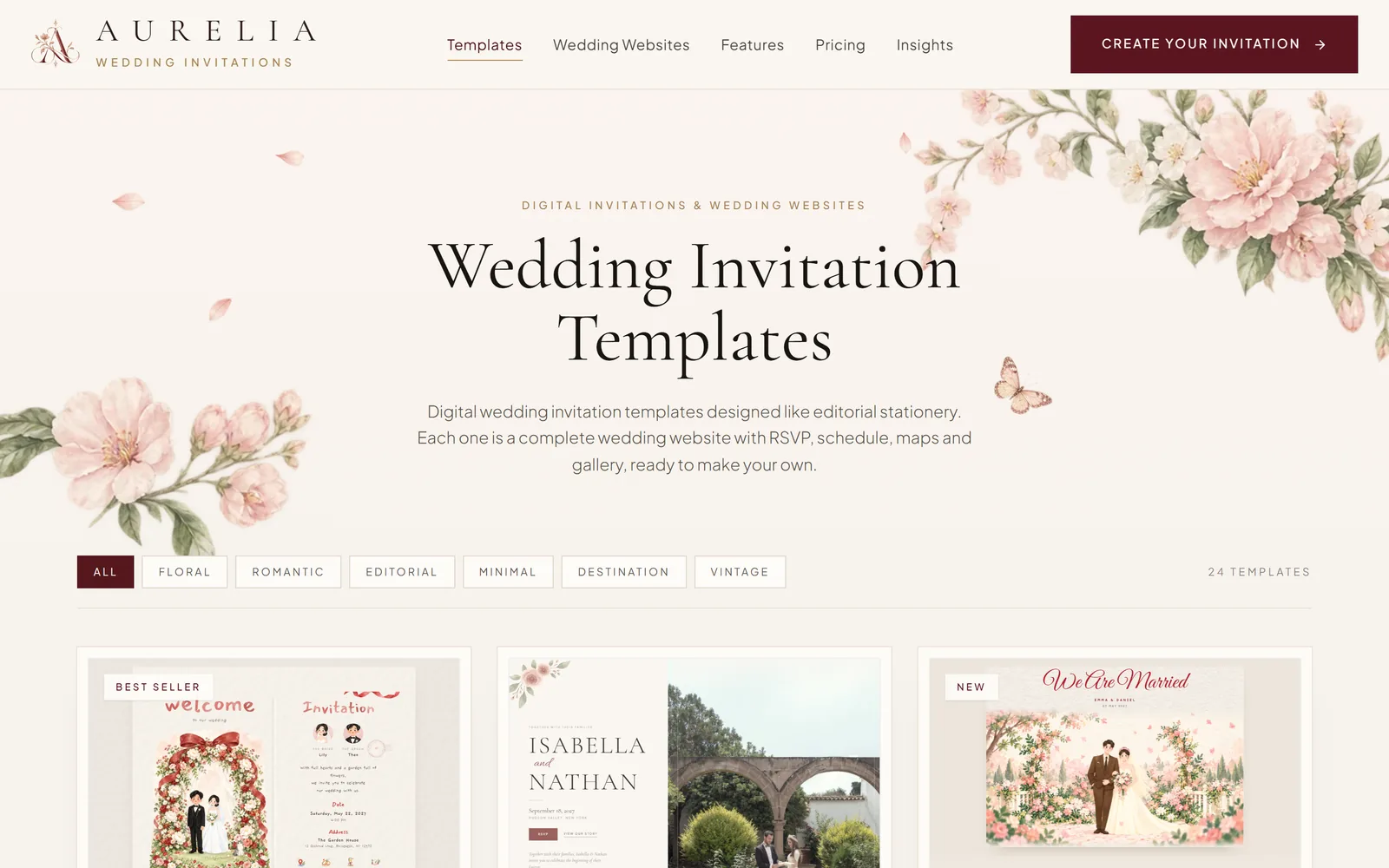
Choose a design you love
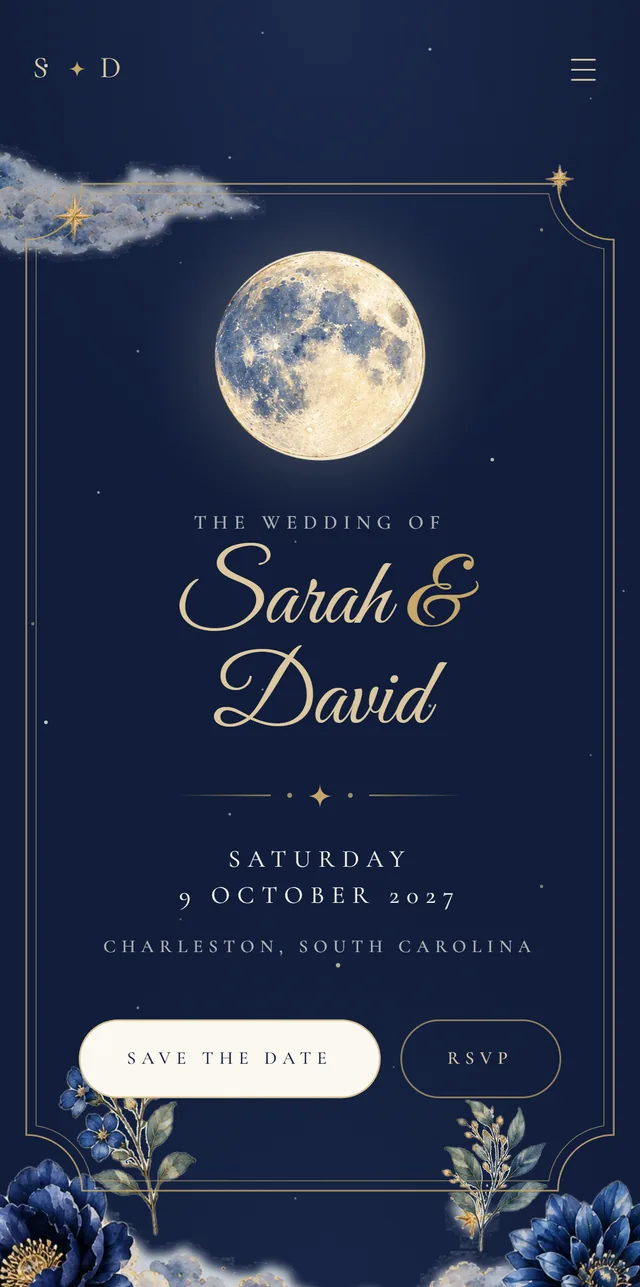
Every template is a complete wedding website — the invitation, your story, the schedule, travel notes and RSVP — designed like editorial stationery.
- Open any template as a guest would before you decide
- Several colour palettes for each design
- No sign-up needed to browse
Make it yours in the studio
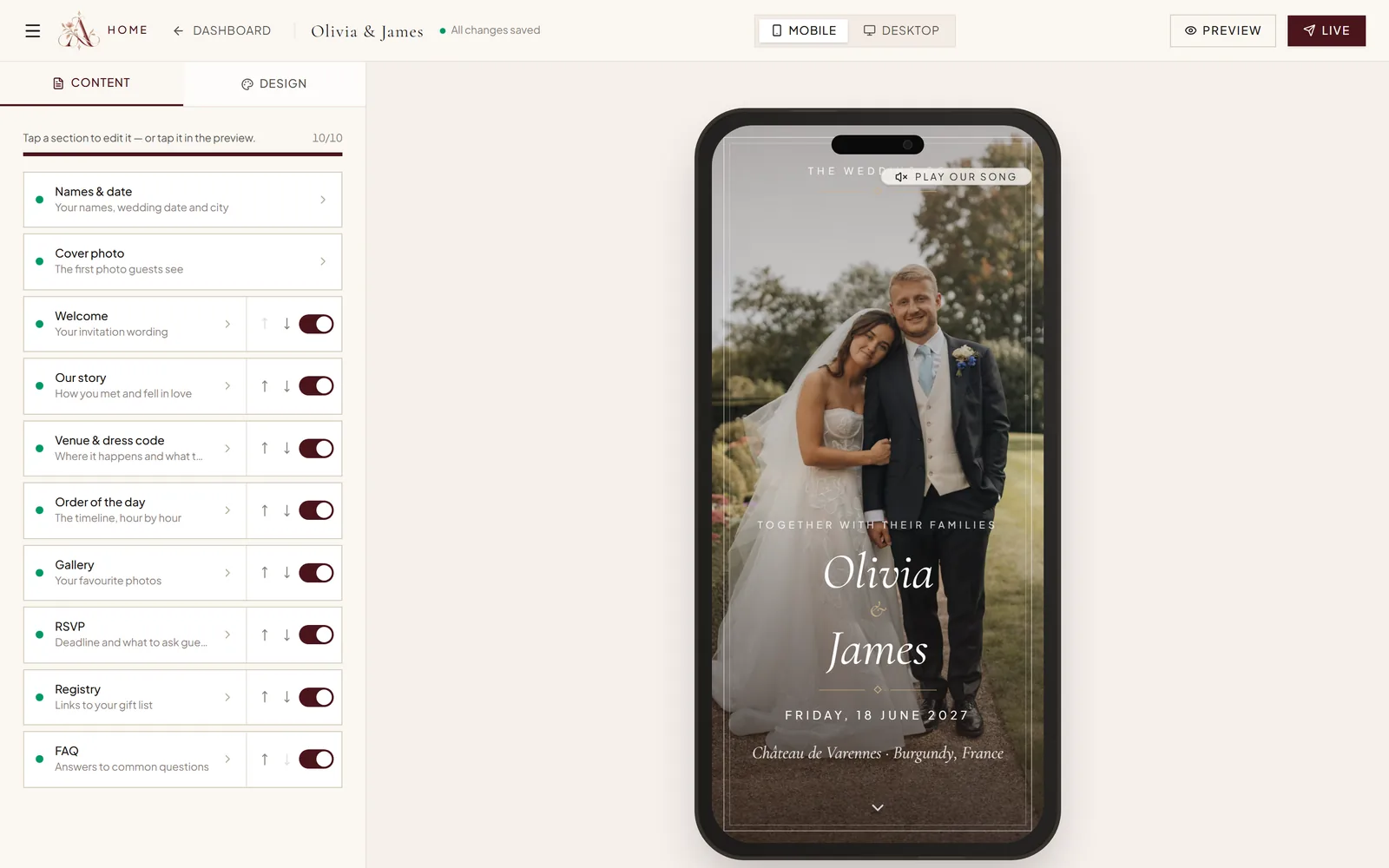
Fill in each section and watch your invitation update beside you, on a phone or a laptop view. Turn sections on or off and put them in the order you like.
- Names, photos, venue, order of the day, travel, registry and FAQ
- Pick your colour palette in Design
- Free to customize · Pay when you publish — $149, one time
Send every guest their own link
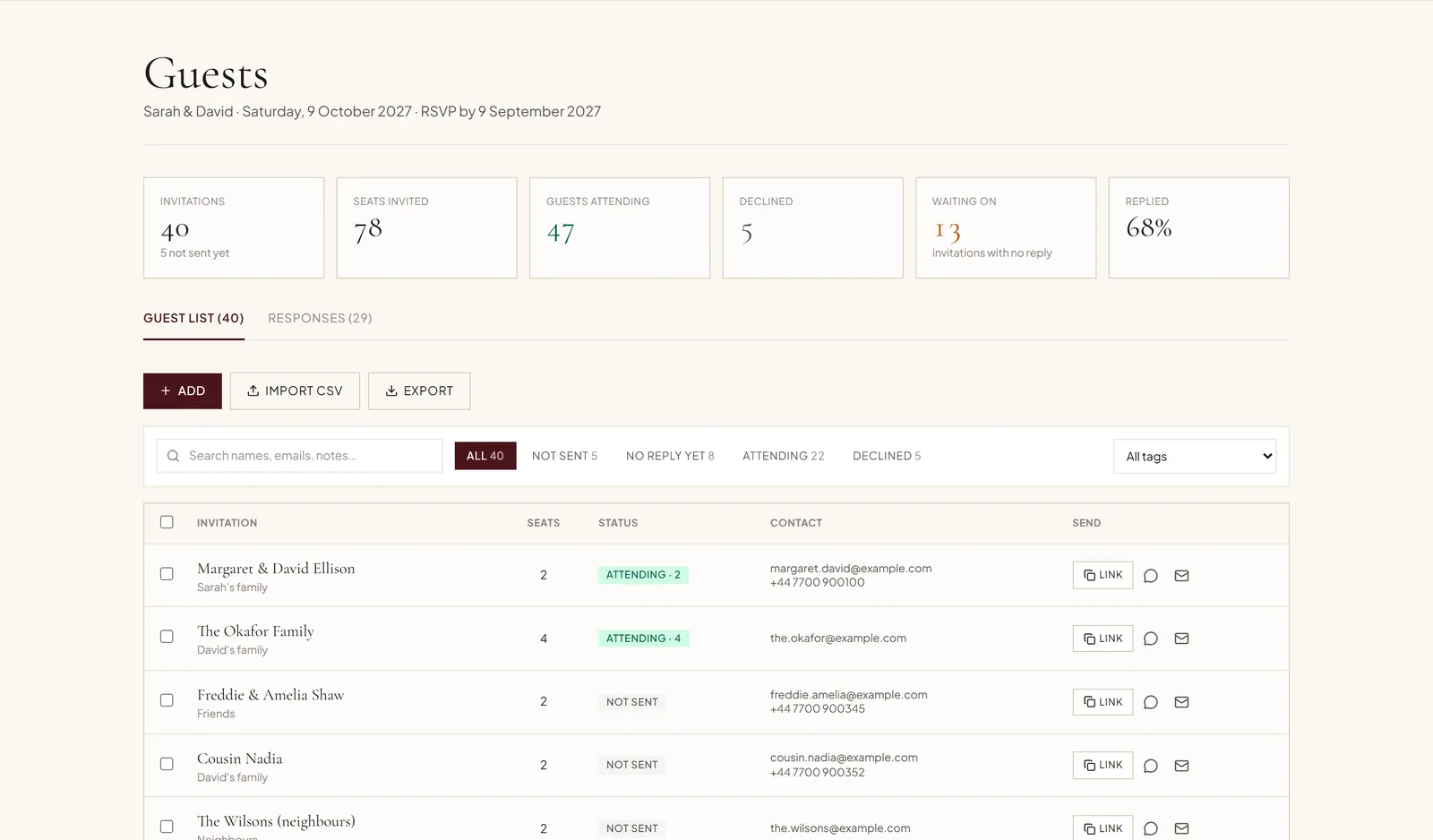
Add your guest list — or import it from a spreadsheet — with how many seats each invitation includes. Each household gets a personal link that greets them by name.
- Send on WhatsApp or by email in one tap, with the message written for you
- See at a glance who hasn’t been sent their invitation, or hasn’t replied
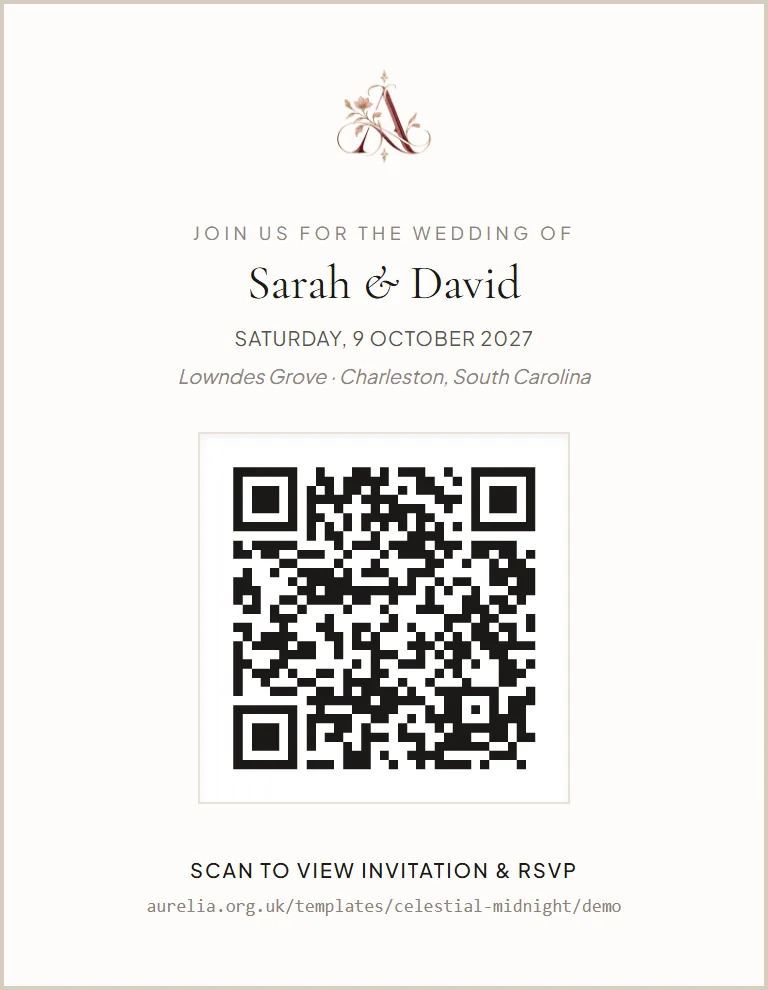
- A printable QR card for paper invitations, too
Guests open it and reply on their phone
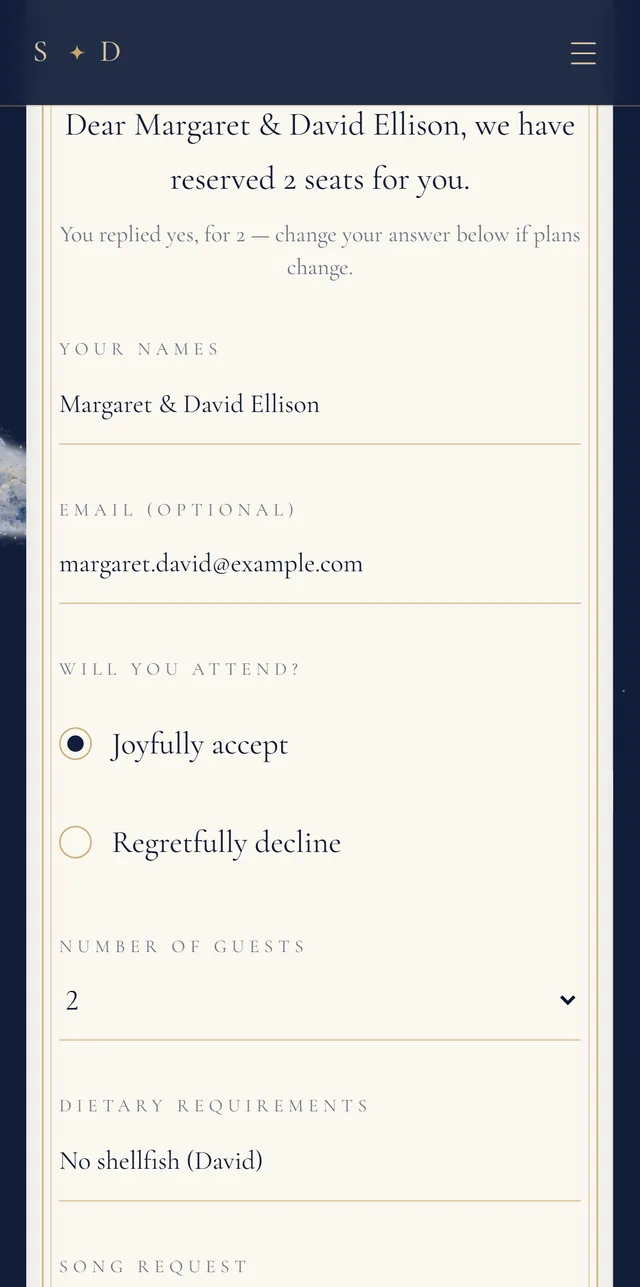
No app and no account: guests tap the link, open the envelope and find everything in one place. Their RSVP takes under a minute — seats, dietary needs, a song for the dance floor and a note for you.
- A personal link knows who they are and how many seats you’ve reserved
- Guests can change their reply later from the same link
- Your details update for everyone the moment you edit them

Watch the replies arrive
Every RSVP lands in your dashboard as it’s sent — who’s coming, how many, and what they’ve told you. Replies from your general link can be matched to the right invitation.
- Dietary needs and song requests in one table
- Export a spreadsheet for your caterer, planner or venue
- Up to 1,000 named invitations and unlimited RSVPs
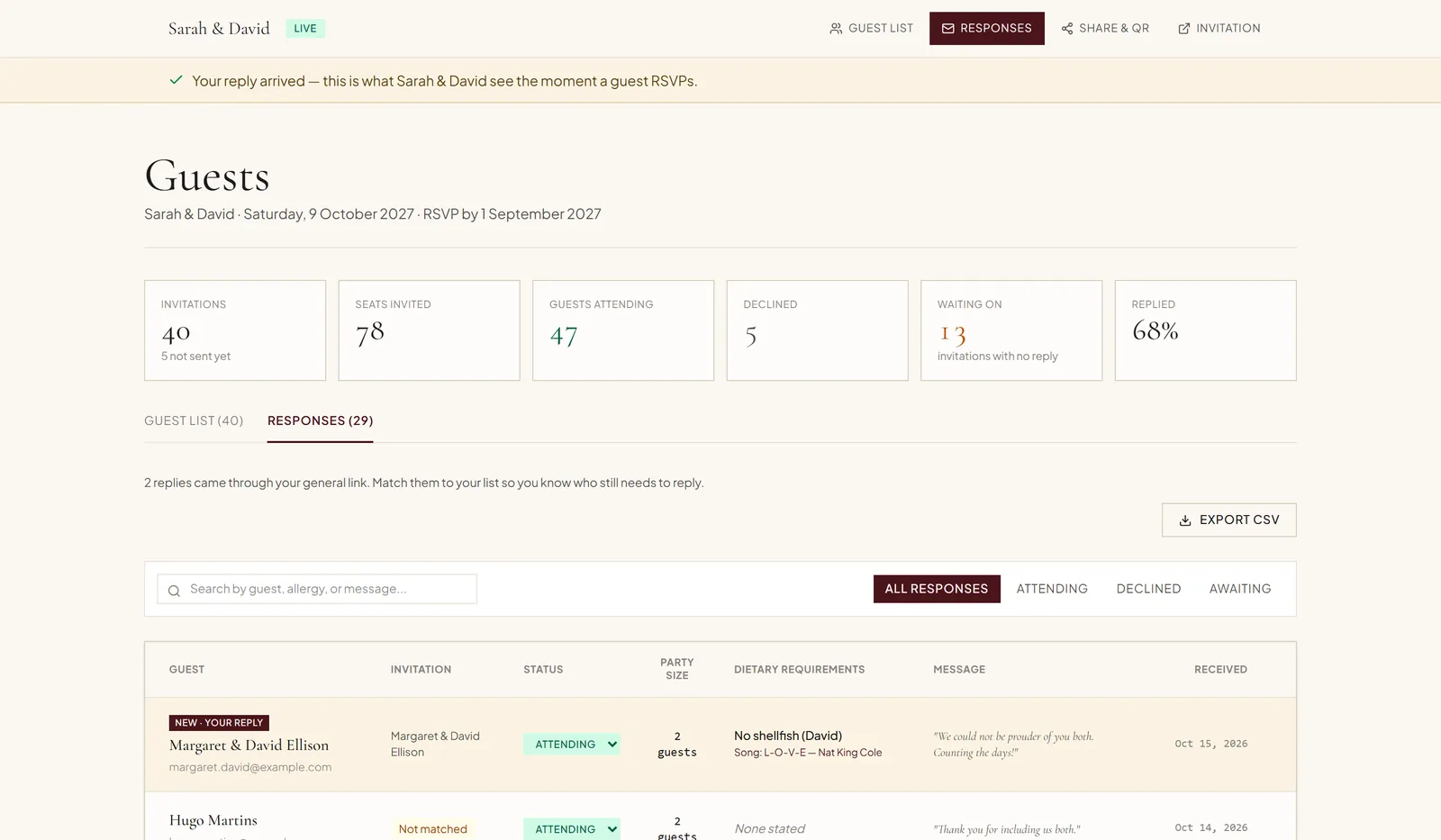
Send an RSVP, then see it land.
Open a sample invitation as one of the fictional guests, reply, and follow your answer into the couple’s demo dashboard. No sign-up — your demo reply stays in your browser and is never sent to us.
Free to customize · Pay when you publish · $149 one time