Digital Invitations·5 min read
How to Send Digital Wedding Invitations by WhatsApp, Text and Email
How to send digital wedding invitations by WhatsApp, text or email: which channel to use, what to write with your link, when to send and how to follow up.

By Aurelia Editorial Team · Wedding stationery & planning guides
Published ·Updated
A digital wedding invitation is only as good as the way it arrives. A thoughtful message turns a link into an invitation, and sending to each household separately means you always know who has been invited and who still needs a nudge.
Before you send: a quick checklist
Use the general invitation link when you want to share the wedding details broadly. Use a household’s personal link when you want the RSVP tied to that invitation and its seat limit. Check the recipient before sending a personal link; do not post it publicly.
If a guest cannot open the link, ask them to open it in their phone’s browser and check that the full address was copied. If they still cannot use it, share the essential details directly and record their reply yourself.
- Open the invitation on your own phone and check names, dates, times and map links.
- Send a test RSVP, then delete it.
- Group your guest list into households, with the number of seats for each.
- Collect the right contact for each household: a mobile number, an email, or both.
- Decide your RSVP deadline and make sure it shows on the invitation.
Sending by WhatsApp
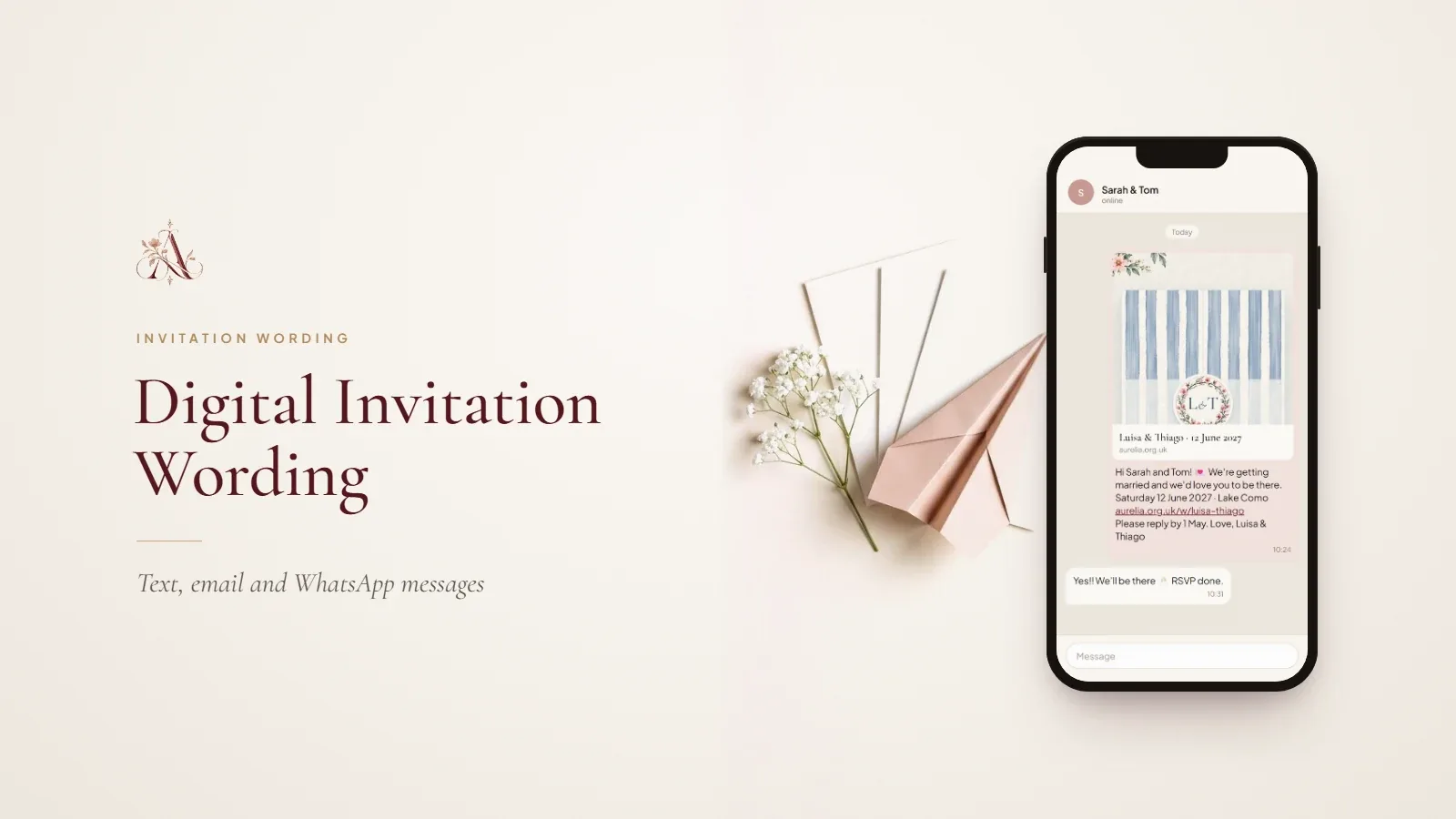
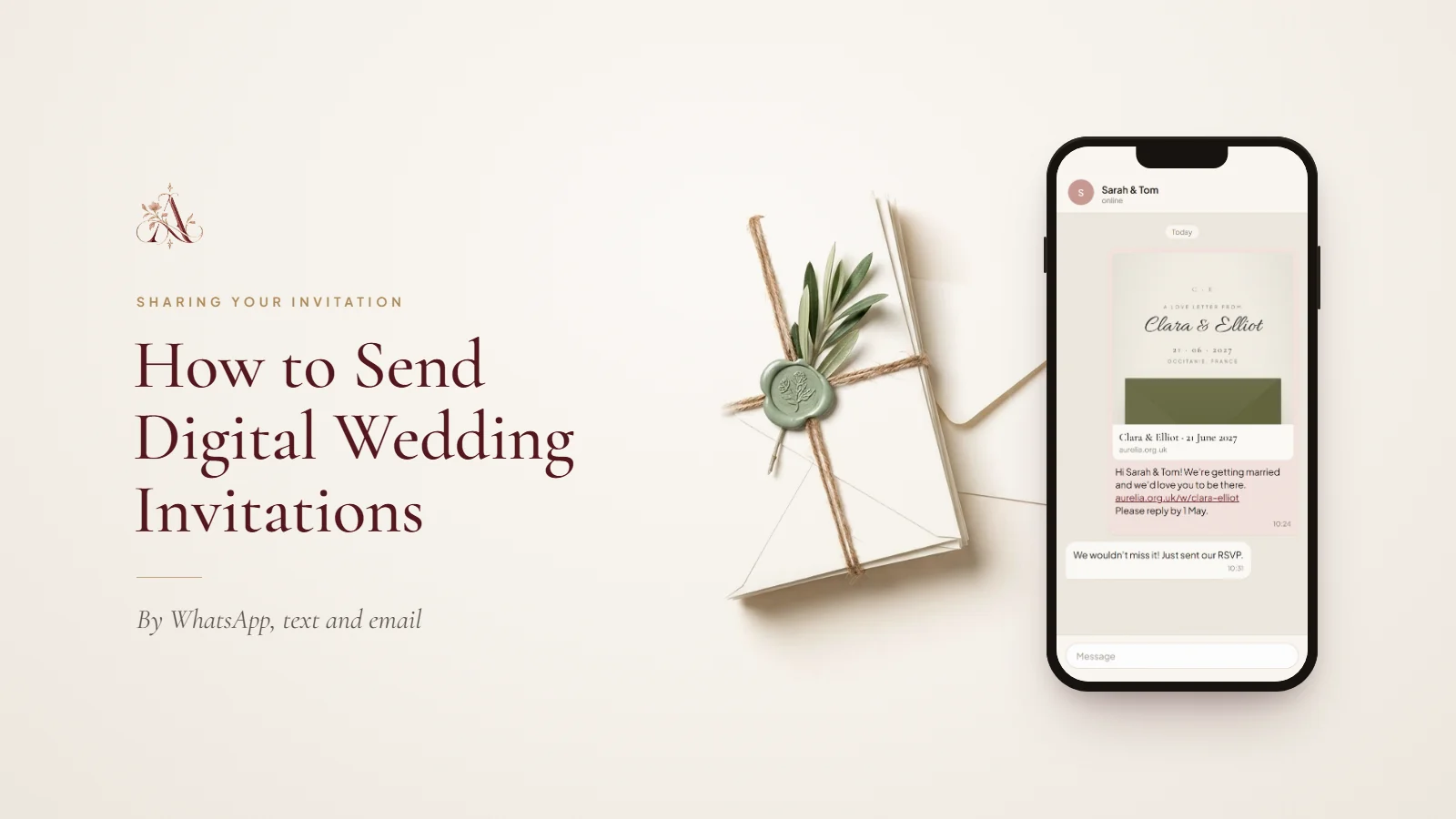
WhatsApp is the easiest choice for guests in most countries outside the US, and it shows a preview of the invitation with your link. Send to each household individually rather than to a group, and add a line in your own words before the link.
Hi Sarah and Tom! We’re getting married and we’d love you to be there. Here’s your invitation, with all the details and your RSVP: [your invitation link] Please reply by 1 May. Amelia & James x
Sending by text message
A text works for anyone, including relatives without WhatsApp. Keep it short, put the link on its own line, and sign it so the message does not look like a promotion. Standard text messages to some international numbers may not show a preview, so say clearly what the link is.
Dear Auntie Margaret, here is our wedding invitation, with the details and RSVP: [your invitation link] With love, Amelia & James
Sending by email
Email suits guests who live in their inbox and anyone who might want to forward travel details to a partner. Send from your personal address, use a clear subject line, and put the link near the top of the message. Send to each household separately rather than copying in your whole list, which keeps addresses private and is less likely to land in spam.
Subject: Our wedding invitation · Amelia & James · 12 June 2027 Dear Sarah and Tom, we would love you to join us for our wedding at Lake Como. Your invitation, with the schedule, travel details and RSVP, is here: [your invitation link] We hope you can make it. With love, Amelia & James
Why to avoid group chats and social media
Posting the invitation in a group chat or on social media makes it hard to know who has seen it, invites guests who were not meant to be invited, and buries the link under replies. Use groups for excitement afterwards, not for the invitation itself.
Guests who prefer paper
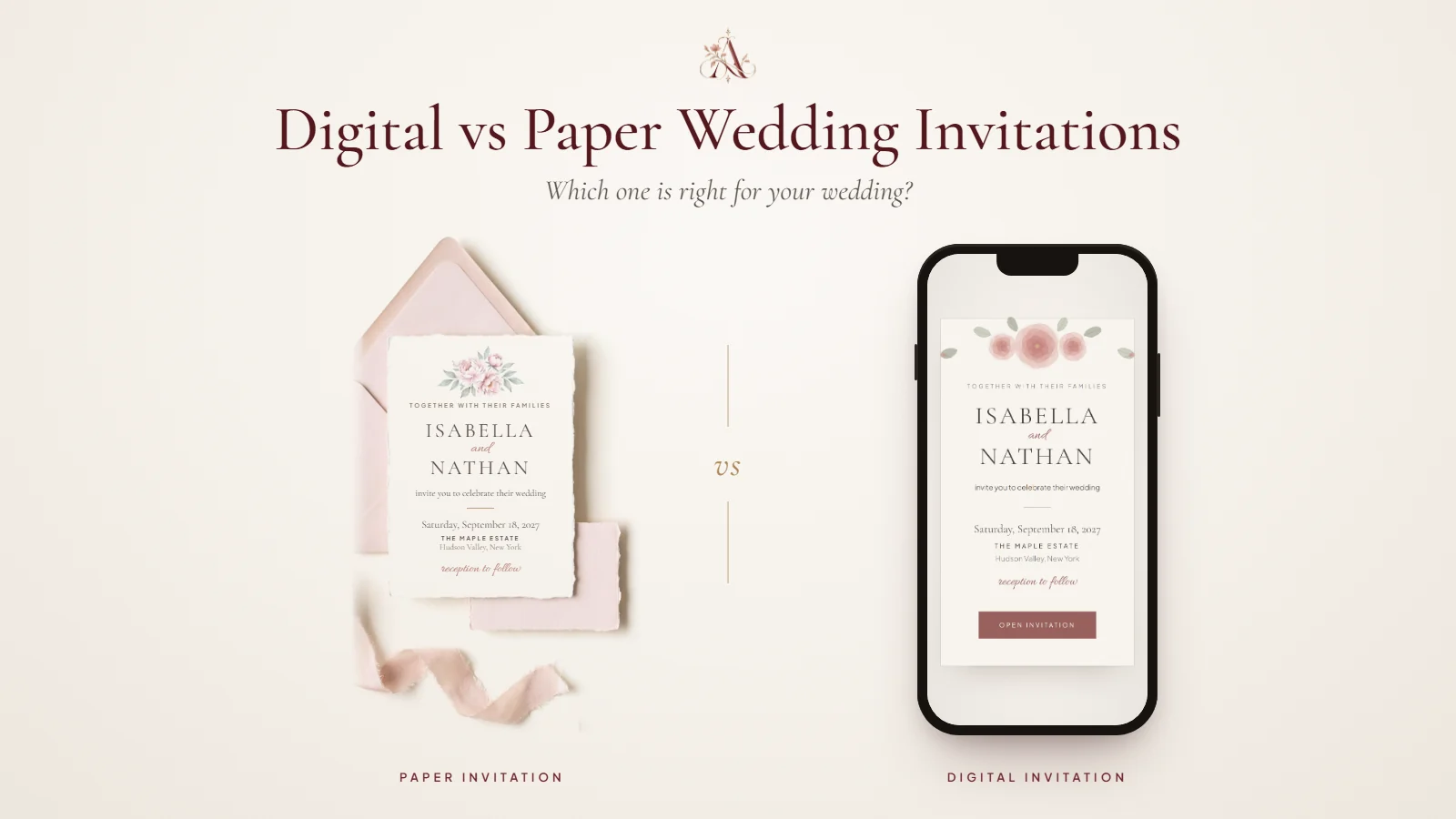
For grandparents and anyone who would treasure a card, print a QR card that opens the same invitation and post or hand it over. It keeps everyone on the same details and replies. Our comparison of digital vs paper wedding invitations explains how a mix of both works.
When to send
Send invitations eight to twelve weeks before the wedding, or three to four months ahead for a destination wedding. Many UK couples send them six to eight weeks ahead for a local wedding. See our wedding invitation timeline for save the dates and RSVP deadlines.
Following up
A week before your deadline, message only the households that have not replied. With personal links, you can see exactly who that is. Our guide to collecting RSVPs online covers reminders, and our digital invitation wording has ready-to-send WhatsApp, text, email and reminder messages.
Questions about sending digital invitations
- Is it rude to send wedding invitations by text?
- Not when the invitation itself is complete and well designed, and the message is personal. A short note in your own words with the link feels warm; a bare link on its own can feel abrupt.
- Can you send wedding invitations by email?
- Yes. Send from your personal address, write a clear subject line with your names and the date, and send to each household separately so addresses stay private.
- How do you send a digital invitation to guests abroad?
- The same way as to anyone else, which is one of the advantages of going digital. WhatsApp and email work internationally without extra cost; give guests abroad more notice, ideally three to four months.
- What if a guest does not use WhatsApp or email?
- Send a text, or print a QR card that opens the invitation and post it. You can also add their reply yourself if they answer by phone.
- Should save the dates be sent digitally too?
- They can be. A digital save the date is quick to send and can link to your website as soon as it is ready.
Part of our digital invitations guides. Start with What Is a Digital Wedding Invitation? Everything Couples Need to Know, or see every guide on this topic.