Digital Invitations·13 min read
Digital Save the Dates: Beautiful Ideas, Examples & How to Send
Digital save the date ideas, wording examples and sending tips: how to share your wedding date beautifully by text, WhatsApp, email or a wedding website link.

By Aurelia Editorial Team · Wedding stationery & planning guides
Published
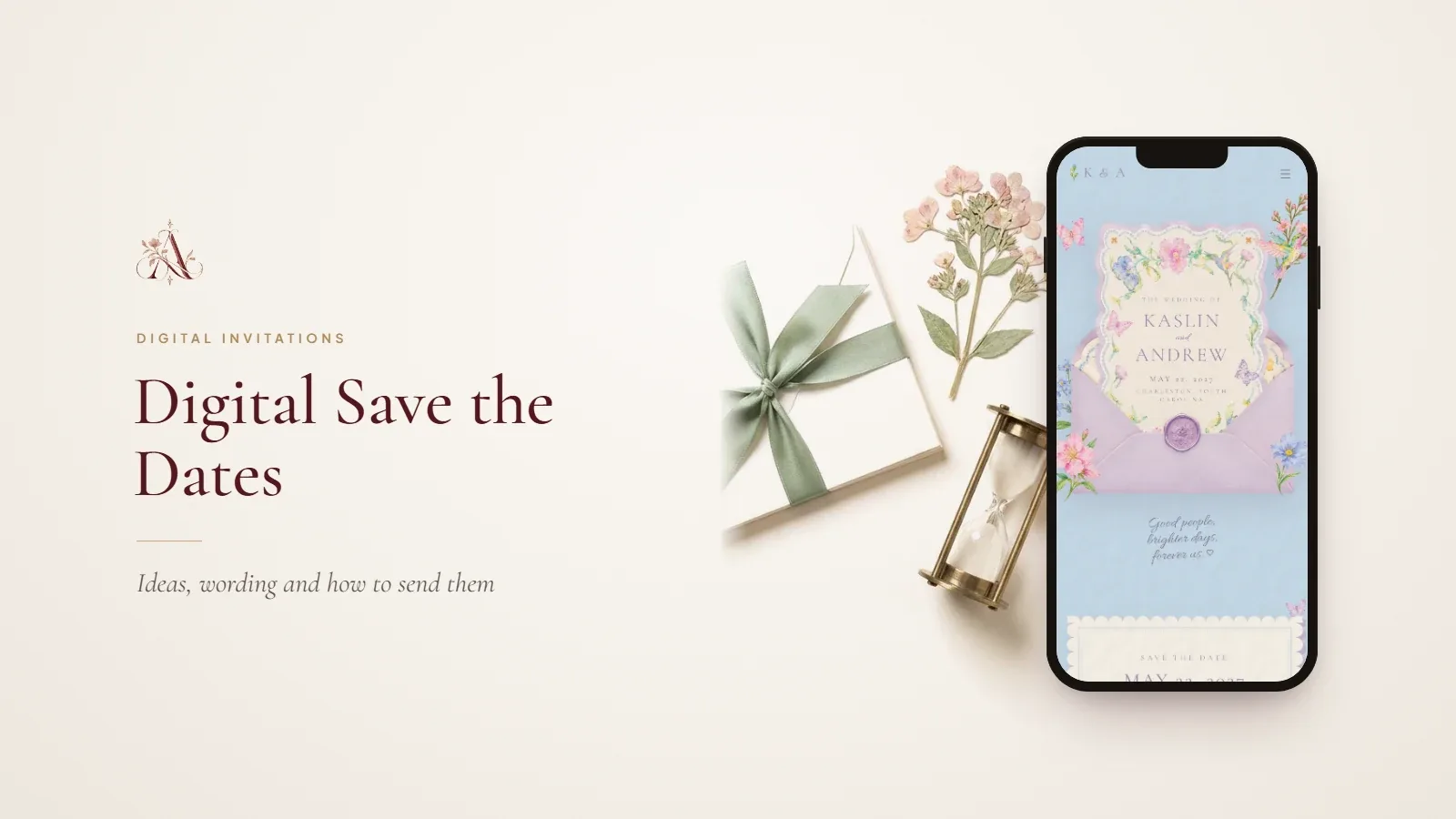
It is not the invitation. Its only job is to let guests book leave, flights and childcare early; times, venue details and the RSVP come later. Below you will find 12 design ideas, each paired with a matching style from our wedding invitation templates where one genuinely fits, wording you can copy, and a simple way to let one link grow from save the date into the full invitation.
What Is a Digital Save the Date?
A digital save the date is the first thing guests hear from you officially. It is short by design: a beautiful screen with your names, the date and the place, sent personally to everyone you will invite. Three pieces of wedding stationery often get confused, so here is how they differ.
| Piece | Its job | When it goes out | What it holds |
|---|---|---|---|
| Digital save the date | Reserves the date in guests’ diaries | 6–8 months before; 9–12 for a destination wedding | Names, date, town or country, “invitation to follow” |
| Digital invitation | Formally invites guests and asks for a reply | 8–12 weeks before; 3–4 months for a destination wedding | Hosts, time, venue, dress code, RSVP date |
| Wedding website | Answers every practical question in one place | From the save the date until after the wedding | Schedule, map, travel, places to stay, FAQs, RSVP |
Use a standalone save-the-date card when you want a separate keepsake moment and will send a different invitation later. Use a wedding website from the start when guests will need travel information early, which is almost always the case for a destination wedding. Many couples now do both with a single link: a site that shows only the save the date at first and fills in as plans firm up. Our guide to what a digital wedding invitation is explains how the invitation and website fit together.
Why Choose a Digital Save the Date?
- No printing, envelopes or postage, and no waiting for proofs. You can send the same week you book the venue.
- Guests abroad receive it instantly. An airmail card to Sydney or Singapore can take two weeks, and some never arrive.
- Nobody needs a postal address yet, which saves weeks of chasing.
- It sets the look of your wedding early. When the invitation arrives in the same design, guests recognise it at once.
- A reply in the chat tells you it arrived, and a quick “we’ll be there!” gives you an early feel for numbers.
Paper still has a place. A grandparent who does not use a smartphone, or a godmother who keeps every card on the mantelpiece, may appreciate a printed card as well.
12 Digital Save the Date Ideas for Every Wedding Style
The best save the date looks like a preview of the day itself. Pick the idea that matches your venue and season, then keep the same typeface and palette for the invitation that follows.
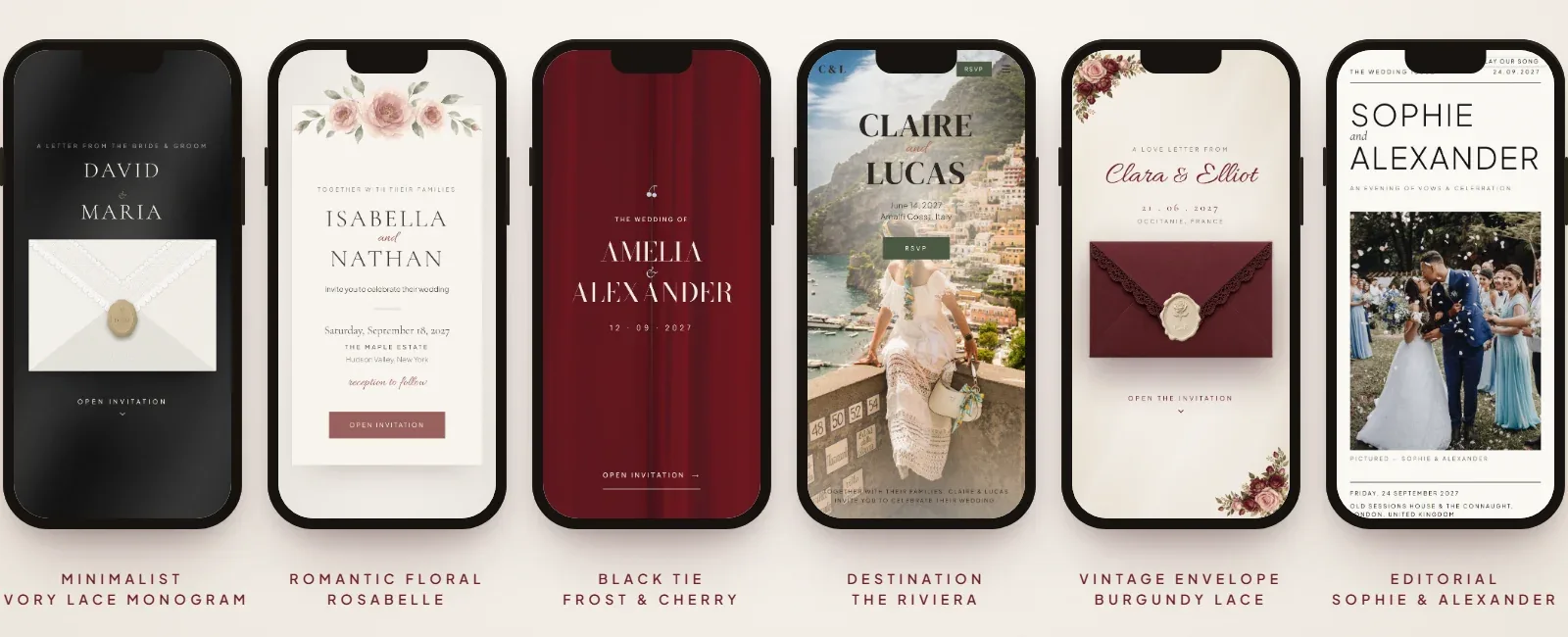
1. Minimalist and modern
Two names, one date, plenty of white space. Set the date large in a clean serif or sans-serif and leave everything else small. It suits city weddings and registry office ceremonies. Browse our minimalist designs for this look.
2. Romantic floral
Soft peonies or garden roses framing the names, in blush, lavender or sage. Keep the flowers to the edges so the date stays readable on a small screen. Rosabelle has painted florals in five colour sets, from peony to autumn rose.
3. Elegant black tie
Deep ink, ivory and a touch of gold, with formal wording and the date written out in full. Frost & Cherry works well here, and the Dorchester demo shows a black-tie evening from start to finish.
4. Watercolour garden
Hand-painted scenes feel personal and relaxed, perfect for a summer garden party or a country house wedding. The Painted Garden offers rose arch, wisteria, seaside, old town and meadow scenes painted in watercolour.
5. Destination wedding
Lead with the place, because that is what guests need to plan around: “Positano, Italy” or “Mallorca, Spain” in large type, with the dates of the whole weekend. The Riviera has a save-the-date section and a day-by-day weekend schedule for later, and our destination templates include more coastal and European styles.
6. Vintage envelope
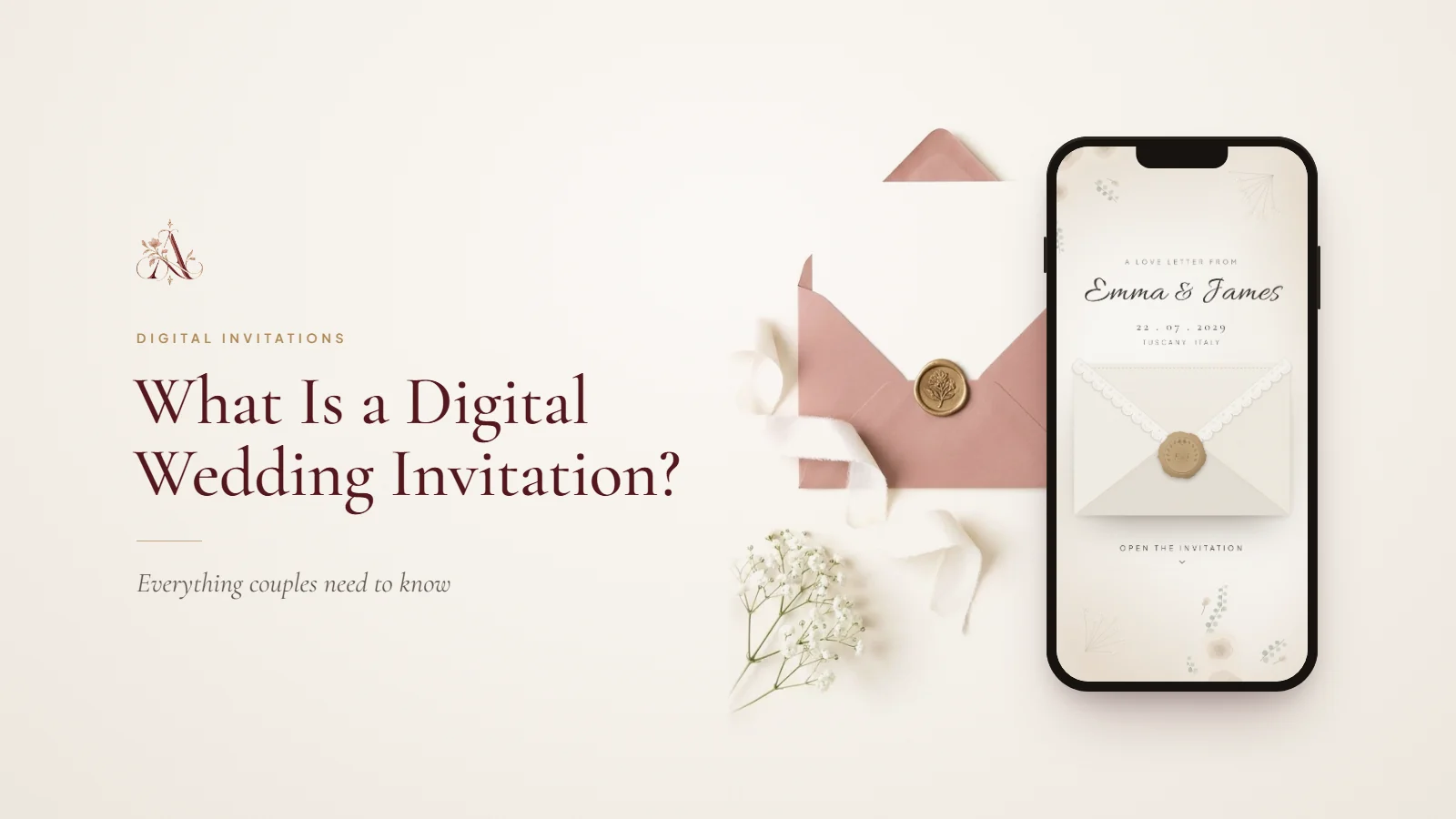
A wax seal and a lace-edged envelope that opens on screen give a digital save the date the ceremony of paper. Ivory Lace Letter and Burgundy Lace both open from a sealed envelope into the full site.
7. Photo-led
An engagement photo with the date set across it is the most personal option, and guests love seeing a picture they did not take themselves. Choose a photo with calm space at the top or bottom for the text. The Florence has a save-the-date section that sits over one of your photos.
8. Editorial typography
Large, confident type laid out like a magazine cover, with the names as the headline and the venue as a byline. The Clerkenwell demo is typeset like a fashion quarterly.
9. Botanical
Olive branches, eucalyptus or trailing ivy rather than flowers, in sage, cream and muted green. It works in every season. The Olive Letter is a love letter sealed in olive green and wax.
10. Coastal wedding
Dusty blue, sea glass and soft white for a wedding by the water, whether that is Cornwall, Cape Cod or the Amalfi Coast. The Dusty Blue Letter opens from a lace-edged envelope into a painted save the date.
11. Celestial
Stars, moons and a midnight background for an evening ceremony, a winter wedding or a couple who met under a night sky. Gold type on navy reads beautifully on a phone. Try Celestial Midnight.
12. Luxury monogram
Your initials intertwined in a crest or seal, used on the save the date and repeated on every piece that follows. A monogram is the simplest way to make several messages feel like one suite. Ivory Lace Monogram is built around a monogram on lace.
What to Include in a Digital Save the Date
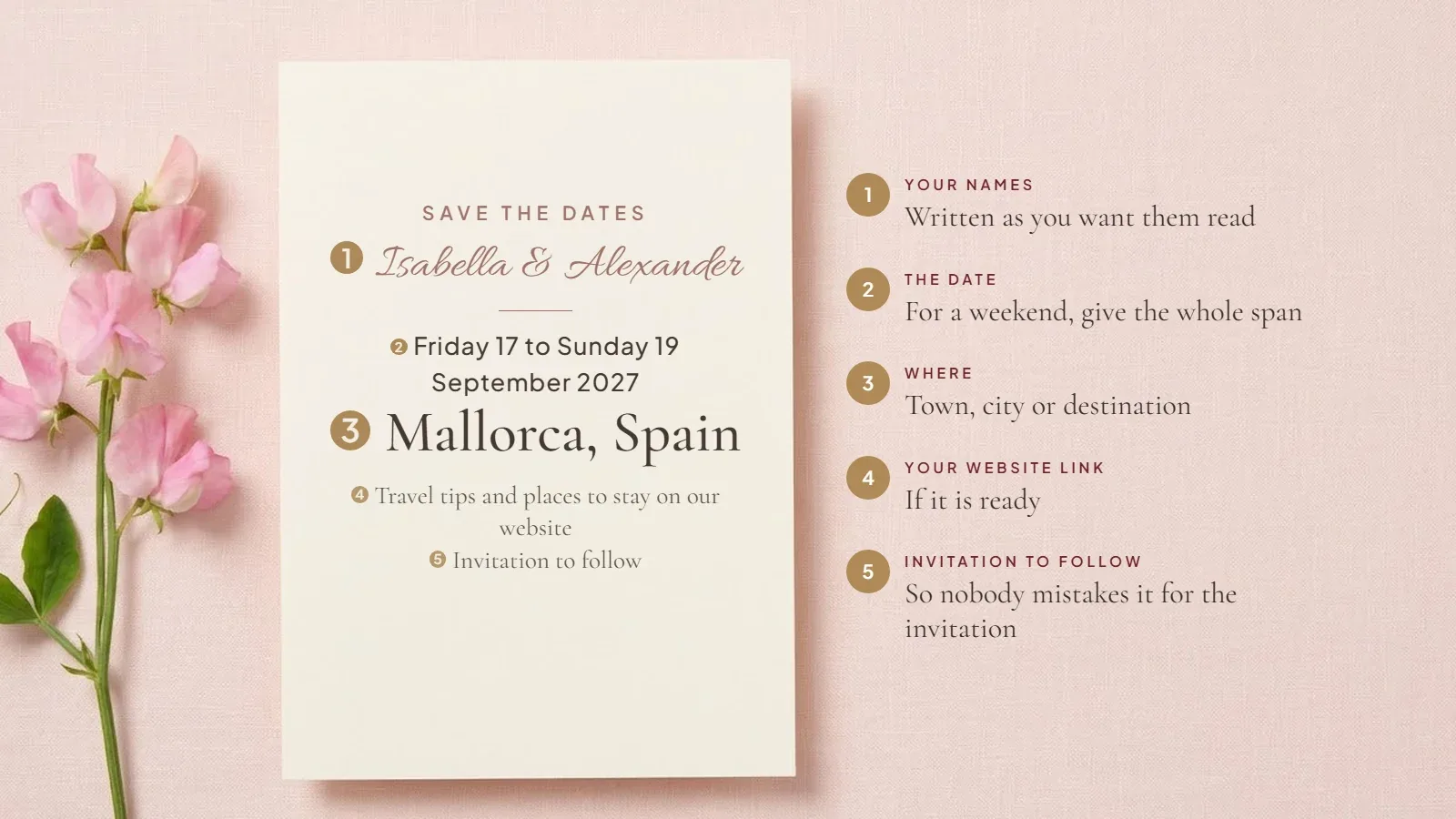
- Your names, written as you want them read: “Amelia Hart & Tom Ellison” or simply “Amelia & Tom”.
- The date. For a weekend wedding, give the whole span, such as “Friday 10 to Sunday 12 September 2027”.
- The town, city or destination. The exact venue is optional at this stage.
- “Invitation to follow” or “Formal invitation to follow”, so nobody mistakes it for the invitation itself.
- Your wedding website link, if it is ready, so guests travelling far can start looking at flights and hotels.
Leave out start times, the RSVP, gift details and the dress code. They belong on the invitation, and adding them now only creates questions you cannot yet answer. One more rule matters more than any design choice: only send a save the date to people you are certain to invite. It cannot be taken back.
Digital Save the Date Wording Examples
Each example below suits a different kind of wedding. For invitation wording, see our wedding invitation wording guide; for reminder and update messages, see our digital wedding invitation wording examples.
Please save the date for the marriage of Charlotte Ainsworth and Edward Lyle Saturday 5 June 2027 Cliveden, Berkshire Formal invitation to follow
We’re getting married! Sofia & Mateo 18.09.27 · Bristol Keep the date free. Invitation to follow.
After seven years, two flats and one very patient dog, we are finally making it official. Grace & Daniel Saturday 24 April 2027 · Bath We would love you to be there. Invitation to follow
Clear your diary. Book the babysitter. Practise your dance moves. Hannah & Josh are getting married Saturday 31 July 2027 · Manchester Details (and the dance floor) to follow
Save the dates Isabella & Alexander Friday 17 to Sunday 19 September 2027 Mallorca, Spain We’re telling you early so you can book flights and leave. Travel tips and places to stay: [your website link] Invitation to follow
Save the date! Priya & Daniel Saturday 11 September 2027 Somewhere in the Cotswolds (venue to be confirmed) Full details and invitation to follow
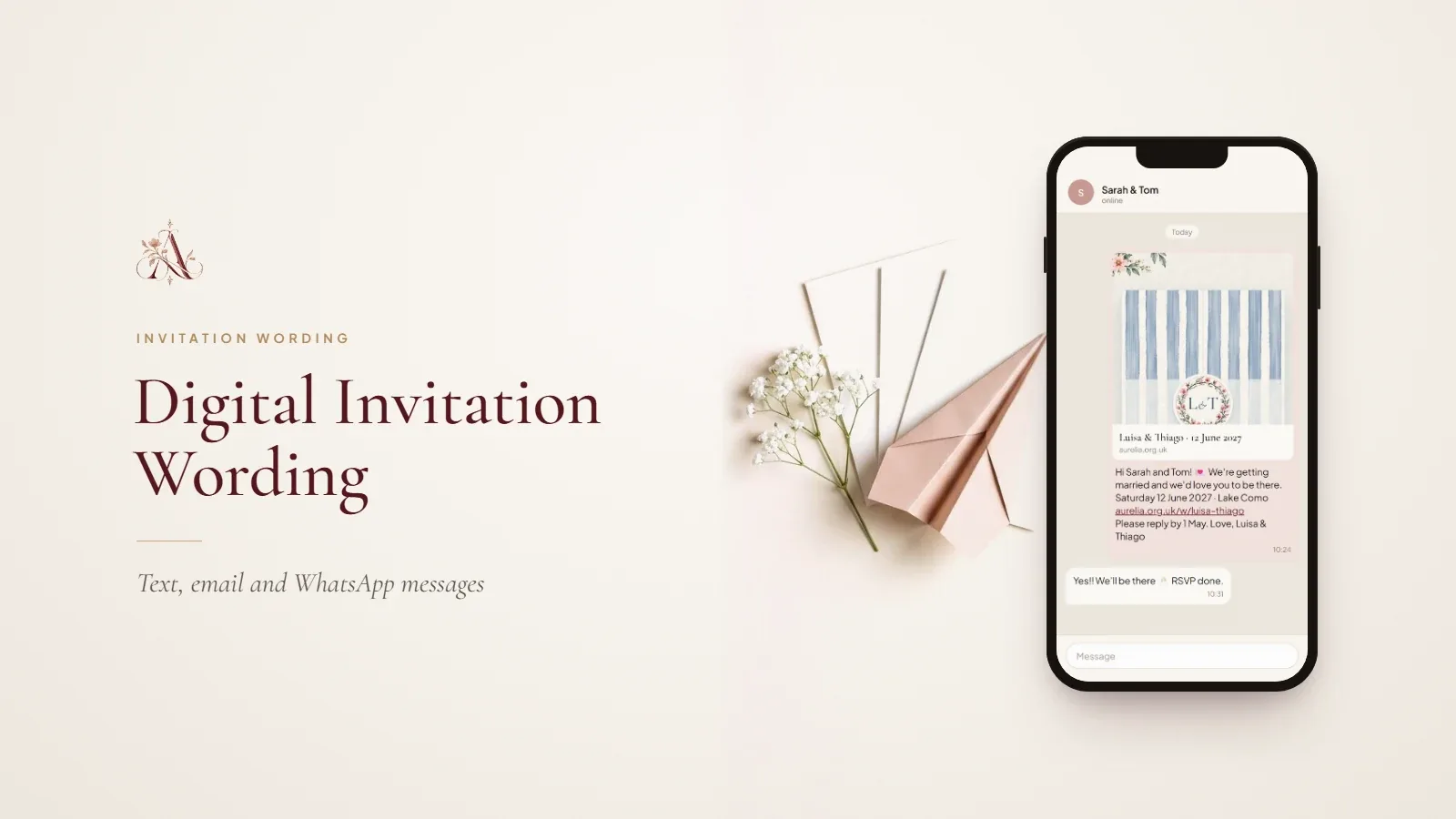
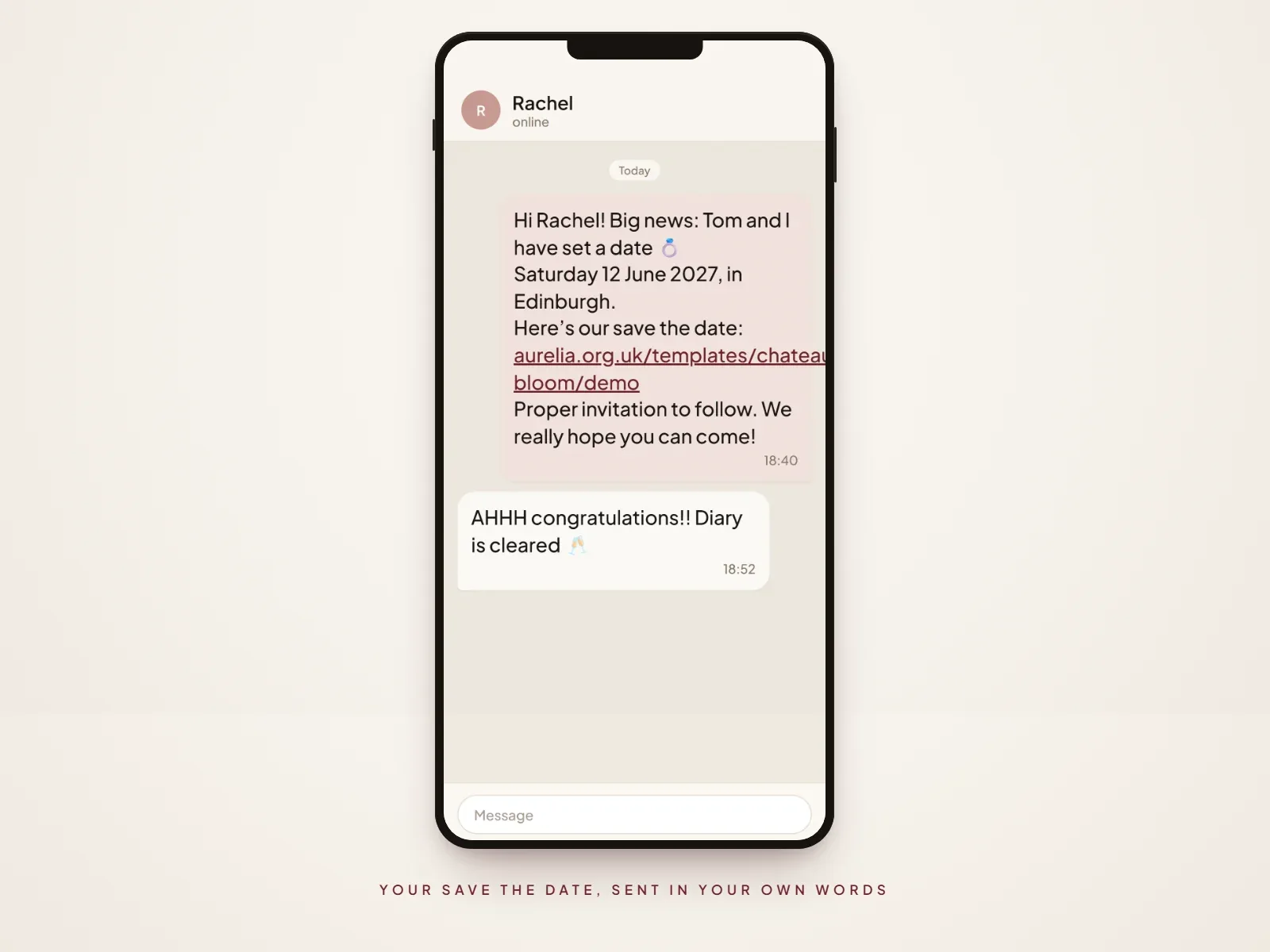
Hi Rachel! Big news: Tom and I have set a date 💍 Saturday 12 June 2027, in Edinburgh. Here’s our save the date: [your link] Proper invitation to follow. We really hope you can come!
Dear Aunt Margaret, we have some lovely news. Olivia and James are getting married on Saturday 25 September 2027 in York. This link opens a page with the date on it, nothing to download: [your link] A printed invitation will follow. With love, Olivia
Send each message to one person or household, not to a group chat. A group post makes it unclear who is invited, and partners or children who are not on your list will assume they are.
How to Create and Send a Digital Save the Date
Choose the design
Start from your venue and season, not a trend, and check the design on your own phone, because most guests will open it on one. If you plan a matching invitation, choose a design that can carry both.
Add your wedding details
Enter only what you know for certain: names, date and town. Check the weekday against the calendar twice; “Saturday 12 June 2027” is a Saturday, and a mismatched day is the most common save-the-date mistake.
Decide where guests will find updates
Pick one home for every future detail and say so in the message. A wedding website works best, because the link you send now can still be the link guests use for the schedule and RSVP months later. Our guide on when to create a wedding website covers the timing.
Share via text, WhatsApp or email
Send personally, in your own words, with the link underneath. WhatsApp and text are read within hours; email suits colleagues and older relatives who prefer it. In Aurelia, the Share page has copy link, WhatsApp, email and your phone’s share sheet, plus a printable 5×7 QR card for anyone who would like paper. Each save the date then arrives from you, not from an automated sender.
Follow up with your full invitation and RSVP
When the invitation is ready, send a second, slightly more formal message pointing to the same link, now complete with times, venue and a reply-by date. Our guide to how to send digital wedding invitations has a checklist and example messages.
When Should You Send Digital Save the Dates?
- Local wedding: six to eight months before the day.
- Destination wedding, or many guests travelling from abroad: nine to twelve months before.
- Bank holiday weekends, peak summer or school holidays: aim for the earlier end, as hotels fill fast.
- Short engagement: send as soon as the date and venue are confirmed, even four months ahead.
Avoid sending much more than a year ahead; guests forget, and plans change. These ranges match our full wedding invitation timeline, which also covers invitations, RSVP deadlines and reminders.
Digital Save the Date vs Traditional Paper Save the Date
| Factor | Digital save the date | Paper save the date |
|---|---|---|
| Convenience | Designed and sent in an evening | Design, proofing, printing and addressing take weeks |
| Delivery | Arrives in seconds, anywhere | Depends on the post; international mail is slow |
| Guest access | Opens on any phone, easy to find again in the chat | Easy to pin on the fridge, easy to lose |
| Design flexibility | Animation, photos and music possible; typos can be fixed | Texture and keepsake value; fixed once printed |
| Printing and postage | None | Per card, rising with every guest and overseas stamp |
| Follow-up details | The same link can later hold the schedule and RSVP | A separate invitation and website are needed later |
A hybrid works well: send digital to everyone, then print a few cards with a QR code for the guests who will treasure them.
Turn Your Save the Date Into a Complete Wedding Experience
With Aurelia, your save the date can be the first version of your wedding website, so guests only ever need one link. Here is how couples do it:
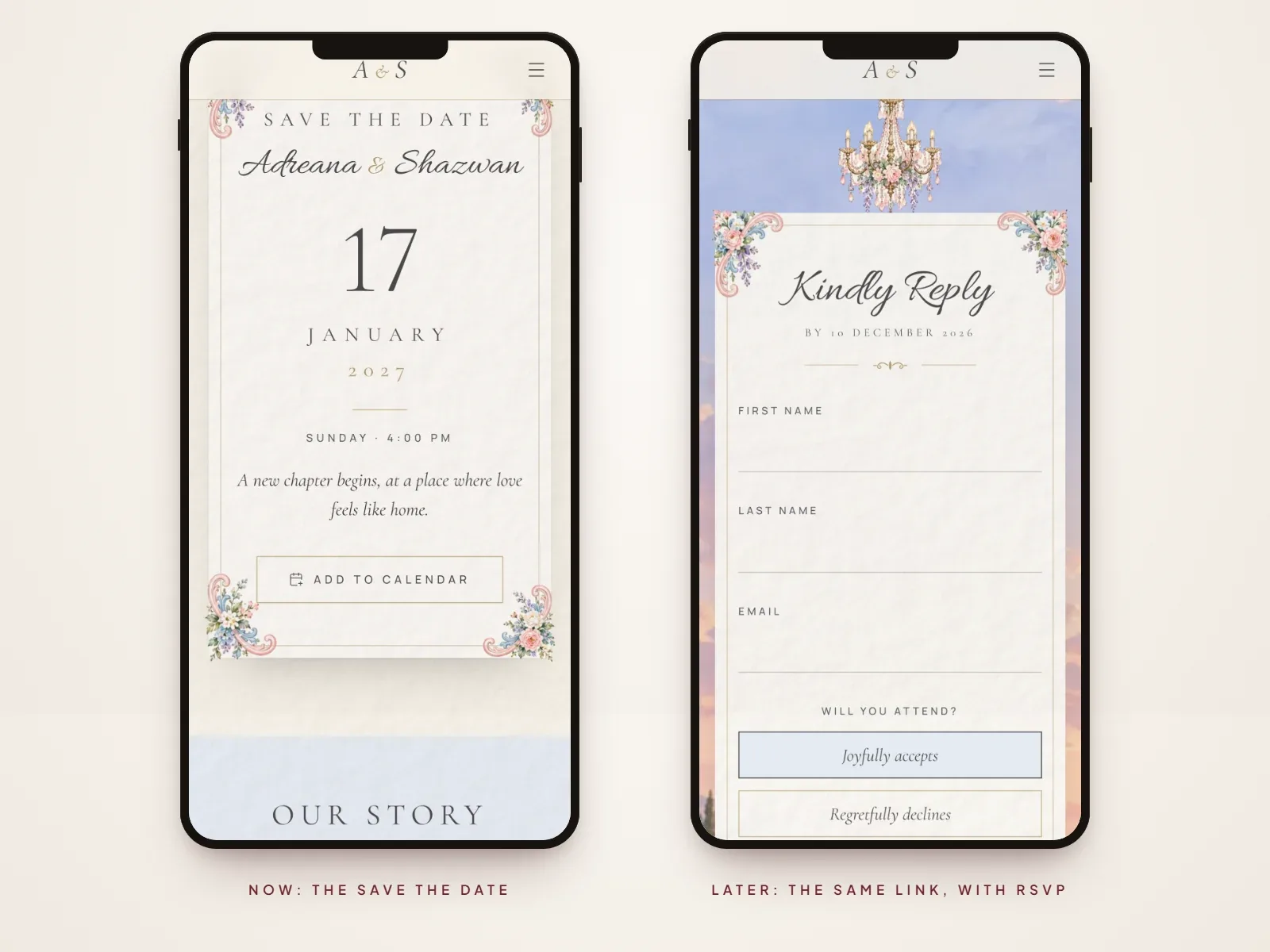
- Design your site and fill in just your names, date and place. Templates such as The Florence, The Riviera, Château Bloom, Hummingbird Garden and Hydrangea Reverie have a save-the-date section built in.
- Switch off the sections you are not ready to show, such as the schedule and RSVP, and publish.
- Share the link yourself by WhatsApp, text or email as your save the date.
- As plans firm up, add the schedule, venue map, travel notes, places to stay and FAQs, then re-publish. The link does not change.
- When it is time to invite, switch on online RSVP and send the same link again with a reply-by date.
Designing is free, and you pay once when you publish.
Digital Save the Date Questions
- Can I send a save the date by WhatsApp?
- Yes. WhatsApp is now one of the most common ways to send a digital save the date, especially to guests abroad. Send it to each person or household individually with a short personal note, rather than posting it in a group chat.
- Are digital save the dates acceptable for formal weddings?
- Yes, as long as the design and wording are formal too. Write the date in full, use “Formal invitation to follow”, and keep emojis out of the message. You can still post printed invitations later if you prefer.
- Can I send a digital save the date without a venue?
- Yes. The date and the town or region are enough for guests to plan. Write “venue to be confirmed” or simply give the area, such as “the Cotswolds”, and share the venue with the invitation.
- Do guests need to RSVP to a save the date?
- No. A save the date only asks guests to keep the day free. Many will reply anyway to say they hope to come, but the formal RSVP belongs with the invitation.
- What’s the difference between a save the date and a wedding invitation?
- A save the date announces the date and place months ahead so guests can plan. The invitation follows later, formally invites them, and gives the time, venue, dress code and how to reply.
Ready to choose a look for your save the date and the invitation that follows? Explore Digital Wedding Invitation Templates, or see how a wedding website works.
Part of our digital invitations guides. Start with What Is a Digital Wedding Invitation? Everything Couples Need to Know, or see every guide on this topic.