Wedding Websites·4 min read
When to Create and Share Your Wedding Website
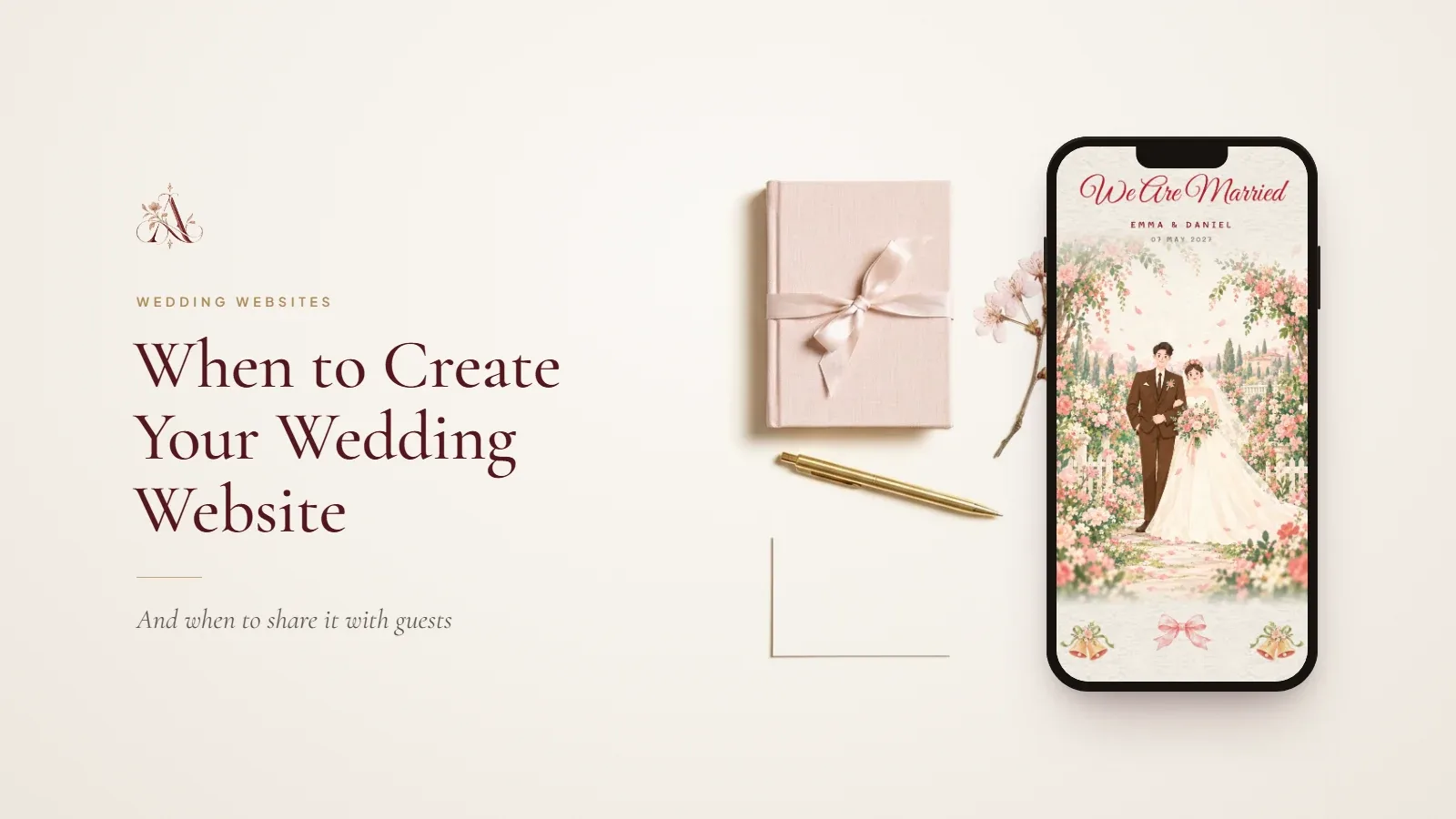
When to create your wedding website, when to share it with guests and what to add at each stage, from the save the date to the weeks after the wedding.

By Aurelia Editorial Team · Wedding stationery & planning guides
Published
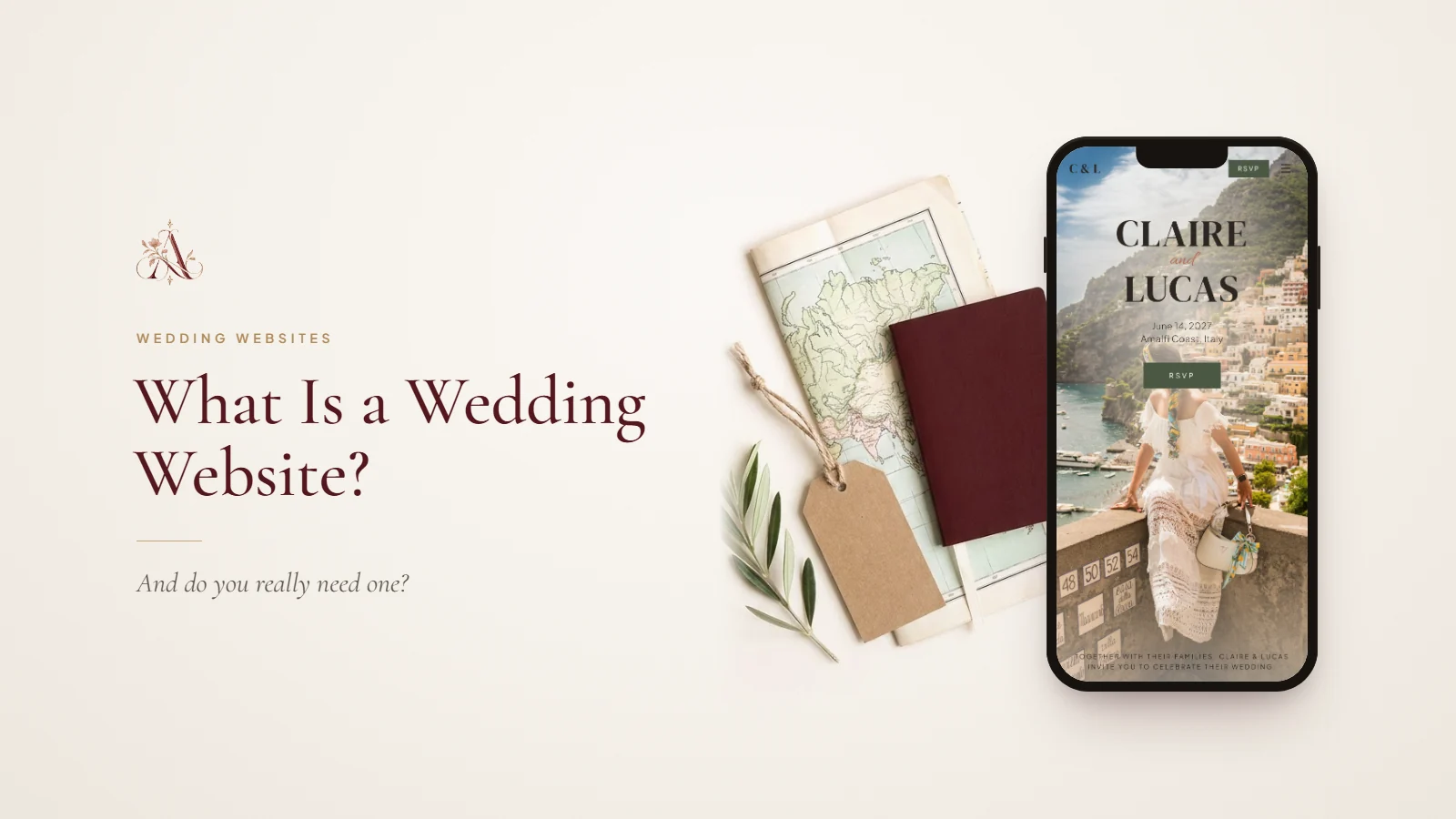
A wedding website is the one place guests return to as the day gets closer, so it is worth having the link ready before the first piece of stationery goes out. New to the idea? Read what a wedding website is first.
A timeline for your wedding website
| When | What to do |
|---|---|
| Date and venue booked | Choose a template and add your names, date, city and a photo. |
| Before the save the dates | Add the venue, accommodation ideas and travel basics, then share the link. |
| 3–4 months before | Finish the schedule, dress code and FAQ; send the invitation with the RSVP. |
| RSVP deadline | Close replies and export the list for your caterer and seating plan. |
| The final week | Check every time and map link; add transport and any last changes. |
| After the wedding | Add a thank-you note and a few photos for guests to look back on. |
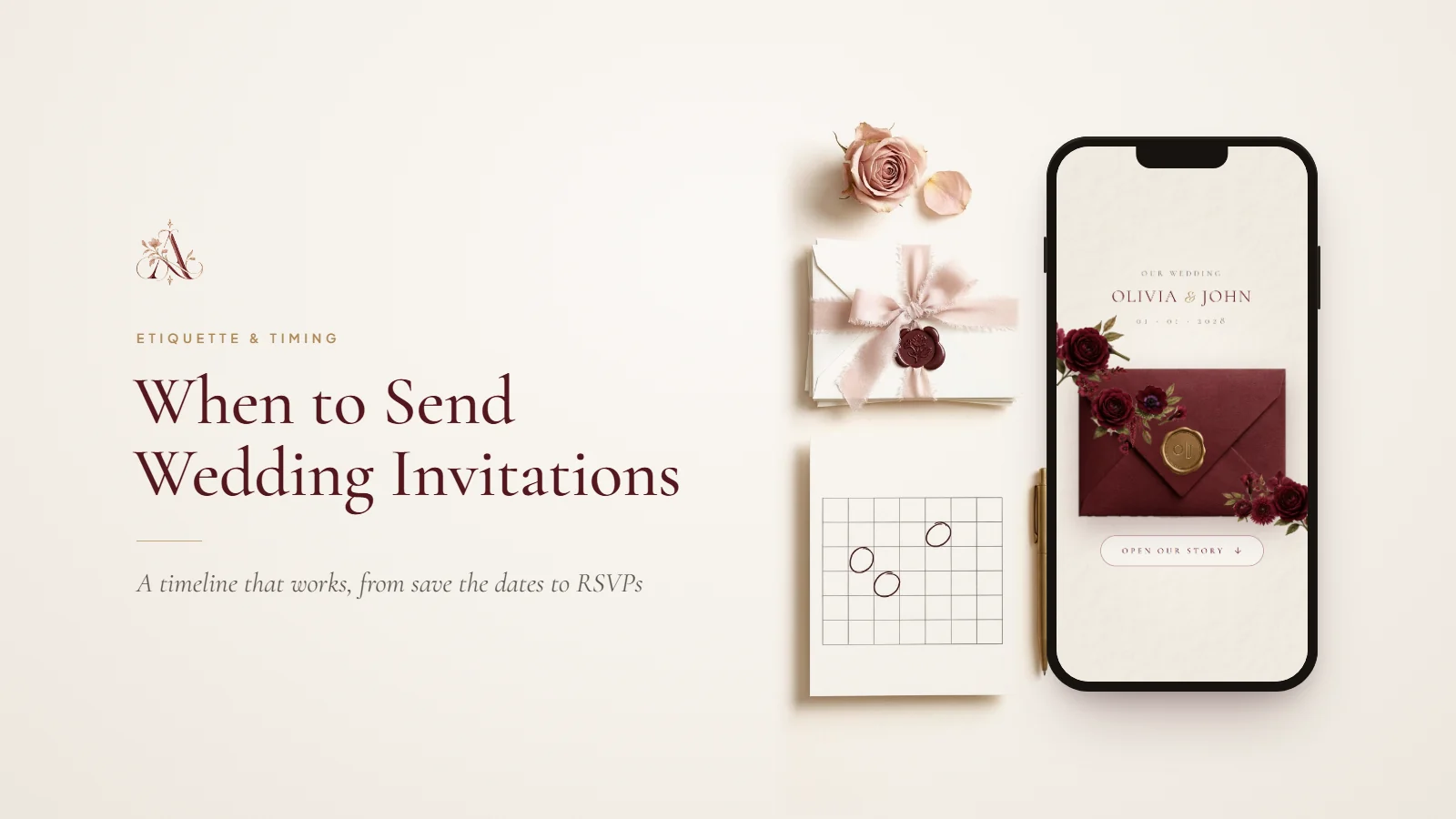
Our wedding invitation timeline shows how this lines up with the save the dates and invitations.
When to share the link
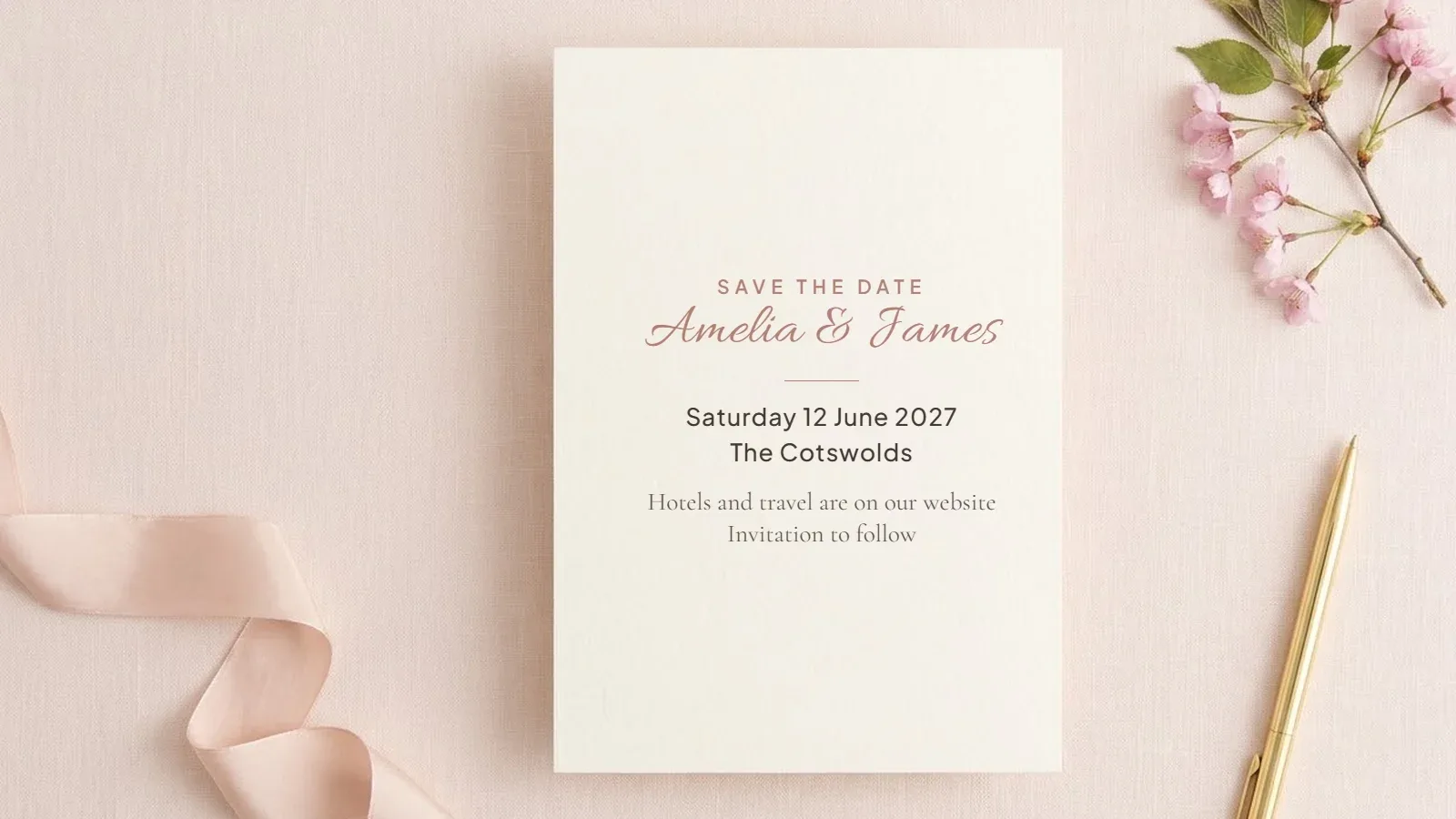
With the save the dates
This is the most useful moment. Guests planning travel want hotels and flights early, and a link on the save the date answers those questions before they are asked. It is fine if the schedule still says “more details to follow”.
With the invitation, at the latest
If your save the dates have already gone out, share the website with the invitation. It is where the RSVP, the full schedule and the practical details live.
In the final week
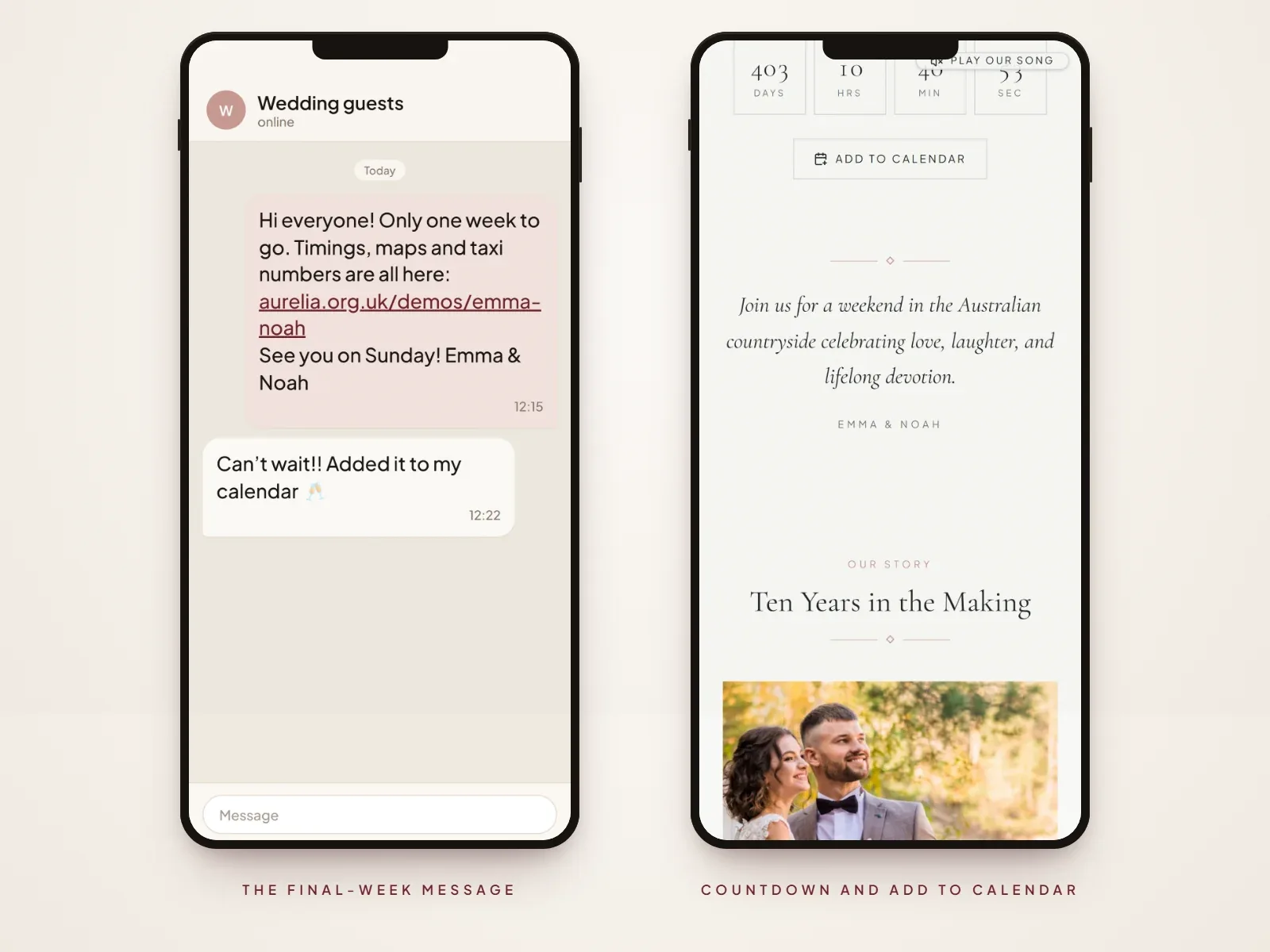
A short message with the link and anything that has changed helps guests on the day itself, when they are looking for the address or the start time.
Hi everyone! Only one week to go. Timings, maps and taxi numbers are all here: [your website link] See you on Saturday! Amelia & James
What to publish first
- Your names, the date and the city.
- The venue, even if the timings are not yet final.
- Accommodation suggestions, and any room block deadline.
- Whether guests may need a visa, for weddings abroad.
- A note that the RSVP and full schedule will follow.
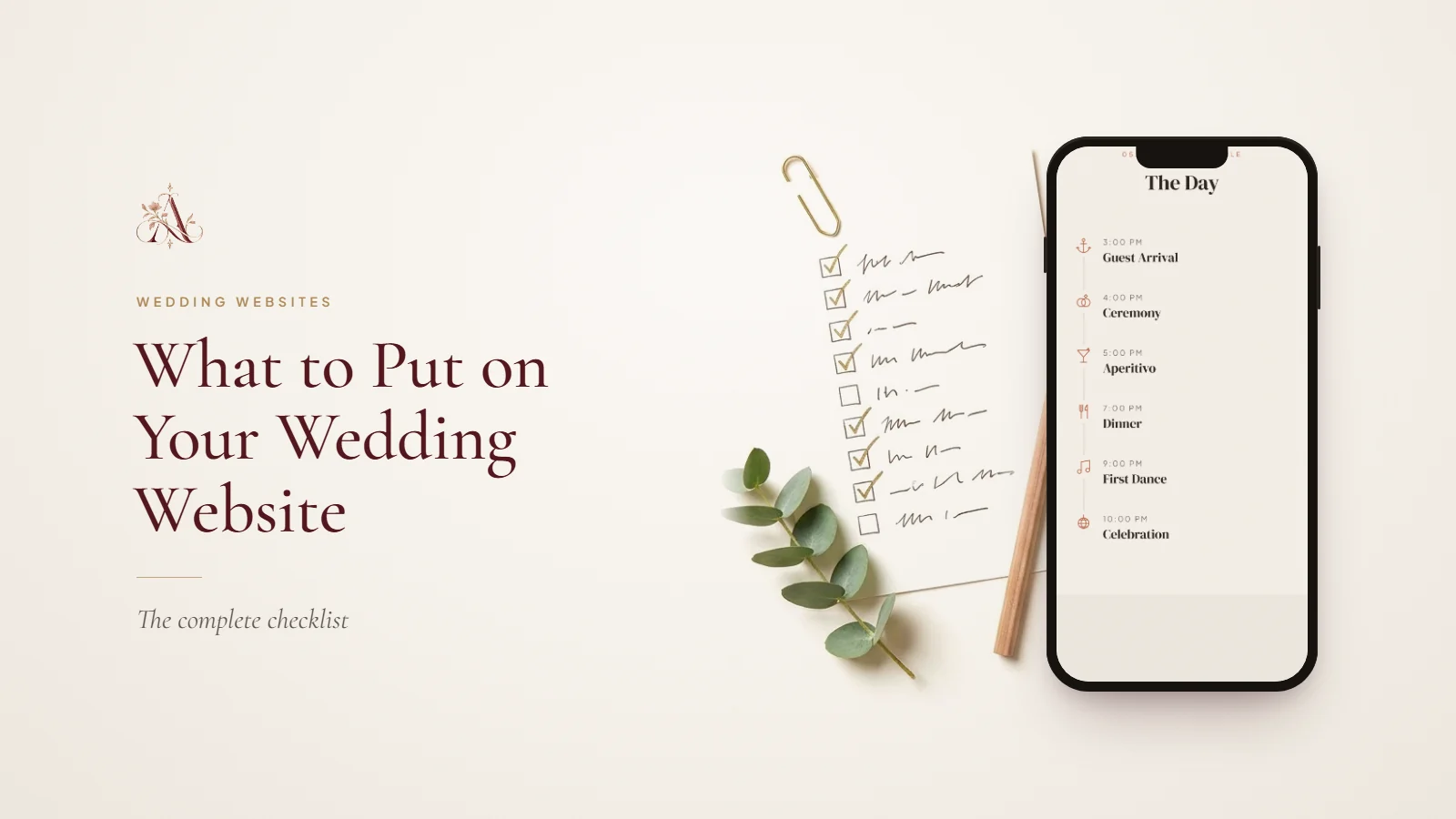
Our wedding website checklist covers the rest, section by section.
Timing it on Aurelia
Designing and previewing your website on Aurelia is free; you only pay when you publish and share the link. A published website stays live for 12 months from the date of purchase, so publishing around six to eight months ahead leaves several months after the wedding for photos and thank-yous.
For a destination wedding with a very long lead time, you can send a simple save the date with the date and city first, keep building your website privately, and publish it when you are ready to share the details.
Questions about creating a wedding website
- How early should you make a wedding website?
- Start as soon as the date and venue are booked. Share it with your save the dates, six to eight months ahead, or nine to twelve months for a destination wedding.
- Should the wedding website be finished before you share it?
- No. Share it with the essentials and a note that more details will follow, then update it as plans are confirmed. The link stays the same.
- Is it too late to make a wedding website two months before?
- Not at all. Make it with the invitation, or send the link with an update to guests who already have their invitations.
- When should the RSVP open on a wedding website?
- When the invitations go out, so every guest has the same deadline and the same information.
Ready to start? See Aurelia’s wedding website templates.
Part of our wedding websites guides. Start with What Is a Wedding Website, and Do You Really Need One?, or see every guide on this topic.