Wedding Websites·7 min read
Wedding Planning Tools: A Practical Digital Checklist for Couples
Choose wedding planning tools for budgets, tasks, suppliers, guests and design, with sample fields, a weekly routine and a practical test before setup.

By Aurelia Editorial Team · Wedding stationery & planning guides
Published

Choose tools by the work, not by the longest feature list
Write the job before choosing the app. For budget tracking, you need commitments, balances and due dates; for invitations, you need named guests, event scope and replies. These are different workflows. Compare tools against those needs, the people editing and the ability to retrieve your data. A longer feature list is useful only if it removes work you actually have.
| Planning job | Essential information | A suitable tool category |
|---|---|---|
| Budget | Agreed totals, payments, balances and due dates | Shared spreadsheet or budget tool |
| Tasks | Action, owner, deadline and status | Checklist, calendar or task board |
| Suppliers | Scope, contacts, agreements and final deadlines | Register with a private document folder |
| Guests | Invitation scope, replies and practical requirements | Guest tracker and RSVP service |
| Design | Selected references, palette and decisions | Mood board and a short design brief |
Give each record one authoritative owner and location. Both partners can contribute, but decide which copy is current and who resolves conflicting edits. Avoid keeping a guest count in three unrelated places with no update process. If data moves between tools, specify when and why. A beautiful dashboard cannot correct numbers entered inconsistently.
1. Budget and payment tracking
Use budget columns for category, supplier, forecast, agreed total, paid, balance, due date and agreement link. Keep unbooked essentials in the forecast and distinguish them from confirmed commitments. For a £2,000 agreed service with £500 paid, the balance is £1,500; do not count the deposit again as another cost. The budget guide provides the wider calculation method.

Test the tool with one invented booking before adopting it. Can both partners see the full commitment, find the next payment and understand the formula? Can you export the record? A basic sheet with transparent calculations may be easier to trust than a dashboard nobody can maintain. Keep invoice and agreement links beside the figures so a changed scope can be traced.
2. Shared tasks and deadlines
Every task needs an action, owner, deadline and completion condition. Replace “transport” with “confirm shuttle stops and publish departure times by Friday”. Use a calendar for fixed appointments and payment dates; use the task record for steps leading to them. Avoid assigning every action to both partners, which can leave each person assuming the other is handling it.
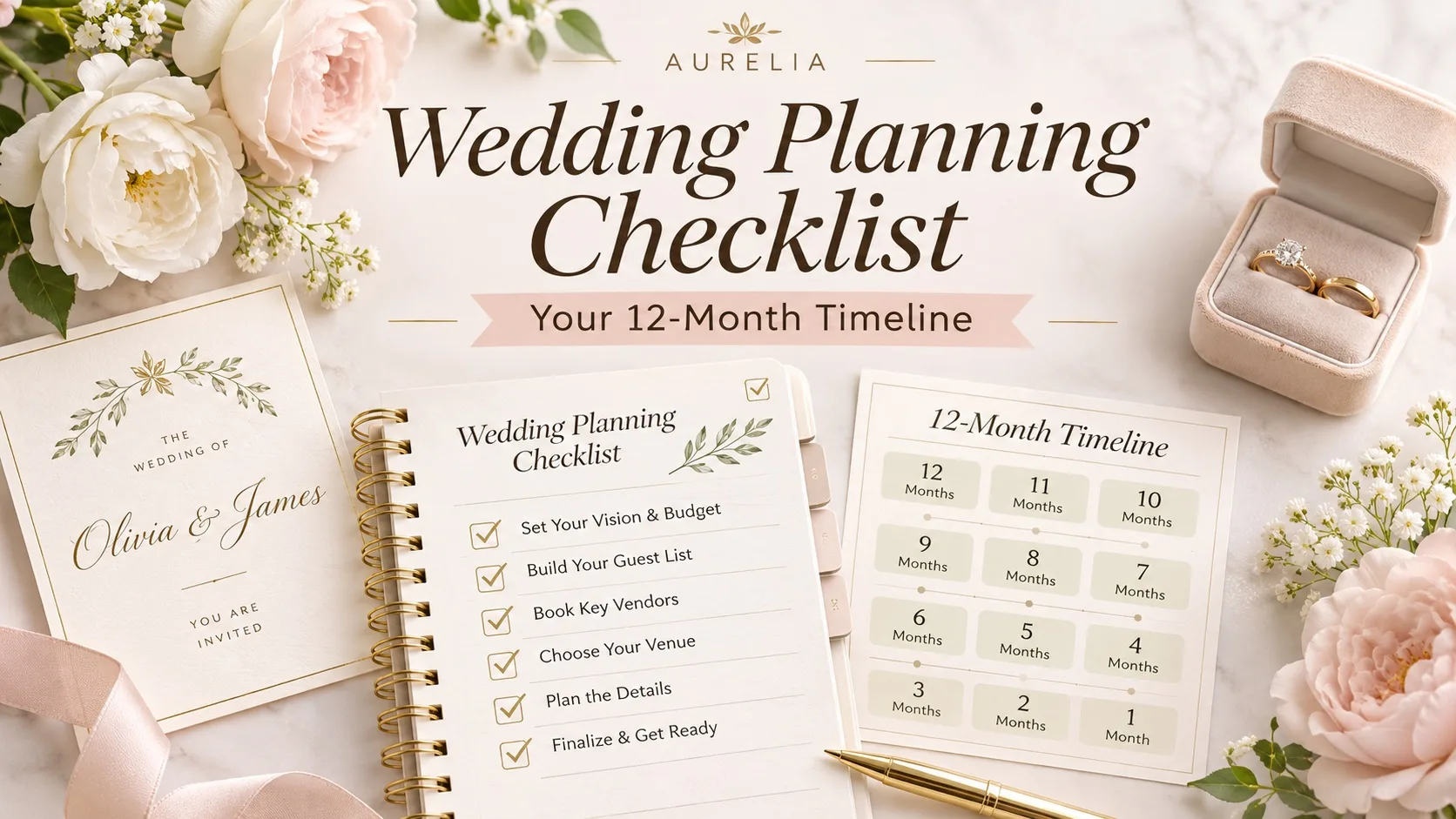
Start from the 12-month checklist, then replace general timing with actual supplier deadlines. Link dependencies where useful: final transport numbers depend on clarified replies, for example. If a task slips, check what it affects before simply changing its date. The tool should help reveal the consequence, not only move an overdue label.
3. Supplier records and documents
Keep one supplier register containing company, named contact, scope, status, agreed total, key deadlines and links to current documents. Use clear file names such as “Venue_Agreement_2026-11-10” rather than several files called “final”. Separate a proposed quote from the accepted scope so the team can find the actual arrangement quickly.

Share information by job. A coordinator may need the run sheet and supplier directory; a florist may need access rules and a layout. Neither automatically needs every private guest detail or the full budget. Check folder permissions before sharing and keep the public website for guest-facing facts. The vendor checklist explains the records and handover that suppliers need.
4. Guest list, invitations and RSVPs
Track one row per named guest or use a structure that clearly separates people from households. Include event scope, invitation status, reply and confirmed attendance. An invitation sent to one household can represent several people, with different responses to different gatherings. Define that structure before importing names so you do not have to rebuild the list close to final-number deadlines.

Use a wedding website for the invitation and information guests need to act: confirmed event details, directions, schedule and replies where supported. Preview the actual Aurelia template and test its current features with sample details. Keep budget and supplier operations in private records. Do not assume that a guest-facing product also handles every internal planning job.
Before invitations go out, test the full reply workflow: one acceptance, a decline and an incomplete household response. Decide who follows up ambiguity and which record becomes the source for final catering and seating. If you export responses elsewhere, label the version and update process. The online RSVP guide covers that stage; do not assume two tools synchronise without checking.
5. Design references and decisions
Separate collected inspiration from approved design decisions. Keep a small set of annotated references showing colour, shape or material, then record what has actually been chosen. A folder of hundreds of images is not a usable brief. Suppliers should be able to distinguish your preferred direction from a discarded idea without asking you to interpret the whole collection.

Use the mood board guide to make the brief, and keep a decision log with date, choice, owner and any effect on other work. For example, changing table shape may affect linen and floral quantities. A note connecting those tasks is more valuable than another saved image that never reaches the supplier.
A simple weekly planning routine
Hold a short weekly review with the shared records open. Check payments due, decisions blocking other work, supplier questions and changed guest information. Choose a few next actions and update owners and dates during the conversation. Keep the review focused on what needs movement rather than reading every completed task aloud.
Use a five-part adoption test with sample data: can both partners edit, can you find the current version, does a changed figure flow through correctly where expected, can you export the data, and can you control who sees it? Verify current pricing and any limits with the provider before paying. Keep the simplest system that passes the jobs you need.
Wedding planning tool questions
Do you need a paid wedding planning app?
Not necessarily. A paid tool is useful when its current capabilities save meaningful work for your event and the people using it. Compare that benefit with setup time, maintenance and export options. A small wedding may run comfortably with shared records, while a complex multi-location event may need more structure.
Can a wedding website replace every planning tool?
A guest-facing wedding website should not be assumed to replace private budgets, contracts, task ownership and supplier operations. Give it a clear role in communication, then connect it to the internal process through named owners and confirmed updates. One convenient invitation link can simplify the guest experience while the planning records remain appropriately separate.
Part of our wedding websites guides. Start with What Is a Wedding Website, and Do You Really Need One?, or see every guide on this topic.