Wedding RSVP·5 min read
How to Collect Wedding RSVPs Online: A Step-by-Step Guide
How to collect wedding RSVPs online: set up your guest list by household, ask the right questions, send personal links and export replies for your caterer.

By Aurelia Editorial Team · Wedding stationery & planning guides
Published ·Updated
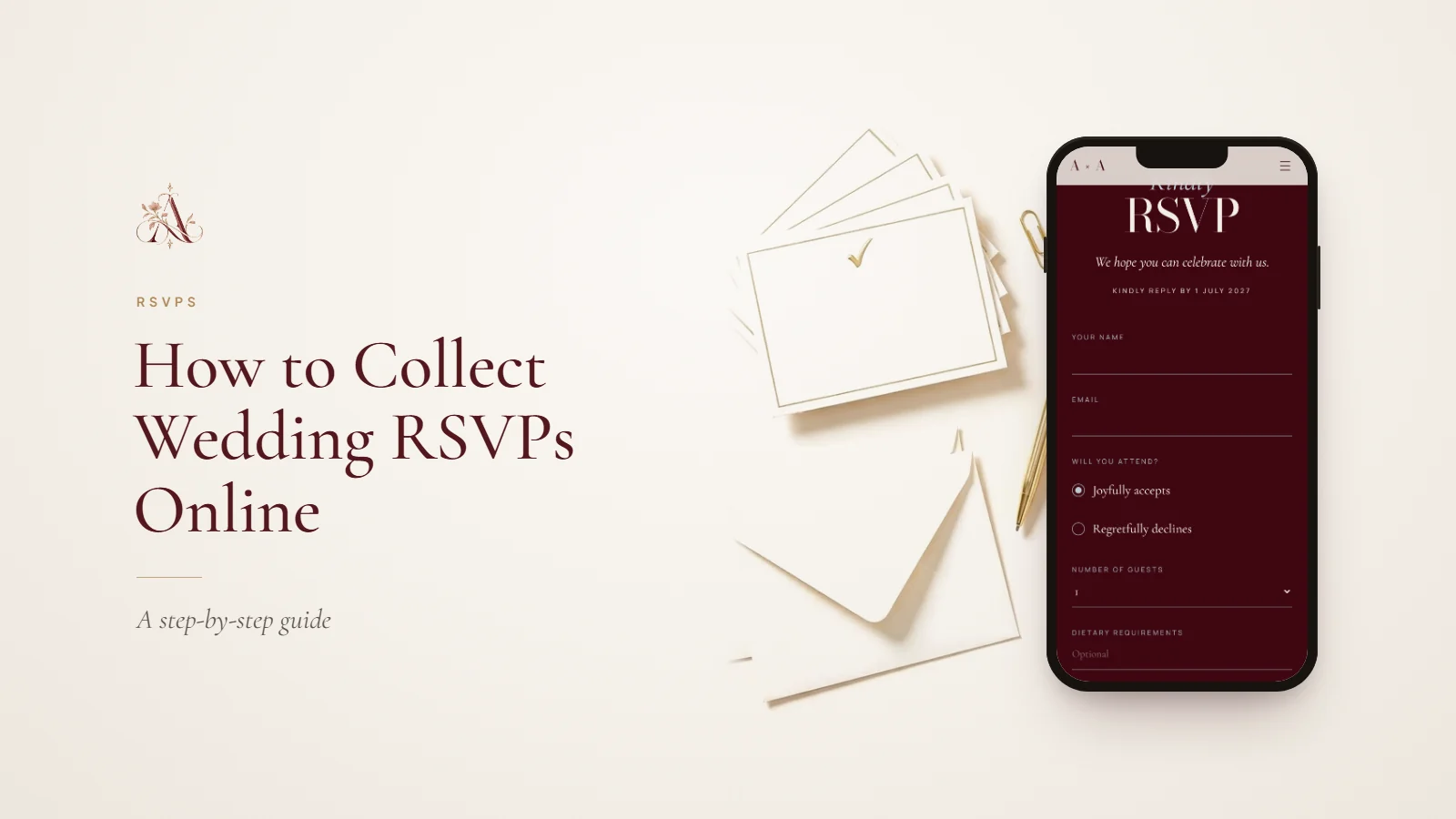
Aurelia’s online RSVP is built into every invitation, so guests reply from the same link they open the invitation with. The steps below work whichever tool you use; for deadlines, wording and tricky replies, see our complete wedding RSVP guide.
Online RSVP or RSVP cards?
- Speed: guests reply in a minute from their phone, with no stamps or post.
- Accuracy: names, party sizes and dietary needs arrive typed, not handwritten.
- Tracking: you can see who has replied and who has not at any moment.
- Reach: guests abroad reply as easily as those down the road.
Reply cards still have a place for a few relatives who prefer paper. You can offer both: a printed QR card opens the same online form.
1. Build your guest list by household
Group guests into households, the people who receive one invitation together, and set how many seats each household has. This lets a family of four reply once, and stops a plus-one from turning into a plus-three.
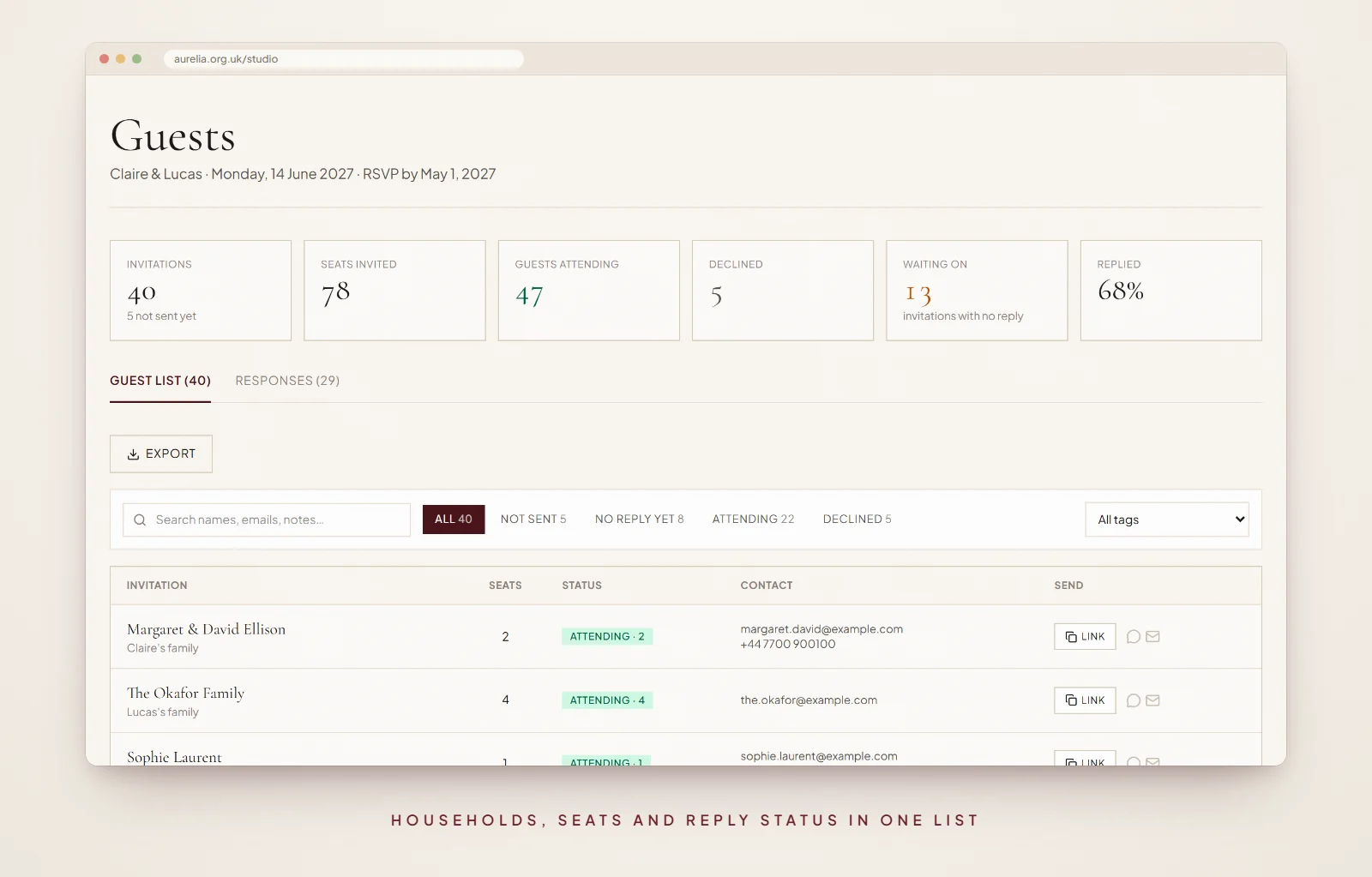
Want to try it before you build your own? Our demo dashboard has forty sample households to filter, read and export.
2. Ask only what you will use
- Whether the household is coming, and how many of its seats it will use.
- Dietary requirements and allergies: your caterer needs these.
- A song request: optional, and guests love it.
- A message to the couple: optional.
Aurelia’s RSVP form keeps to exactly these questions on purpose: one reply per household, with party size, dietary notes, a song and a message. Put transport and accommodation details on your website instead, and ask about them only if you really need the answers. Every extra question lowers the number of people who finish.
3. Set your RSVP deadline
Ask for replies three to four weeks before the wedding, a week before your venue needs final numbers. Our wedding invitation timeline shows how this fits with save the dates and invitations.
4. Send each household its own link
For example, create one household for Alex and Sam with two seats, then send that household’s personal link directly to them. Before sharing, check that the names and seat limit are right. Keep personal links out of group chats: they identify the invited household.
Guests using a personal link can submit again before the RSVP deadline to update their answer. With the general link, replying again with the same name and email updates their earlier reply; a different name or email counts as a new reply. After the deadline, or when you close RSVPs, ask guests to contact you directly instead.
A personal link greets the household by name, shows any answer they have already given, and matches their reply to the right household automatically. Send it by WhatsApp, text or email, wherever each guest actually reads their messages. For the note to send with it, see our invitation wording examples.
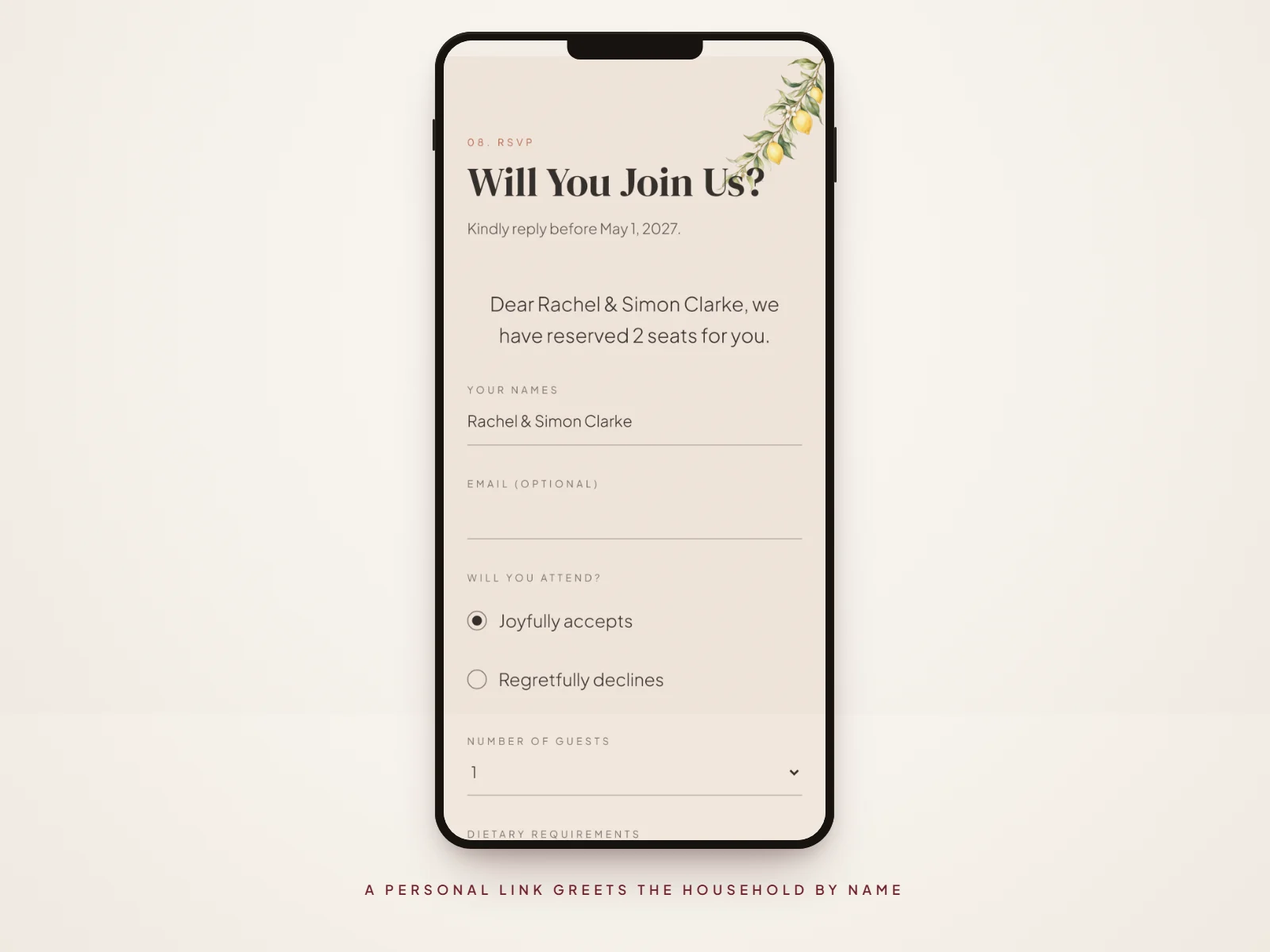
Kindly reply by 1 May 2027 using the RSVP button on your invitation
5. Track replies and remind late guests
Keep an eye on three numbers: attending, declined and awaiting. The awaiting list is your reminder list. A week before the deadline, message only those guests with a short, friendly note.
6. Export for your suppliers
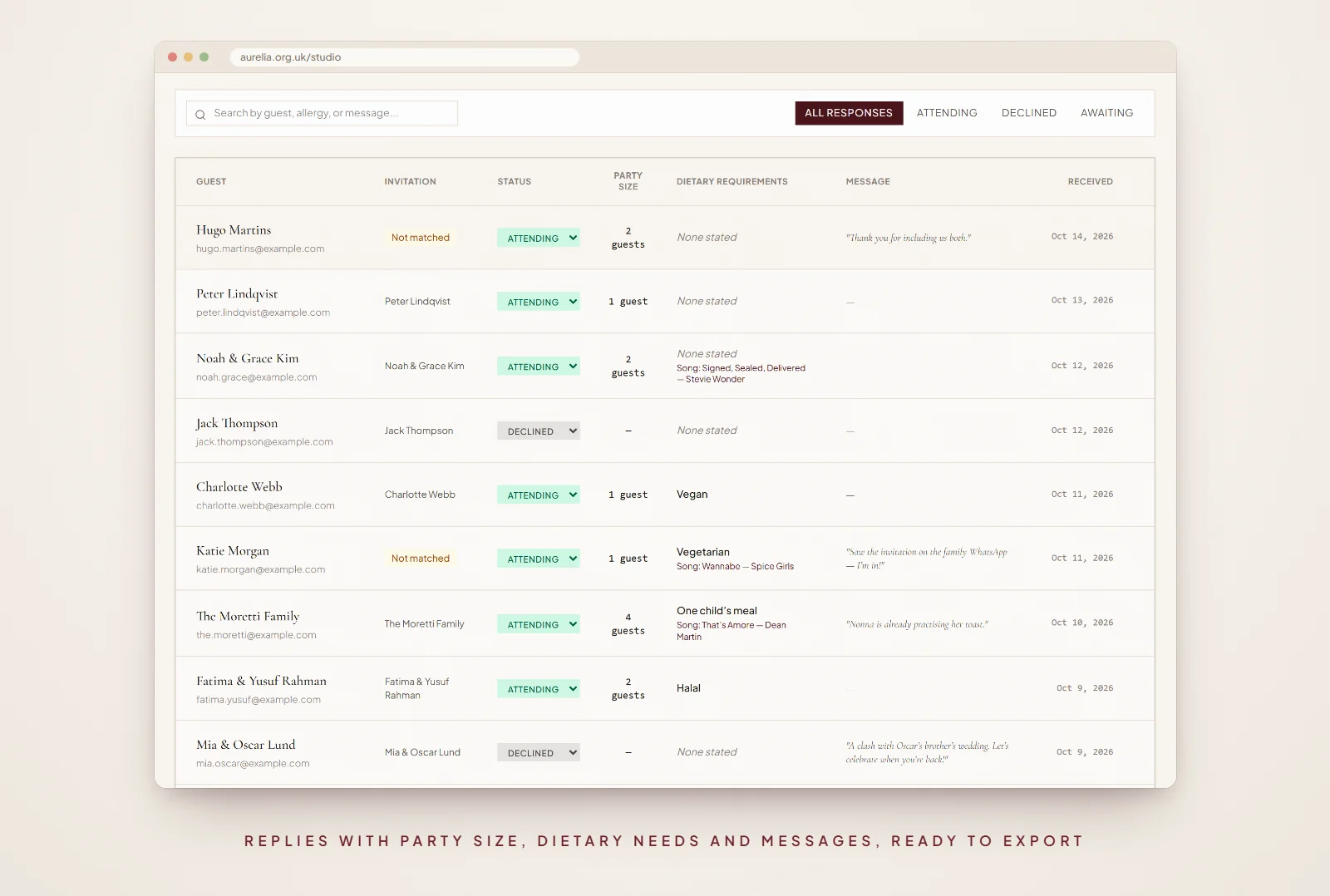
When the deadline passes, download your replies (or your full guest list, with each household’s status and seats) as a CSV file from your dashboard and open it in any spreadsheet. Sort by dietary requirements for the caterer, and by household for the seating plan.
Questions about online RSVPs
- Is it rude to ask guests to RSVP online?
- No. Online RSVPs are now the norm and most guests find them easier. Offer a phone number or email for anyone who would rather reply another way.
- What if a guest replies for more people than invited?
- Setting the number of seats for each household prevents it. If it happens anyway, a kind, direct message is best: explain that numbers are limited and name who is invited.
- Do you still need RSVP cards with a digital invitation?
- No. The RSVP button replaces the card. If some guests prefer paper, print a small card with a QR code that opens the online form.
- When should RSVPs be due?
- Three to four weeks before the wedding, so you have a week to chase late replies before giving final numbers to your venue.
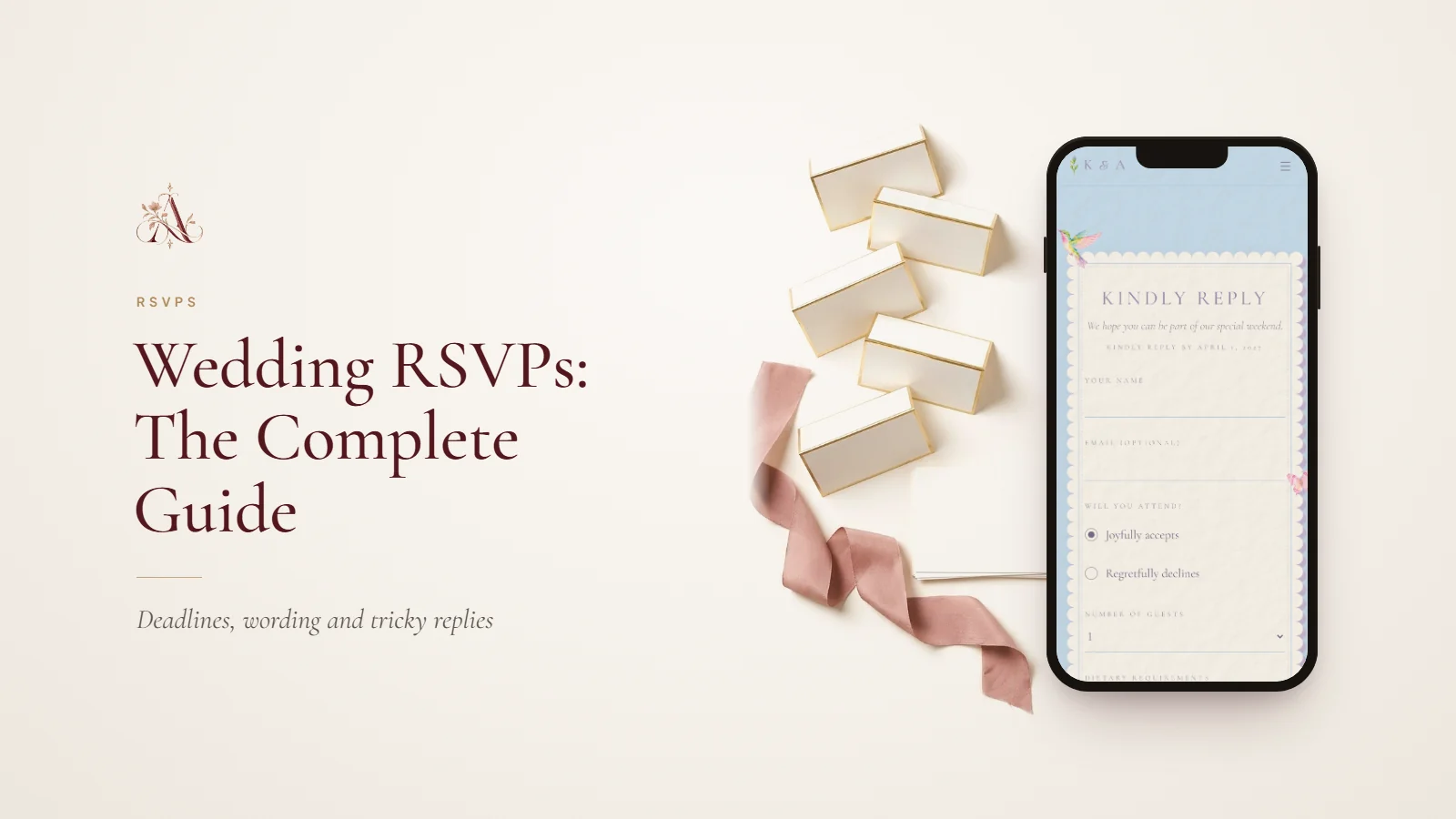
Part of our wedding rsvp guides. Start with Wedding RSVPs: The Complete Guide for Couples, or see every guide on this topic.