Wedding Websites·6 min read
What Is a Wedding Website, and Do You Really Need One?
A wedding website is one page where guests find your schedule, venues, travel details and RSVP. What it does, who needs one, and when you can safely skip it.

By Aurelia Editorial Team · Wedding stationery & planning guides
Published ·Updated
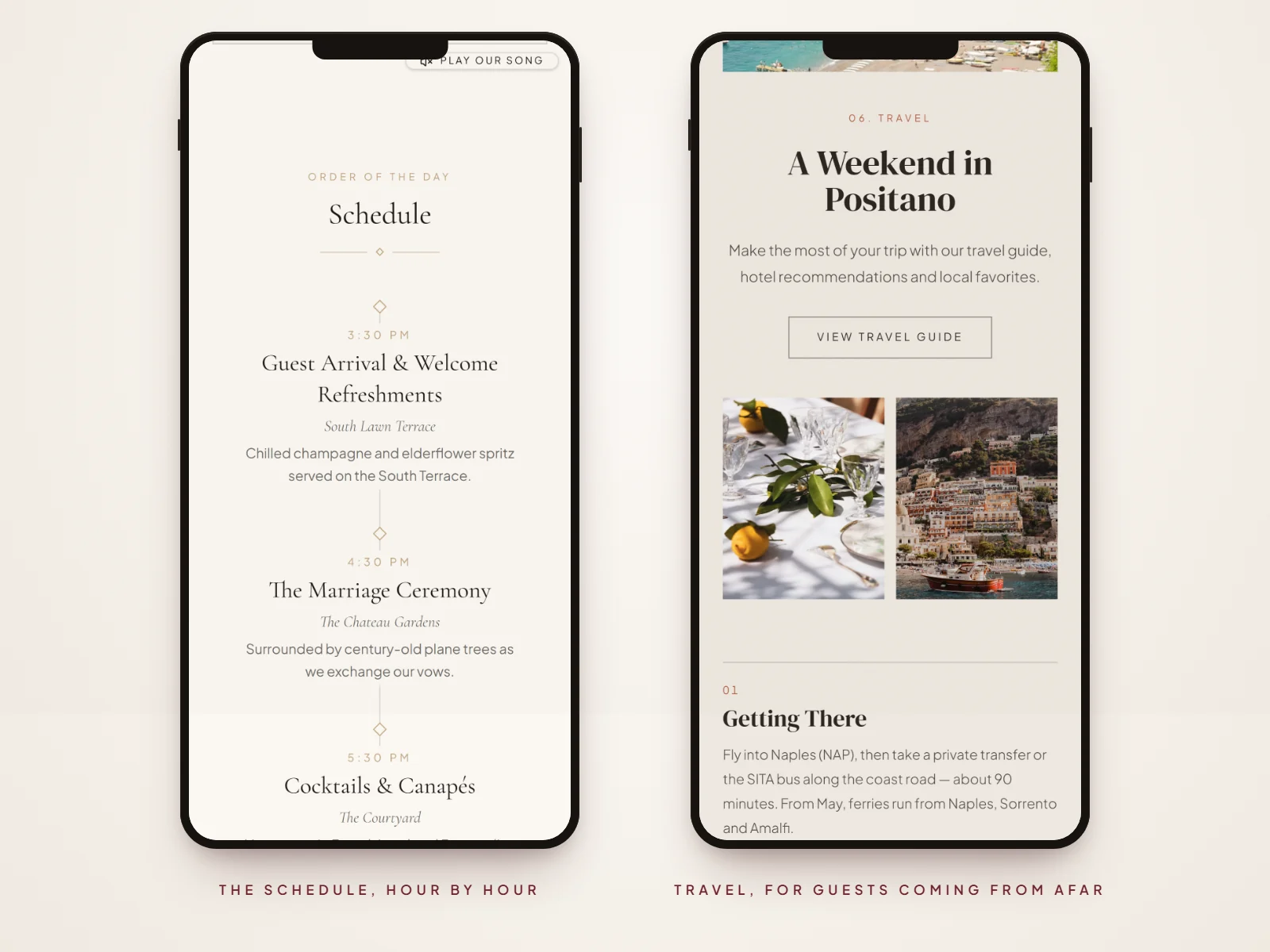
Think of it as the part of the invitation that would never fit on a card. A wedding website can be a separate site you link from your invitation, or, with a website-style digital invitation, the invitation and the website can be the same link.
What a wedding website does
- Holds the details: schedule, venues, maps, dress code and accommodation, all in one place.
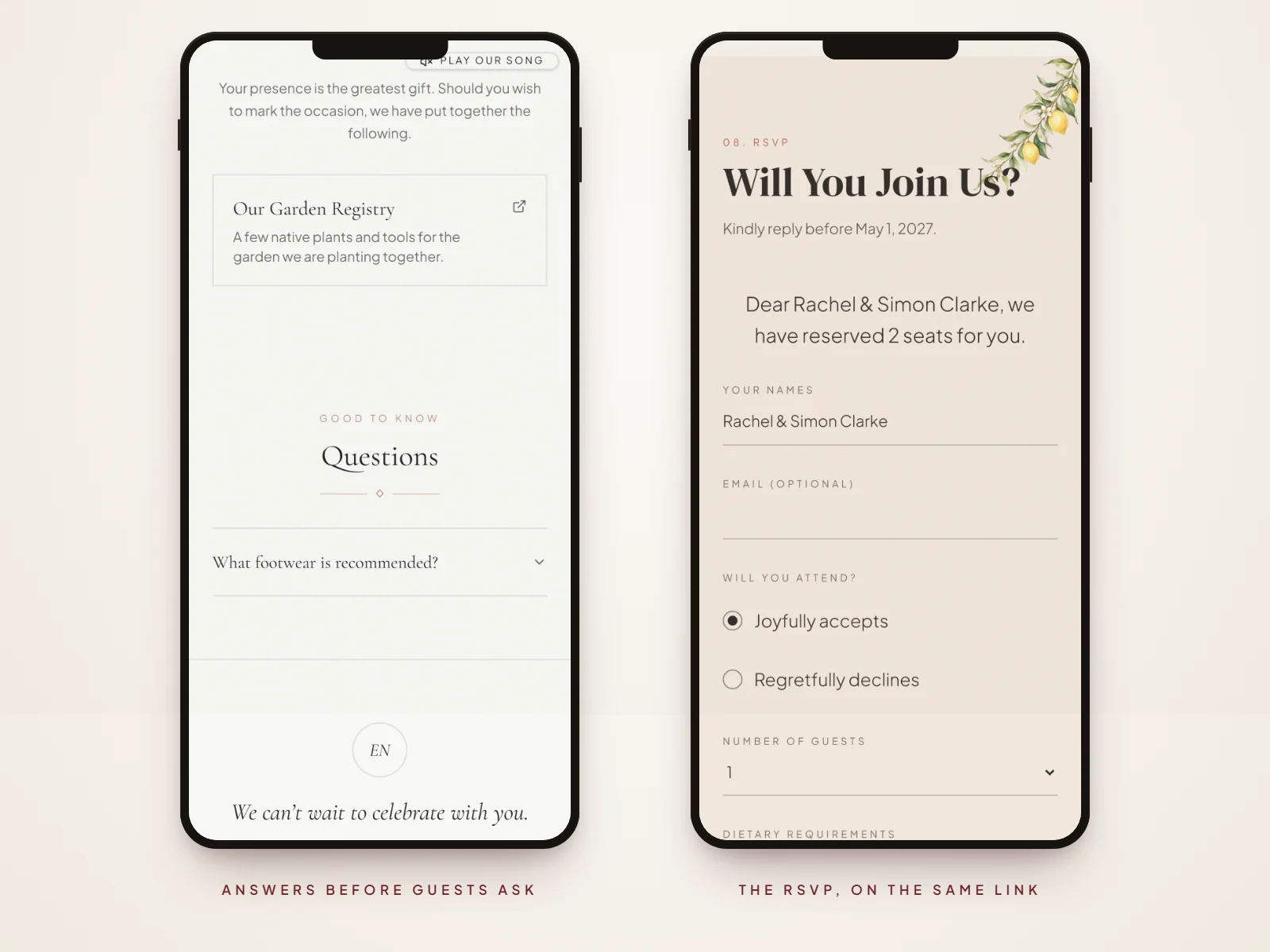
- Collects RSVPs: guests reply online and you see every answer in one list.
- Keeps everyone up to date: change a time once and every guest sees it.
- Shares the personal side: your story, photos and the people standing beside you.
How it differs from a wedding invitation
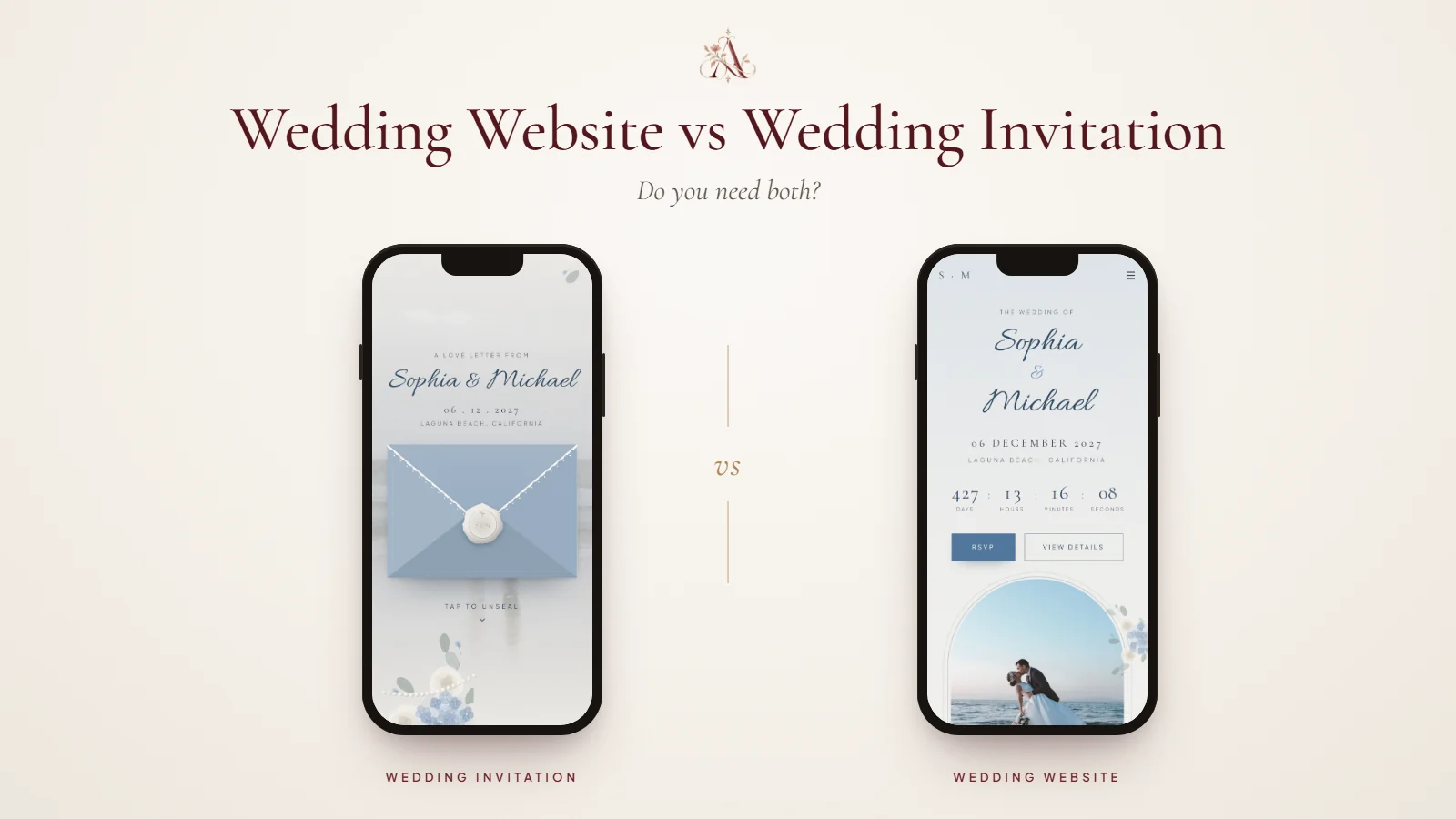
The invitation asks guests to come; the website answers everything they want to know before they do. A website-style digital invitation does both from one link. Here is how the three compare:
| At a glance | Wedding invitation | Wedding website | Website-style invitation |
|---|---|---|---|
| Its job | Invites guests and gives the essentials | Answers guests’ questions in detail | Invites guests, then answers their questions |
| What it holds | Names, date, time, venue, reply-by date | Schedule, venues, travel, stay, dress code, gifts, FAQ | All of these, behind one link |
| How guests reply | Reply card, message or a link to a form | An RSVP form on the site | An RSVP form on the same page |
| When plans change | Printed: send a note. Image: send it again | Update once; guests see it at the same link | Update once; guests see it at the same link |
Our guide to wedding websites vs wedding invitations explains when you need both and when one link is enough.
Do you need a wedding website?
| Your situation | A practical choice |
|---|---|
| Guests need hotels, travel or a weekend schedule | A website gives everyone one place to check details. |
| You want online RSVPs and updates | Choose a website with a reply form, or a digital invitation that includes one. |
| A small local celebration with very few details | A clear invitation and a direct reply method may be enough. |
| Some guests do not use the internet | Offer the key details and a way to reply by phone or paper as well. |
You probably need one if…
- Guests are travelling, especially from abroad.
- There is more than one event, such as welcome drinks or a farewell brunch.
- You want to collect RSVPs online.
- The venue needs directions, parking notes or transport times.
- You are expecting lots of questions about dress code, children or gifts.
You can probably skip it if…
- Your wedding is small and every guest lives nearby.
- The invitation already holds everything guests need.
- You are happy to collect replies by phone or message.
What goes on a wedding website
At a minimum: your names and date, the schedule, venues with map links and the RSVP form. Most couples add travel, accommodation, dress code, gifts, an FAQ, their story and photos. Each section saves you a particular kind of message:
| Section | What guests use it for |
|---|---|
| Schedule | Knowing where to be and when, from welcome drinks to carriages. |
| Venues and maps | Finding the ceremony and reception, with parking and transport notes. |
| Travel and accommodation | Booking flights, transfers and hotels in good time. |
| Dress code | Packing the right outfit for the venue and the weather. |
| Gifts | Finding your registry or a gracious note, instead of asking you. |
| FAQ | Children, plus-ones, dietary needs and the questions only your wedding raises. |
| RSVP | Replying in a minute, with party size and dietary requirements. |
Our wedding website checklist goes through each section in detail. To see complete websites, open one of these as a guest, or browse more wedding website examples:

Classic Romance
Olivia & James
A château weekend in Burgundy, with a schedule from the terrace to the ballroom and an FAQ for guests flying in.

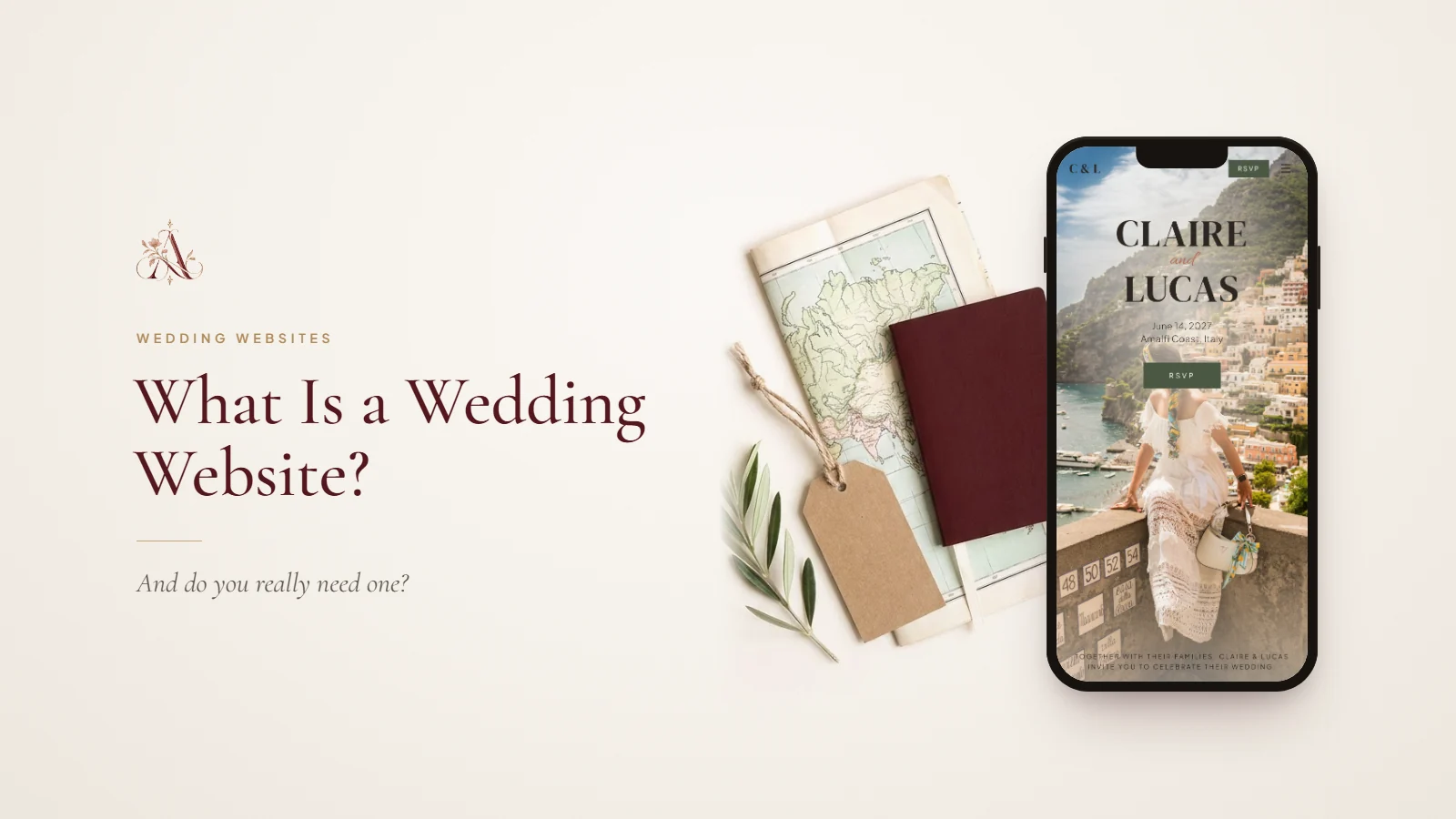
The Riviera
Claire & Lucas
A Friday-to-Sunday celebration on the Amalfi Coast, with travel, places to stay and things to do.
When to create and share it
Create your website before the save the dates go out, so you can include the link, and keep adding details as they are confirmed. Share it with your invitation at the latest. Our guide on when to create a wedding website has the full timeline.
What to keep off your wedding website
- Your home address and anything you would not want strangers to see.
- Details of events only some guests are invited to, unless the page is shared only with them.
- Blunt gift requests: keep the note gracious.
With online RSVP and personal links, each household replies through its own link, so you always know who is coming.
Questions about wedding websites
- Is a wedding website worth it for a small wedding?
- It can be, if guests need directions, accommodation or a schedule, or you want RSVPs in one place. For a very small, local wedding, a well-written invitation may be enough.
- Can anyone find my wedding website?
- Anyone with the link can open it, so share it only with guests. Aurelia keeps guest pages out of search engines, so people find yours only through the link you send.
- When should you make your wedding website?
- Ideally before your save the dates, so the link can go on them. Start with the essentials and add travel, schedule and FAQ details as they are confirmed.
- How long should a wedding website stay up?
- Keep it live until well after the wedding, so guests can revisit the details and photos. Aurelia websites stay live for 12 months from purchase.
- Do older guests use wedding websites?
- Many do, especially when the link arrives with a personal message. For anyone who prefers paper, print a QR card or share the key details by phone.
- Can a wedding website replace invitations?
- A separate website rarely replaces an invitation on its own, but a website-style digital invitation can, because it opens as an invitation and continues into the website.