Digital Invitations·10 min read
15 Wedding Invitation Mistakes Couples Should Avoid
Avoid 15 common wedding invitation mistakes, from confusing RSVP instructions and unclear guest names to incorrect timing and missing wedding details.

By Aurelia Editorial Team · Wedding stationery & planning guides
Published
Before you design the invitation
1. Choosing a format before you know how guests will use it
A printed card is easy to put on the fridge. A link is easy to update and can put directions and RSVPs together. Your decision may be different for households using different devices or channels. List what guests need to do with the invitation: respond online, look up a rural address, ask about accessibility or pass the information to a partner. Choose the format that helps with those tasks. If you use two formats, make a delivery list with the channel for each household and check that both versions share the same details.
2. Designing before you know who is invited to what
Agree on the ceremony, evening and any weekend events before writing the invitation. Otherwise, a change to the guest list can mean a second print run or an awkward message. Give each household a row with the people invited, the events they can attend, the address or contact channel and an RSVP status. Confirm how you want to handle unsettled places before sending the first batch. The wedding invitation etiquette guide can help you make those choices consistently.

3. Working forward from your favourite send date
Work back from your caterer’s final numbers, venue deadlines and the time your guests need to book travel. Leave room between the guest reply deadline and the supplier handover for calls and corrections. A welcome dinner with seating and a QR link to an outdoor ceremony also need different lead times. If travel needs to be booked before the full itinerary is ready, send the confirmed location and date first and follow with the formal invitation.
Wording mistakes that leave guests guessing
4. Being vague about names, children or plus-ones
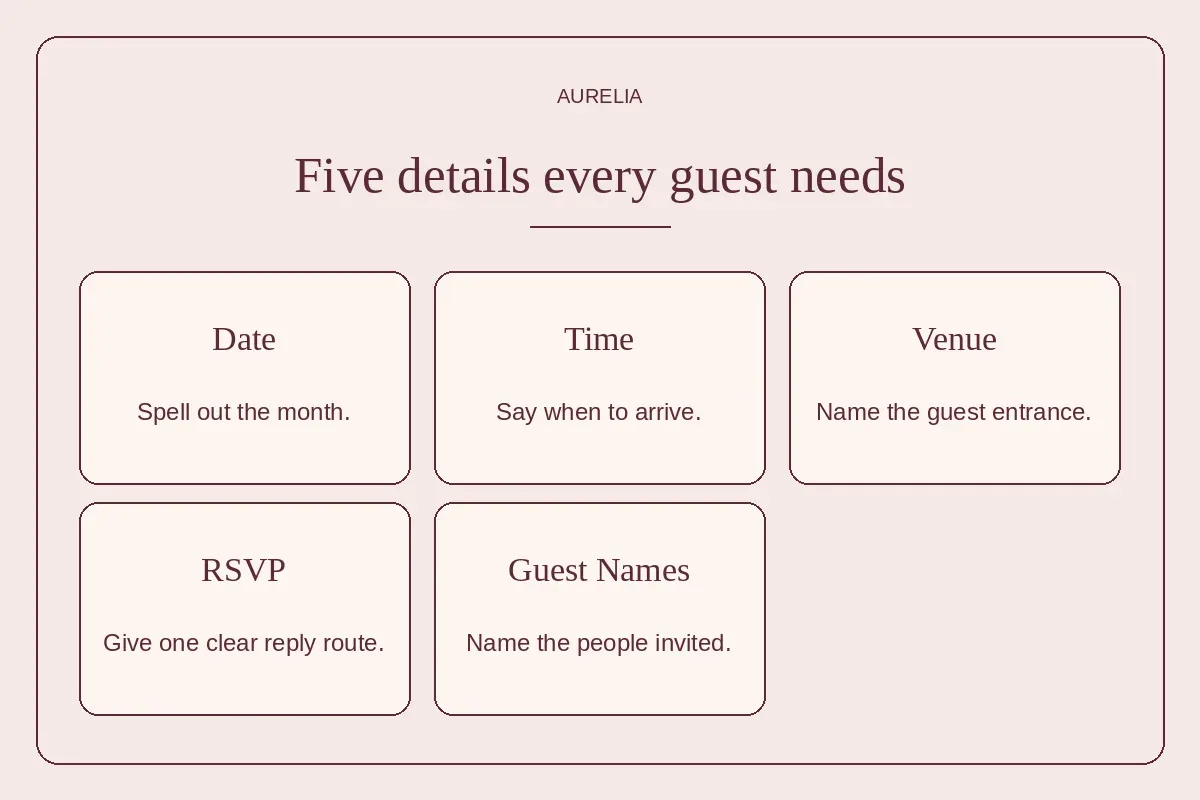
Write the names of the people invited whenever you know them. If you are offering an unnamed plus-one, say so and ask for the guest’s name when the household replies. Check that the number of places offered matches any RSVP options. For a shared link, the personal message or printed envelope can make the invitation scope clear without showing everyone’s names online. Use wedding invitation wording examples to adapt the opening and address line to your situation.
5. Combining the ceremony and reception in one ambiguous line
Say whether the invitation covers the ceremony, reception or both. If they are at different venues, label each place and its time. “Celebrations from 7 pm” can leave an evening guest wondering whether to arrive for the 4 pm ceremony. “Join us for the evening reception from 7 pm at [venue]” makes the expectation easy to follow. Check any link destination for the same event labels.
6. Giving guests several competing RSVP instructions
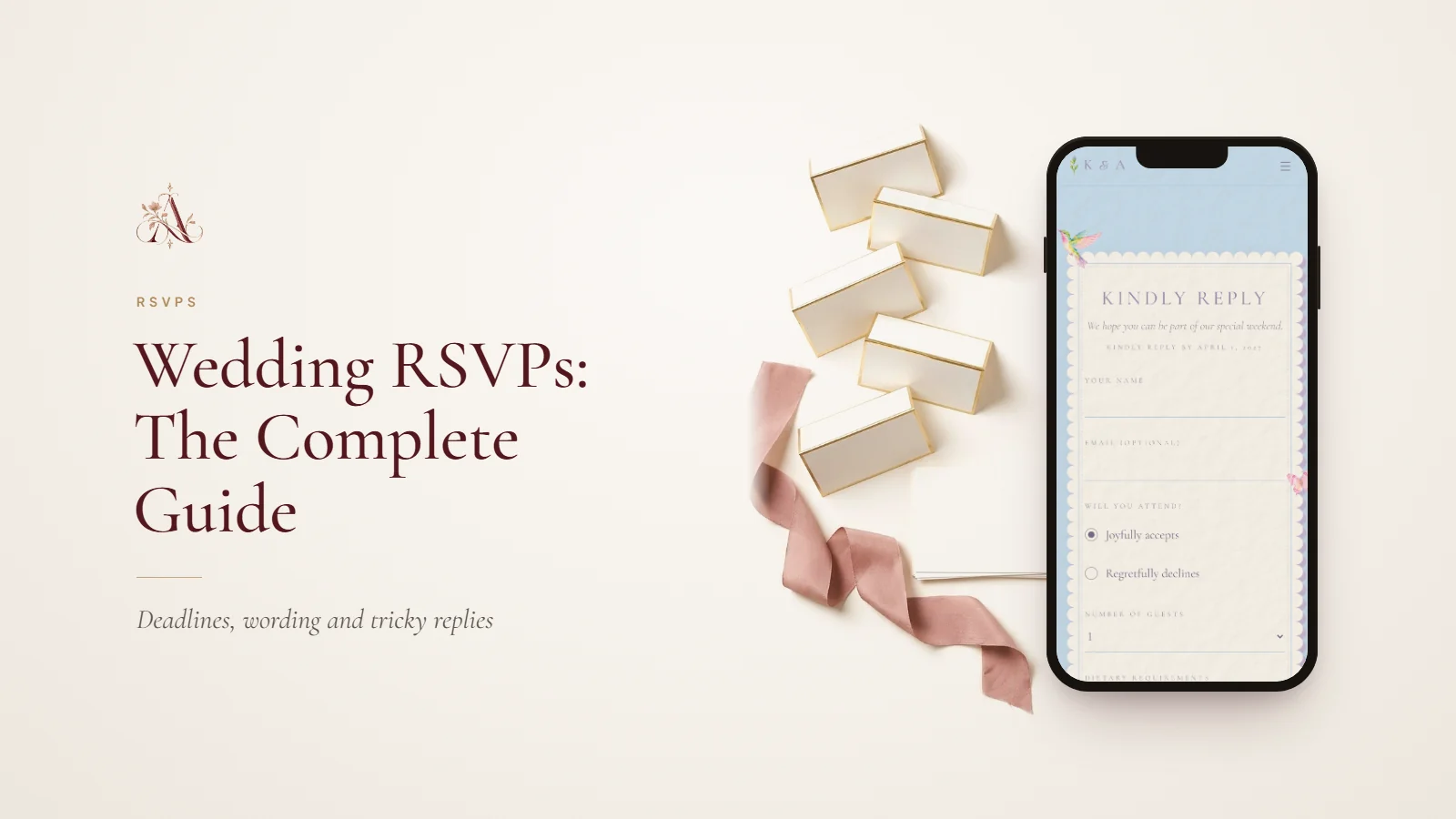
Choose one primary method and one reply-by date. An alternate phone or text route is useful if a guest needs it, as long as someone records those replies alongside online responses. State whether each person or each household should reply, and what happens if someone has a question. Give the deadline a visible place on the invitation or directly next to the RSVP button. See the wedding RSVP guide for what to ask and when to follow up.
7. Using a dress code that leaves out the practical detail
“Garden formal” is more useful with a sentence about grass, gravel or an outdoor ceremony. For an unfamiliar dress code, give a clear example in one or two sentences and say where to find any venue-specific requirements. Keep the wording neutral about who wears what. If guests need something particular to enter a place of worship, give that instruction early enough to plan.
Design mistakes guests notice first
8. Using decorative type for crucial details
Use a script or ornate serif for a short decorative line if it suits the invitation. Set times, addresses and action labels in readable text with enough contrast. Print at actual size or open the file from your messaging app, then read it in ordinary light. A design that looks balanced on a large monitor may be difficult to read from a card or phone.
9. Giving every detail the same visual importance
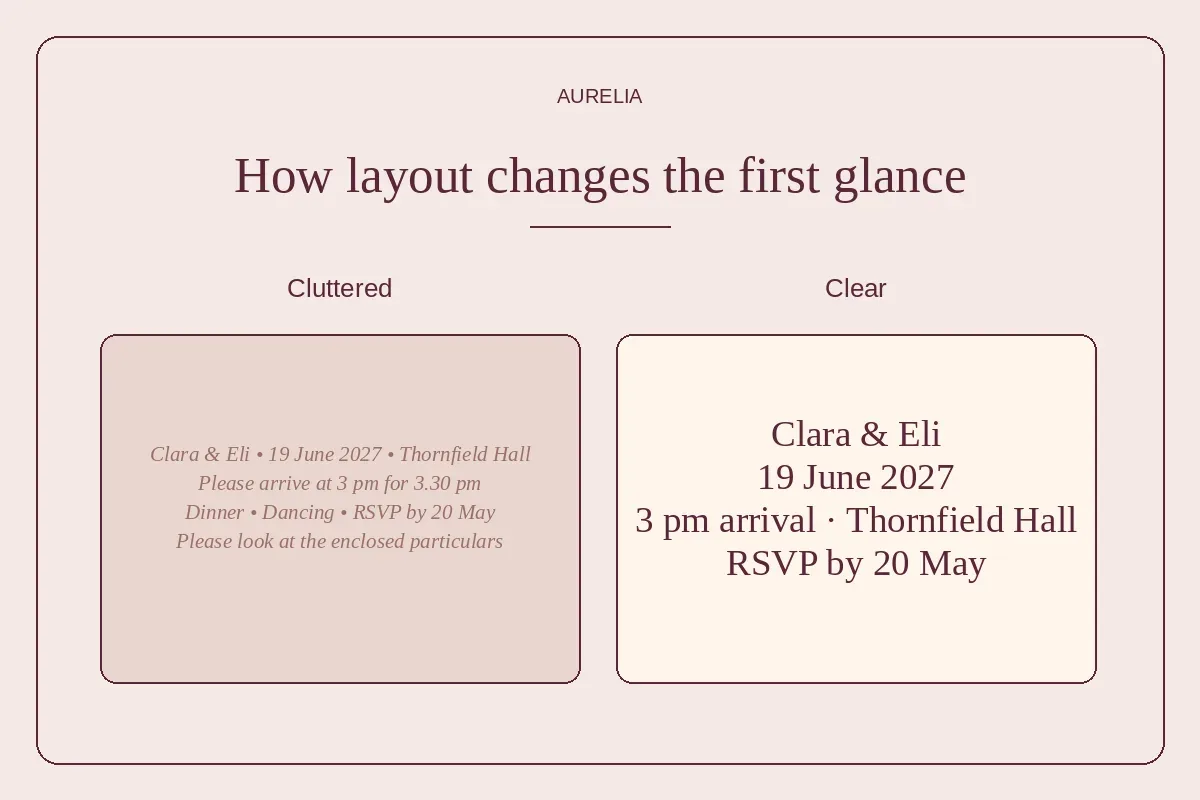
Show the names, date, main event and way to reply early. Move parking, accommodation, gift information and the full itinerary to clearly labelled sections or a details card. The wedding website checklist helps you decide what needs a dedicated section. A guest who has already replied should be able to return on the day and find the address quickly.
10. Approving the desktop design without checking a phone
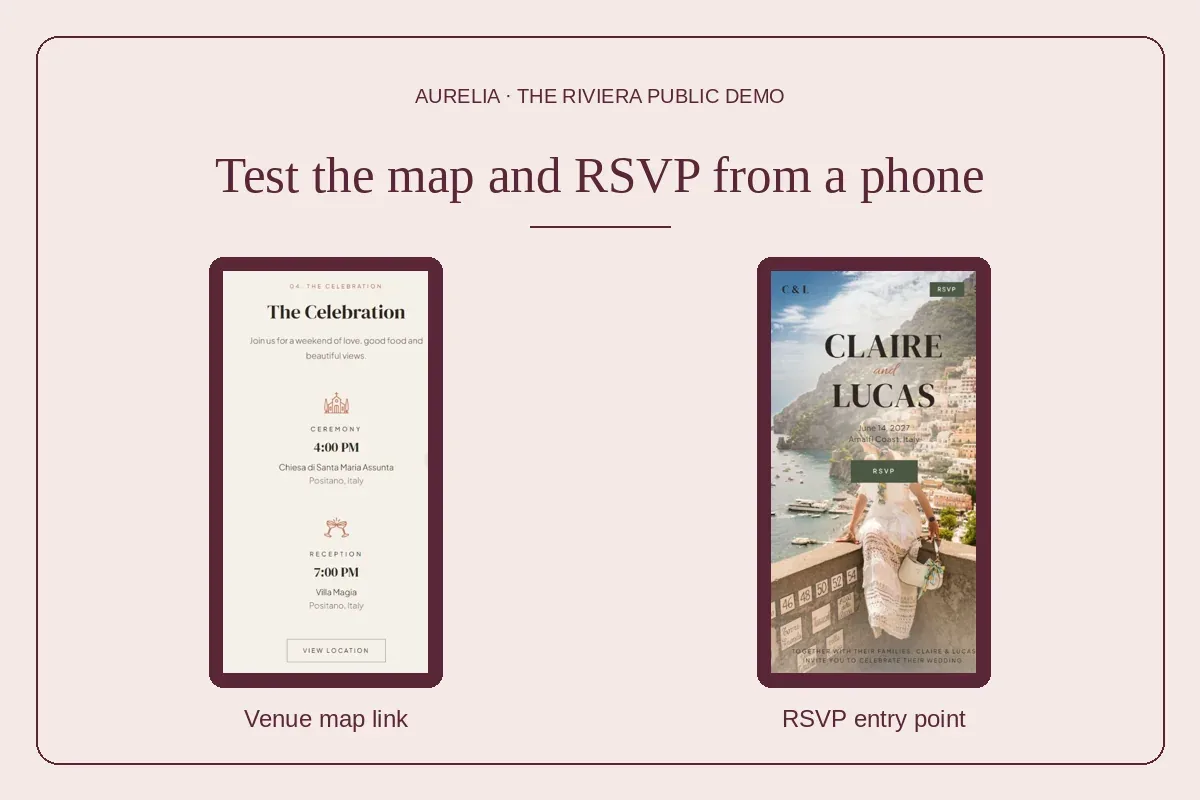
Open the real link from the channel you will use. Check how the page loads on a narrow display, whether text wraps and whether you can get past an opening animation without guessing. Test the RSVP button and tap the map link. If the invitation is a PDF or image, see how it looks when the recipient opens it at the default zoom. Put essential details in selectable text as well if they are difficult to read in the file.
Digital and delivery mistakes
11. Sending a QR code or link you have only tested while signed in
A preview link may be visible to the couple or designer without opening for guests. Use a different browser session and scan a printed proof at the size guests will receive. Confirm the link lands on the intended page, any access prompt is expected and the RSVP form opens. Test the link in any PDF or copied message too. A typo in one channel can remain even when the spelling is right everywhere else. Our wedding invitation proofreading checklist walks through these checks before you send.
12. Linking to the venue’s general location instead of the guest entrance
Two venues may share a name, and the right pin may still take drivers to a service road. Confirm the guest entrance and drop-off point with your venue. Tap the actual map link, compare the address and give an arrival clue a guest can recognise. At a large estate, “use the west gate from Mill Lane” may save more time than another paragraph about the venue.
13. Updating one version and leaving another out of date
Maintain one dated source of truth. When the venue confirms a change, review the website, card, event schedule, map links and any transport note. For already distributed invitations, send a short update that names the changed detail near the top. A fresh website edit cannot replace the printed card a guest is holding. Aurelia lets couples update their site after sharing while keeping the same link.
14. Leaving guests without a person to contact
Somebody will need help with the link, dietary information or a late arrival. Put a point of contact where people can find it, and agree who is available on the wedding day. Guests can then ask in a reply, even if they would prefer to avoid filling in a form. Keep sensitive information in a direct conversation.
15. Forgetting to make local time explicit
For a destination wedding, give the city and show the start time as local to the venue. Spell out the month and include the day of the week when guests travel across date conventions. If you offer an add-to-calendar option, check that the event appears at the correct local time on a guest device with a different time zone. For an online event, include the zone or send a calendar invitation with the correct zone set.
Mistake, consequence and fix at a glance
| Mistake | Consequence | Fastest useful fix |
|---|---|---|
| Unclear invitation scope | Guests assume an extra person or event is included. | Send a household-specific line with names and the relevant event. |
| Competing RSVP instructions | Replies are scattered across inboxes. | Name one primary method and add alternate replies to the same list. |
| Small type or dense copy | Guests skip the details they need. | Move supporting notes out and recheck the invitation on a phone. |
| Untested link or QR code | Guests cannot open the invitation. | Send a guest-tested link directly. Reprint the affected insert if needed. |
| Wrong map pin | Guests arrive at the wrong entrance. | Send the corrected pin and one arrival landmark. |
| Unclear time zone | Travellers plan around the wrong start time. | Give the date, local time and city in one line. |
What to do if you already sent the wrong invitation
1. Work out who is affected. A typo in your story is different from a wrong date, map or invited name. Check which households received the version. 2. Confirm the correction once. Verify an operational change with the venue or supplier. Put the exact corrected wording in your shared wedding details. 3. Fix the page and every active version. Check both the invitation and the linked pages. Avoid leaving the old information on an FAQ or in a transport note. 4. Send a short, direct update. Put the change in the first line. If a decision is needed, say what you need guests to do and by when. 5. Follow up with the people most affected. Call guests who are travelling or who may miss the message. Check that any new RSVP deadline gives them a reasonable chance to respond.
A quick update from us: the ceremony begins at 3.30 pm on Saturday 12 June, with arrival from 3 pm. The venue is unchanged. We’ve updated the details here: [your wedding website link]. If this affects your plans, please reply and let us know.
A calm, specific note is easier to use than forwarding the whole invitation again without saying what changed. If a guest has the wrong printed address, give them the new address directly as well as the link.

Frequently asked questions
- What are the essential details every wedding invitation needs?
- Give the names of the couple, event date and start time, location, who is invited and a clear way to reply. If some of those details live on a linked page, make the link easy to find and open.
- Is it acceptable to correct an invitation over text?
- Yes, especially when timing, travel or arrival details could be affected. Use a channel you know the guest sees and say precisely what changed. Call anyone who might miss a time-sensitive update.
- Do small spelling errors require a second message?
- Correct them in the digital version or next print run. Contact a guest if the error affects their name or their understanding of the invitation. A harmless typo elsewhere rarely needs an announcement.
- How many people should check the invitation before it goes out?
- One person who has not been involved in making it can usually spot assumptions the couple overlook. Ask that person to read it on their own device and tell you when and where they would go and how they would respond.
- Should a map link replace the venue address?
- Include both when possible. The visible address helps guests use their preferred map app or show a taxi driver where they are going. The link saves them from searching for a similarly named venue.
Part of our digital invitations guides. Start with What Is a Digital Wedding Invitation? Everything Couples Need to Know, or see every guide on this topic.