Etiquette·8 min read
How to Send Digital Wedding Invitations to Older Guests
Make digital wedding invitations easy for older guests with simple messages, accessible RSVP options and thoughtful alternatives to online invitations.

By Aurelia Editorial Team · Wedding stationery & planning guides
Published

Are digital invitations suitable for older guests?
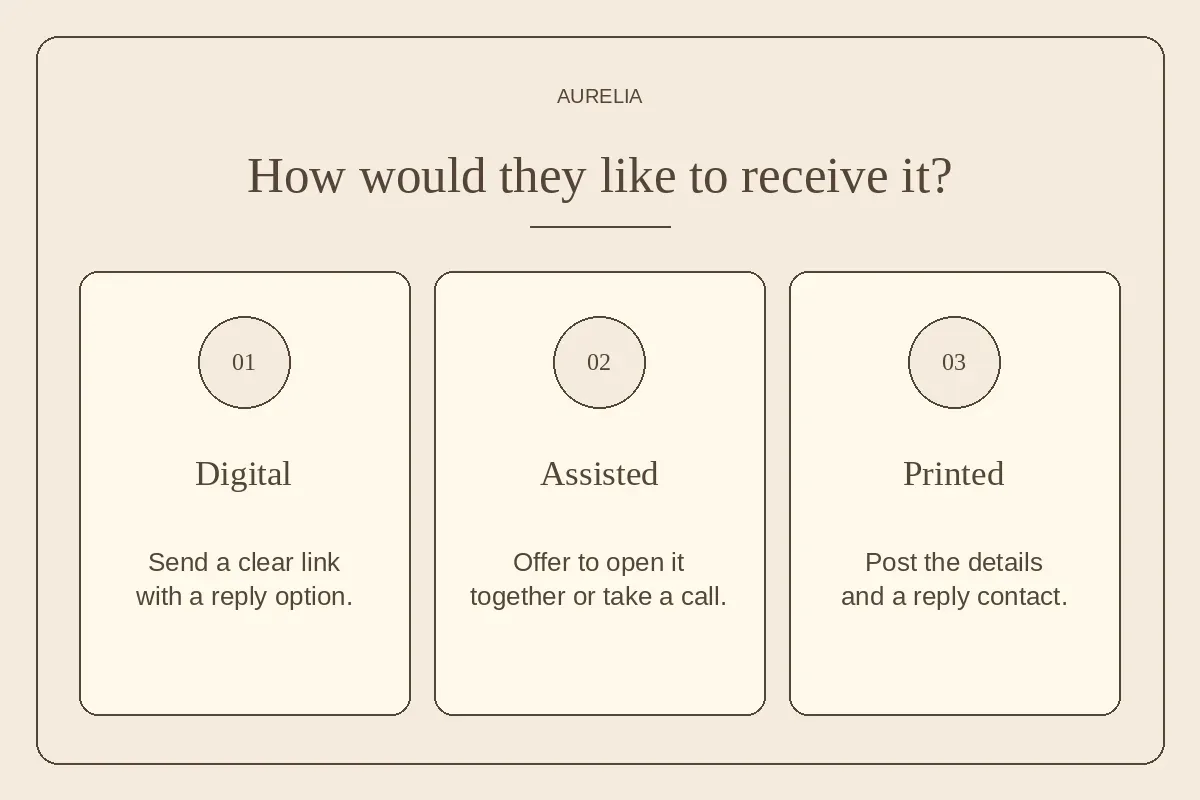
Yes, when the guest can use the format comfortably. Many older relatives open links and respond instantly. Others prefer paper, can use email but rarely check text messages, or are comfortable reading a website but would rather tell you their answer. The relevant question is what each person uses day to day. You can often find out with one warm message: “Would you like us to send your wedding invitation by email, or would a printed copy be easier?”
A digital version can make it easy to return to the latest schedule and enlarge live text. A paper version can be a welcome keepsake or a practical way to refer to the address without a smartphone. Our digital-only wedding invitation guide covers how to decide what belongs in a digital or printed suite.

Choose the invitation method by preference
| What the guest prefers | Send this | How they can reply |
|---|---|---|
| They use links confidently and want the digital version. | A personal message with a single labelled link. | Online RSVP, with your number as a backup. |
| They use messaging but would like a little help. | The link, key details in the message and an offer to go through it together. | Their choice of online reply, a call or a text. |
| They check email on a computer and rarely use a phone. | An email with a clickable link and a clear subject. | The form in their browser or a reply to your email. |
| They prefer paper or lack dependable internet access. | An actual-size printed invitation and details card with all essentials. | A call, text or paper reply, whichever they can use. |
If the obvious route is unclear, offer two options and let them choose. “I can post it or send it to your email” is a simple question. If they use a shared device or need help opening a link, send it to a relative only after asking whether they would like that. Keep any dietary or access information in a private conversation.
How to explain a digital invitation
Tell the guest who is writing, what the link does and what to do when it opens. For example, “This is our wedding invitation. Tap the link to see the date, venue and how to reply.” Put the link on its own line. An unfamiliar sender, a forwarded link with no introduction or a shortened URL can give a cautious recipient a good reason to ignore it.
If there's a passcode, put it on a separate line and offer to help. Include the date and venue in the message if the guest would benefit from having them outside the website. Explain whether you are expecting them to fill anything in or simply read the invitation. The digital invitation wording guide has starting points for different everyday channels.
Five messages for parents, grandparents and relatives
1. A personal text with a clear next step
Hi Gran, it’s Leah. We’d love you to join us for our wedding on [date]. This link opens the invitation and shows where to come: [link]. If you’d like to reply here, just tell me whether you can make it. Love, Leah and Sam.
2. An email for someone who prefers a computer
Subject: Our wedding invitation from Leah and Sam > Dear Aunt Ruth, we’re getting married at [venue] on [date] and would love you to be there. Click here to open our wedding invitation: [link]. You can reply to this email by [date] or use the RSVP form. With love, Leah and Sam.
3. An offer to open the invitation together
Hi Grandad, I’ve sent our wedding invitation here: [link]. It has the timings and directions. If you’d like, I’ll ring on Sunday and we can look through it together. You’re welcome to let me know your answer on the call.
4. A short note for a passcode-protected link
Hello Mary, here’s our wedding invitation: [link]. It will ask for the passcode [passcode]. Then you’ll see our date, venue and RSVP. If the link is awkward to open or you’d rather have a card, please give me a call.
5. A note with a posted invitation
Dear Uncle Paul, we’ve posted your invitation and put the directions inside. We hope you can join us on [date]. Please ring [name] on [number] by [reply date] to let us know. There’s also a website link on the card if you’d like to see it.
Help guests RSVP online or by another route
Offer one primary way to reply and an alternative that genuinely works. If the guest wants to use the form, tell them what the button says and where to look. Ask them to keep the invitation open while you talk them through it. If they prefer to reply on the phone, you can record the reply in your own planning list. Confirm the names and attendance, ask only for information you need and repeat the answer back.
Keep phone, text, print and online replies in one master list so that someone who replied by phone is not sent another reminder. Give one person ownership of updating it. The wedding RSVP guide explains how to structure your deadline and the questions you ask.

Guests without smartphones
Someone may be happy opening an invitation in an email on a computer. Others will need every essential detail outside the link. Put date, time, full address, any arrival instructions and a reply contact on the print version. Provide a straightforward route description if the venue is difficult to find. A QR code can be an optional extra on a card. Include a readable alternative to scanning it.
If plans change, personally contact guests who rely on a paper version or a relative's updates. Give them the new detail in the message itself. For a new ceremony time, for example, “Please arrive from 2.30 pm for a 3 pm ceremony at the same venue” is enough for them to amend the copy they have.

Combining digital and printed invitations
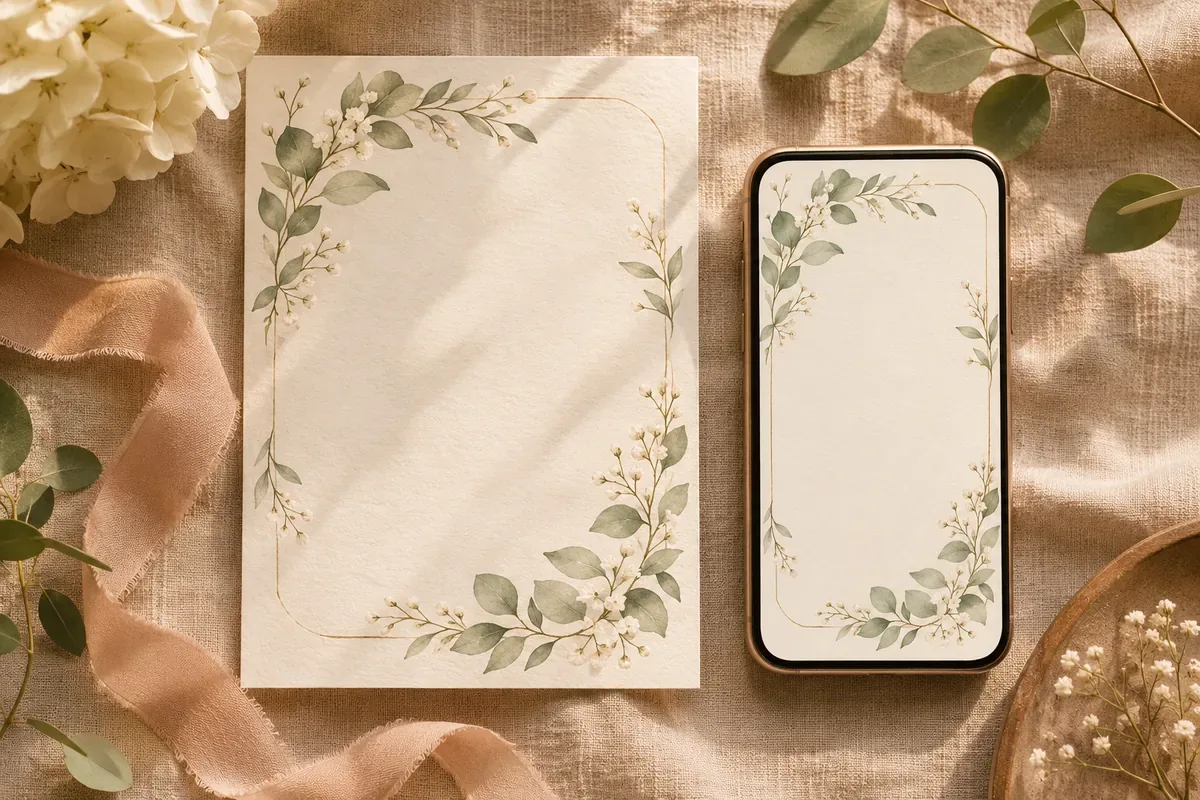
Use one master record for your event date, time, venue, travel notes and reply-by date. Send each household the format it prefers. Where you send both, explain that they cover the same invitation and only one reply is needed. You can pair printed and digital invitation formats with the same artwork or use a simple printed card for essential information and link to the full design as an extra.
Guest support checklist
Before sending
0 of 6 readyUse this checklist while you read. Your selections reset when you leave this page.
Frequently asked questions
- Is it rude to send a digital invitation to grandparents?
- A personal invitation in a format they use is considerate. Ask whether they would like a link or a card when you are unsure. Either version can look and feel like a proper invitation.
- Should I send a PDF or an invitation link?
- A link is convenient if the guest uses a browser comfortably and event details may change. A PDF can be useful by email if it opens clearly and prints well. Include core information in the email or offer a card if your guest would struggle with either.
- Can I RSVP on behalf of a relative?
- If a relative wants to reply to you, confirm their response and record it in the same list as your other replies. Ask their permission before adding sensitive details. Tell them whom to contact if their plans change.
- Do I need to post a card to everyone in one household?
- Address the invitation clearly to the people invited and ask how they would like to receive it. If two people need different formats, send both and keep one household record of the reply.
- What should I do if a link goes unopened?
- Check whether the guest received the message and would like another format. Contact them personally if you have no reply by the deadline, without assuming a technical problem or a decline.
Part of our etiquette guides. Start with Wedding Invitation Etiquette: The Complete Modern Guide, or see every guide on this topic.