Wedding Websites·10 min read
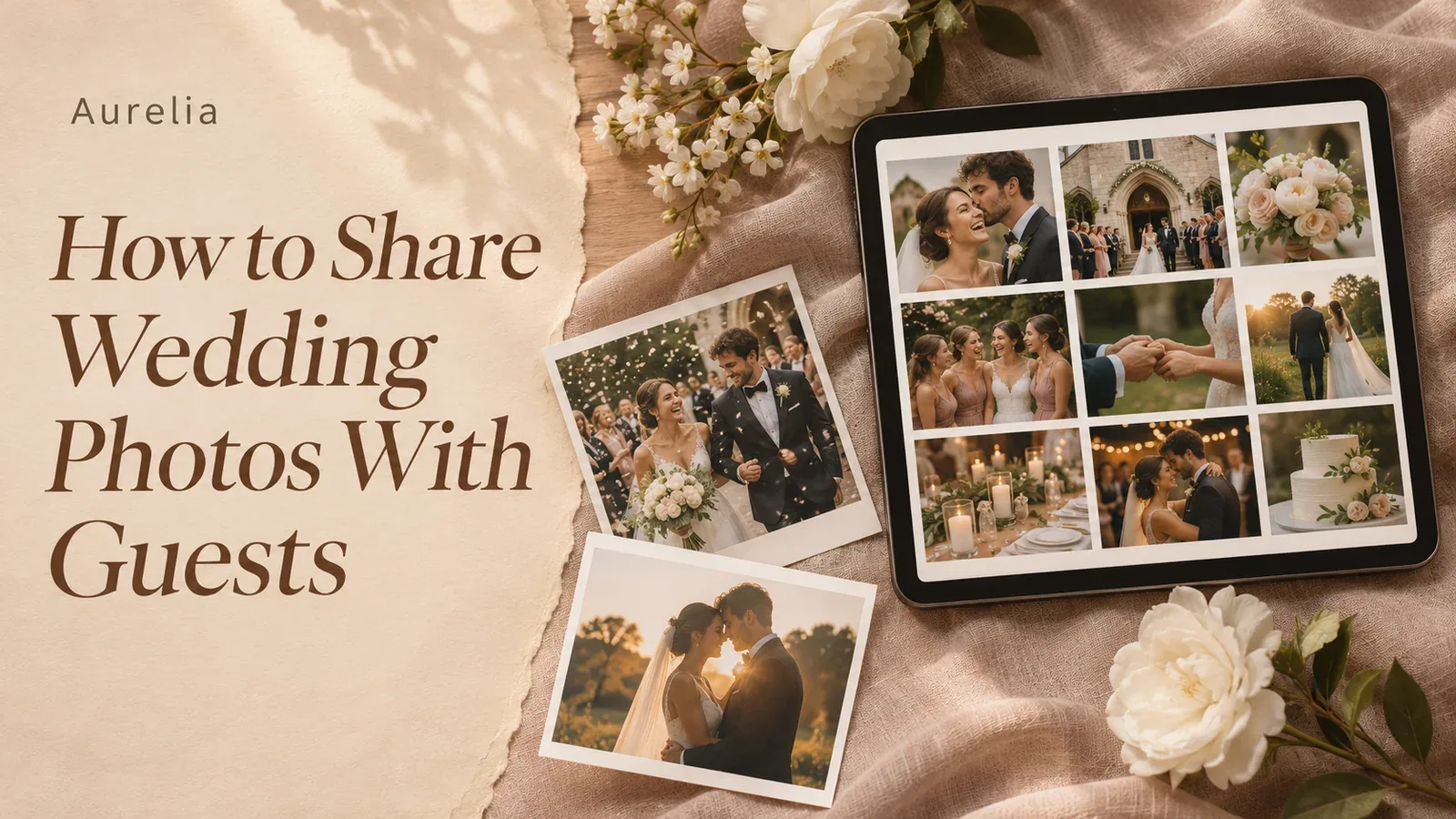
How to Share Wedding Photos With Guests: 7 Beautiful and Easy Ways
Discover seven easy ways to share wedding photos with guests, from private galleries and wedding websites to QR codes, shared albums and printed keepsakes.

By Aurelia Editorial Team · Wedding stationery & planning guides
Published
What is the best way to share wedding photos with guests?
Decide whether guests need to look at the photos, download high-resolution files or contribute their own. You can combine methods: ask guests to upload candid images around the wedding, send the photographer’s gallery when ready and make a few printed keepsakes for people who would appreciate one. For each method, test what someone sees when they open it without your account.
| Method | Access and privacy | Image quality | Guest uploads | Likely cost |
|---|---|---|---|---|
| Photographer gallery | Depends on the photographer’s access and download options. | Web previews and higher-resolution downloads may both be available. | Usually handled separately. | Check the photography package and any extension fee. |
| Wedding website | Depends on the site’s guest access settings. | Best suited to a curated on-page selection. | Only if the platform explicitly supports submissions. | Depends on the website plan. |
| Shared cloud album | Account-based or link-based, depending on settings. | Check compression, storage and download options. | Possible if you invite contributors or use a supported upload mode. | Existing storage may suffice. |
| Dedicated photo-sharing platform | Depends on gallery and uploader permissions. | Check export policy and resolution. | Usually a core feature. | Free limits or paid plans vary by service. |
| Private social group | Members may need an account. Resharing is possible. | Uploads may be compressed. | Usually possible for group members. | Cost of access may be low, with a privacy trade-off. |
| Email or thank-you message | You choose recipients. Each may forward the message. | Attachments may be compressed or too large. A download link can help. | Replies work for a few photos. | Usually uses a service you already have. |
| Printed album or prints | Only recipients of the physical copies see them. | Depends on the source files and printing. | Collect guest files separately if you want to include them. | Print and postage vary. |

Seven ways to share wedding photos
1. Ask your photographer for a private guest gallery
Find out what is included in your photography package. Ask whether the photographer can send a guest link, whether guests can download selected images and whether the full-resolution files are available. Confirm if the link expires or requires a passcode. Ask whether you can share the link with the entire guest list and what permission guests have to post or print the images.
Review the gallery before forwarding it. A guest preview can contain all images, including getting-ready photographs you may prefer to keep to yourselves. Some couples share a highlights gallery with everyone and send family portraits in separate messages.
2. Add a curated selection to your wedding website
A wedding website is a familiar link for guests who have already used it to find directions or reply. Add a small collection that gives the day a beginning, middle and end: a venue photograph, a ceremony moment, a reception image and a few candid favourites. Choose a size that looks good without making the page slow to open. If you are deciding how to place the album on your site, see wedding website design ideas.
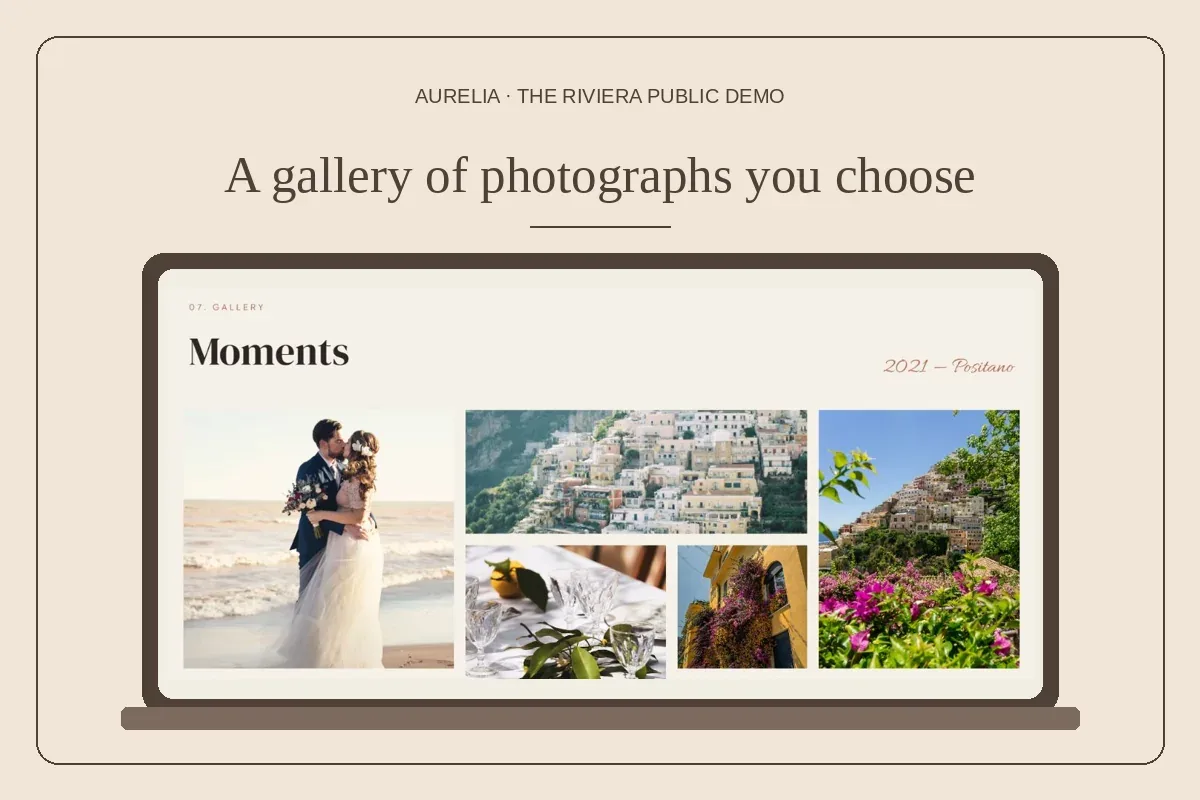
Aurelia’s photo gallery gives couples a place to display selected photographs on the wedding website. Use that space to display images you choose. If you want guests to submit their own pictures, set up a separate collection method and share those instructions yourself. A display gallery and a guest upload form serve different jobs. See what a wedding website is for how the photo section fits alongside the other parts of an invitation.
3. Make a shared cloud album
A shared album can suit guests who already use the same service. Set its access intentionally and test with someone outside your account. Check whether visitors can merely view, can add photographs, or can also remove and share files. Some services require an account to contribute even when a viewing link is easy to open. If guests need printable downloads, test a saved file from another device to see what quality they receive.
Keep an originals folder in your own account and make a separate copy or a separate album for viewing. That gives you a safe place to return to if a group album changes or you later move to another service.
4. Choose a dedicated guest photo-sharing platform
These services can be helpful if you want many guests to upload quickly or want contributions in one place. Before using one, test the invite link, whether an app or account is needed, and who can see other submissions. Confirm storage limits, supported formats, export quality, retention time and any charge for downloading everything after the wedding. Use the terms and settings for the actual service and plan you choose.
Invite a small test group before putting a QR code on every table. Ask one guest to try on a phone without an account. Check whether an interrupted upload produces a useful message and whether they can tell when the file has reached you.
5. Share in a private social group
This suits guests who already use a particular social platform and want to talk about the day together. Set the membership or visibility you intend, and explain if you want people to ask before reposting photographs. A social feed is convenient for viewing highlights, though you should use another delivery route for guests who avoid the platform or want print-quality copies.
6. Send a link with your thank-you message
A thank-you message is a natural point to share a handful of photographs. Look for a picture the recipient is in, or send the full guest gallery with clear download instructions and an expiry date if relevant. Send individual messages to guests who would like a particular portrait. For a group email, use a delivery method that does not expose everyone’s addresses to the full list.
7. Give albums or prints to selected guests
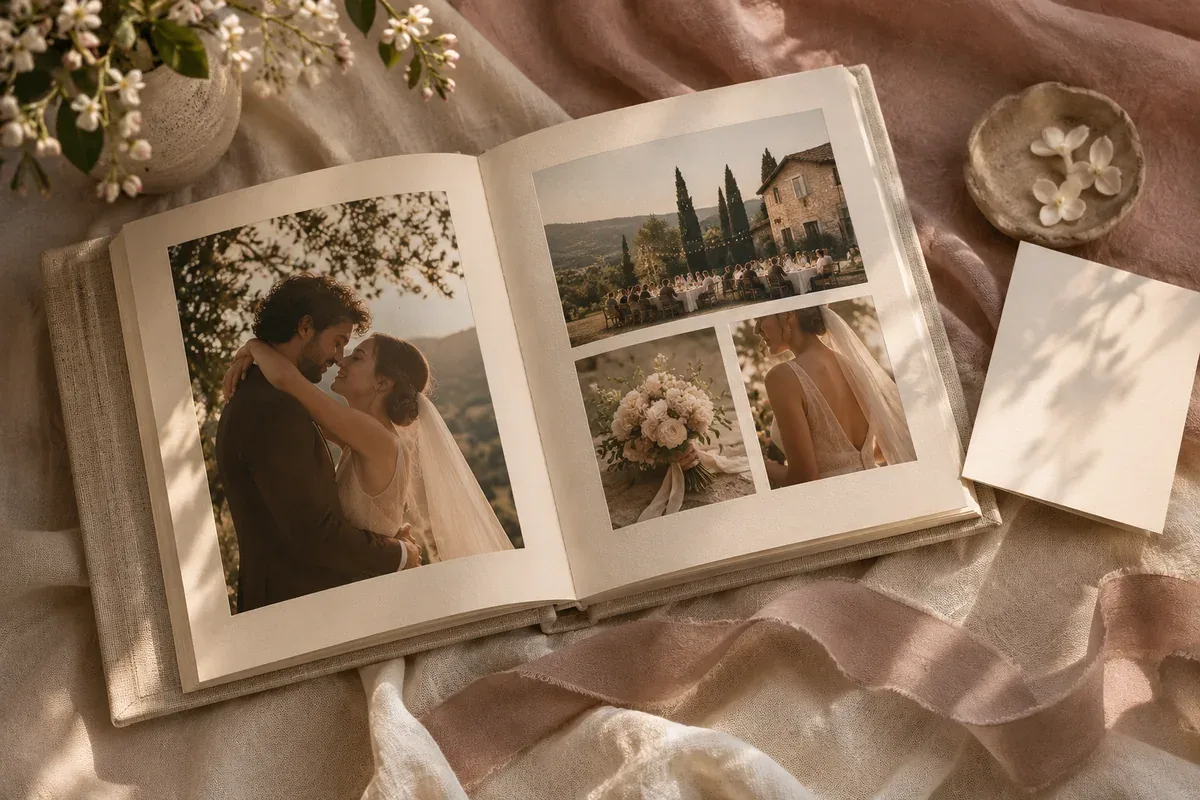
A small print, short album or set of postcards can be a meaningful gift for parents or close relatives. Ask the photographer which file sizes suit the print format and what your licence permits. Check the crop and colour on a proof, especially for a portrait near an album’s fold. Keep a few extra prints if you plan to give them to relatives who could not attend.
How to collect wedding photos from guests
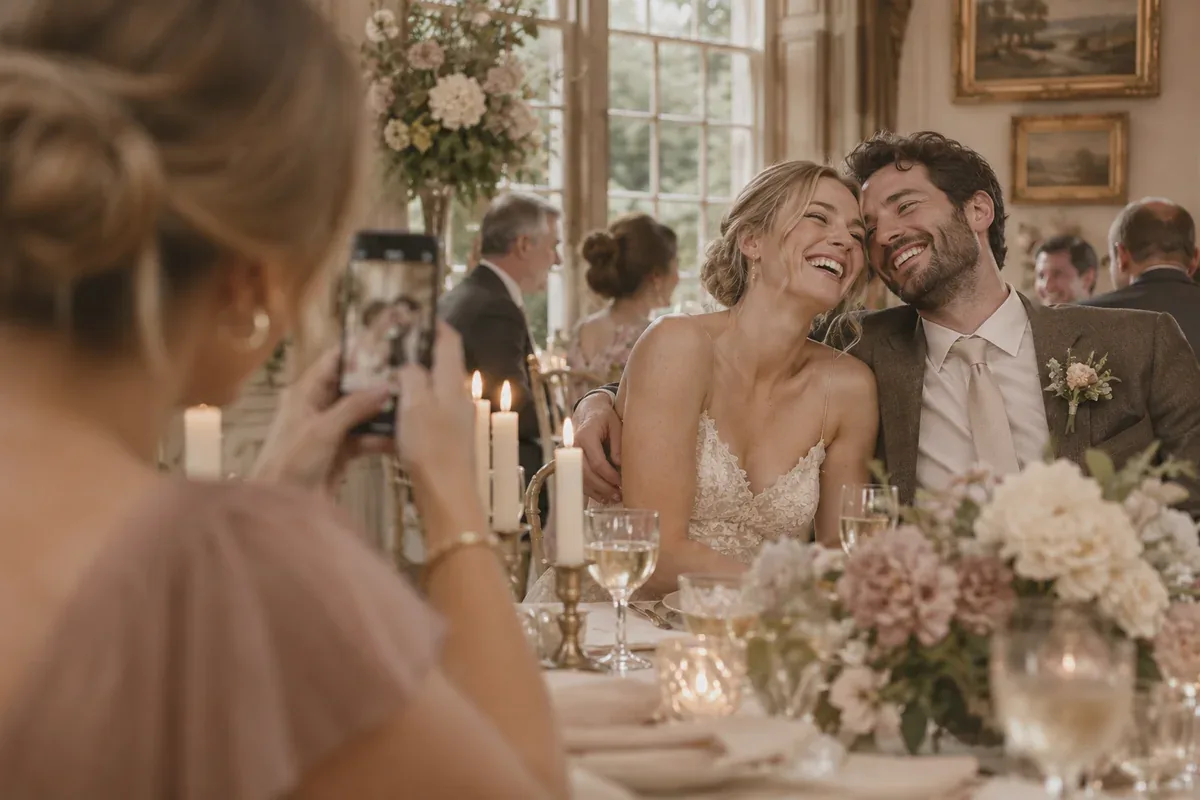
Use a separate collection point so people know where to send their originals. Decide which guest groups can upload and who can view contributions, then set a deadline that gives everyone time to sort their camera rolls. Invite people to send their favourites rather than several near-identical pictures. Add one line asking contributors to check before sharing personal photographs of others.
1. Pick one collection method and try an upload as a guest. 2. Send the link in your chosen channel or place it on a reception card. 3. Ask for a few favourites and say whether video is welcome. 4. Offer an email or text alternative to anyone who cannot use the upload service. 5. Download originals, check duplicates and ask before sharing sensitive pictures. 6. Send a separate curated gallery when it is ready.
How to use a QR code for wedding photos
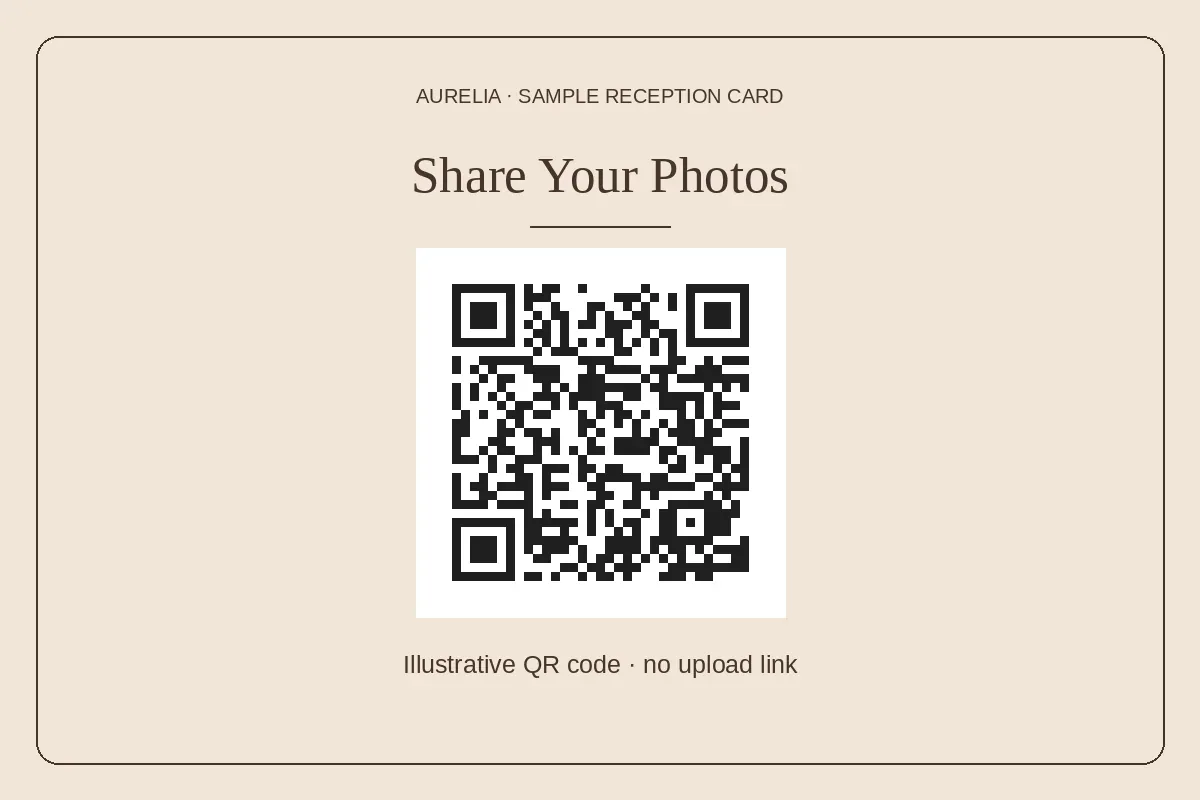
A photo-sharing QR code opens whatever URL you put behind it. Choose the upload destination if you want guests to contribute, or a read-only gallery if you want them to browse. Give the code a plain label and include a short readable link or contact option. Test the code with at least two phones from a print proof, then open it as a guest and check the permissions and sign-in requirements.
Aurelia offers a QR code for sharing the wedding invitation link. If that invitation includes your own gallery, guests can use the code to reach the site according to its access settings. A dedicated guest upload code should point to the separate service you have chosen for uploads.
Protect guests’ privacy
Share photographs with the smallest audience that fits your plans. Avoid printing a gallery passcode on cards that can be photographed or seen outside the wedding. Check that guests can open your chosen link and that access works as intended if they forward it. Be careful about photographs with children, vulnerable guests or people who have asked to stay off social media. Give guests a way to ask for an image to be removed.
Ask your photographer or platform when downloads expire and keep your own copies of any files you are allowed to retain. Remove out-of-date logistics from your website when it becomes a keepsake. Use the wedding website checklist to decide which parts of the original page should still be visible.
Messages you can send
Share the gallery
We’re so happy to share the photos from our wedding. You can see the guest gallery here: [link]. [Add the passcode, download instructions and expiry date if applicable.] Thank you for celebrating with us.
Ask for guests’ photos
If you took a few photos you love, we’d be delighted to see them. Please add them here by [date]: [link]. You can also send them directly to us if the link is difficult to use.
Send someone a family portrait
We thought you’d like this photograph of the two of you from the wedding. It made us smile. You can download a copy here: [link]. With love, [names].
Frequently asked questions
- When should we share our wedding photos?
- Share them once your photographer delivers them and you have chosen what to make available to guests. Let people know if the link has an expiry date. You can start collecting guest photographs immediately without promising a date for the professional gallery.
- Should guests be able to download images?
- Offer downloads if your photographer or licence allows it and you want guests to save or print photos. Check what resolution they will receive and whether the download requires an account or PIN.
- Can we use one QR code to collect and share photos?
- Only if the service gives you a destination with those two functions and the permissions you want. A separate viewing link is often easier if you intend to review submissions first.
- Do all guests need the whole gallery?
- No. A curated selection is often enough for the full guest list. Send family portraits or more personal photographs privately to the people involved.
- How can we help guests who do not use gallery apps?
- Send a few photographs by email, share a link that opens in a browser or give them prints. Ask what they find easiest before choosing a delivery method.
Part of our wedding websites guides. Start with What Is a Wedding Website, and Do You Really Need One?, or see every guide on this topic.